
patrickhaoy - Minecraft Skins & Skin History
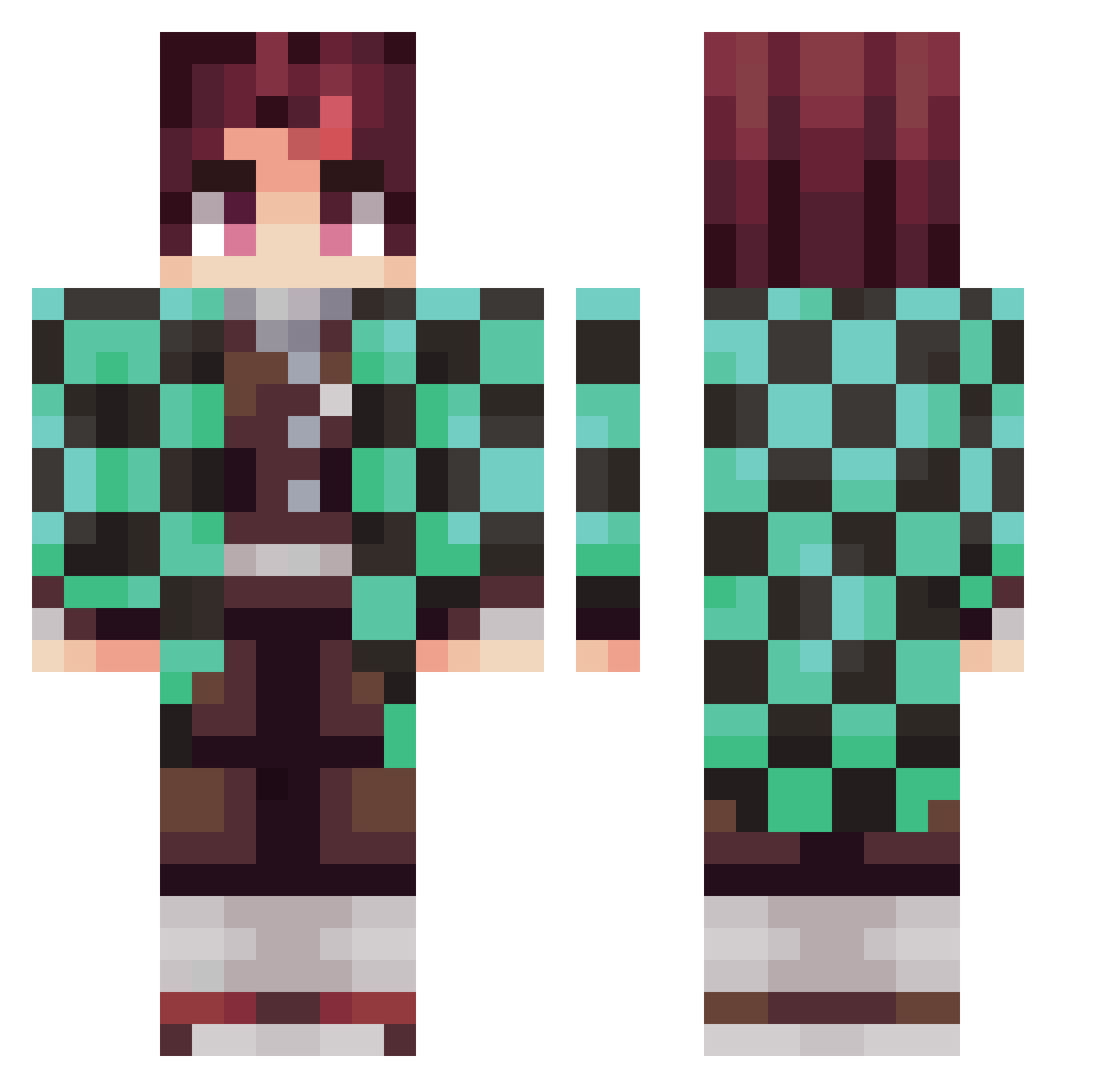
Current Minecraft skin of the player patrickhaoy, loaded from the official Mojang API. Rotate the 3D model with your mouse or finger, then download the skin as a PNG file and use it in Minecraft: Bedrock Edition or Java Edition for free. When patrickhaoy changes their skin, this page updates automatically and the old skin stays in the history below.
Other players with this skin (348)
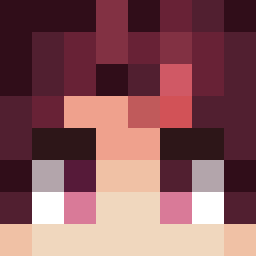
patrickhaoy was the 290th player we have seen with this skin, first spotted on 03.11.2026. The same skin was seen on these players. Open a nickname to see their current skin and skin history.
 youngmoneyfbgm Coldmap ZKEKK B92Bomber pIzZZa_mAn GREIS69 MasterPhantom10 CRSFK KlassicXI Kmichi Rookie1829 DDING_IL Fuddah Zalo04YT Newveggie Flixxzy intCheckPrimeNum LimJongGil MurderOnWarior G2ales natsu_gamer Ayman_Games bayan_4 RodNas_ thegumdropboy_ WizeVibez LeoV HoaX_88 Jonyase AirRocket86 kamado_tanjiro_ Suuqei CrisGO0510 sendnams CallmeO surucchigames ThtOneAsiann Chrisho2387 butteryallover soolddaragi Mark_Bruh KobeJayy TMyoung_ Hellokmj dongha4587 ShiZZniT34X FunkiAcid Jonnyboy1132 Brockolee16 Babypig2 KAMATAN_JP BlackEyeCatMan socksgobler AyceYT MohlumSing ZeroBrine21 sofiawe PanternX stokes22b JASON_1210
More Tanjiro Kamado Minecraft skins
See all 492 Tanjiro Kamado skins
How to install the patrickhaoy skin
- Press the Download button above to save the skin as a PNG file.
- Minecraft: Bedrock Edition (PE): open the Dressing Room from the main menu (or tap your character → Edit Character), go to Classic Skins → Owned, press the + (new skin) button, choose the downloaded PNG and pick the Classic (Steve) model. Works on PC and mobile; consoles cannot import custom skins.
- Minecraft: Java Edition: open the Minecraft Launcher, go to the Skins tab, click New Skin, load the PNG, pick the Classic (Steve) model and press Save & Use. You can also upload it at minecraft.net → Profile → Change Skin.
The skin does not show up after import - what should I do?
Restart Minecraft and open the Dressing Room again - imported skins sometimes appear only after a restart. Also make sure you selected the imported skin and picked the Classic (Steve) model.
Which model should I choose, Classic or Slim?
This skin is designed for the Classic (Steve) model. If you pick the wrong model, the arms of the skin will look stretched or squeezed.
Is the skin of patrickhaoy free to download?
Yes. Press Download, save the PNG file and use it in Minecraft: Bedrock Edition or Java Edition - no payment or registration needed. The skin also works on multiplayer servers and Realms.
More skins
Looking for more? Go back to all Minecraft skins and check the top skins of the week, month and all time, or find any player's skin by nickname.