
patchesmatches99 - Minecraft Skins & Skin History
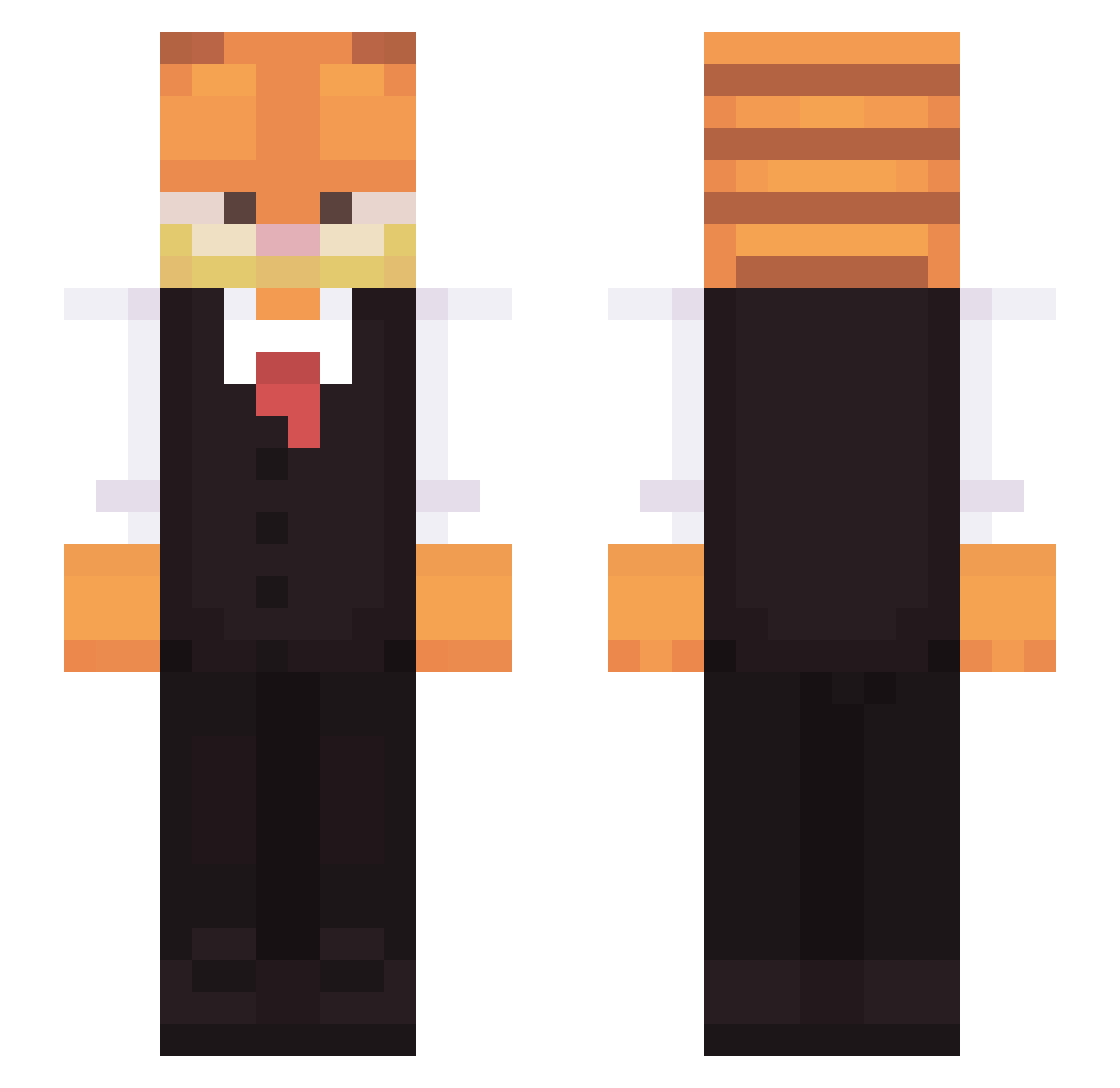
Current Minecraft skin of the player patchesmatches99, loaded from the official Mojang API. Rotate the 3D model with your mouse or finger, then download the skin as a PNG file and use it in Minecraft: Bedrock Edition or Java Edition for free. When patchesmatches99 changes their skin, this page updates automatically and the old skin stays in the history below.
Other players with this skin (312)
patchesmatches99 was the 281st player we have seen with this skin, first spotted on 24.10.2026. The same skin was seen on these players. Open a nickname to see their current skin and skin history.
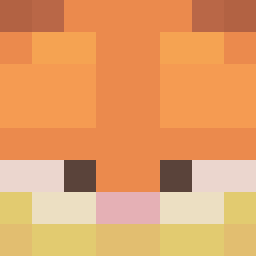 ShylohDixon pyroneko _friedtofu avatardu3 ItBran bellandrea SiggiViggi wafflelova101 skuid12 creeper9821 nrgale SAengy00 Michael13m PrinceFastSlug ciechanstf0 Telleem Gerooo17 LunarCape devicenull emmiak kkkrystian begaze PBPoppedOff Fawawa deagleaganiz gigione1 Kiluminati1 logavenger justmining123 medozahran Eyro_1 deadking666 Glint_Bloodrose Philibooty Kozenger Maakushime ALadVS mightymousecom Puppyburglar Killerornge Klunx MaximVendefta Saxo Packetsss_ Skillsplayd cuteyfoox Friker25 Kola_MEM Bistromathic WakeTheCat Tobde IVIark MatheusKN SlothDetective Gamez98 RoxTeddy MrNewport progianoarashi MrSanSan han183
More Garfield Minecraft skins
How to install the patchesmatches99 skin
- Press the Download button above to save the skin as a PNG file.
- Minecraft: Bedrock Edition (PE): open the Dressing Room from the main menu (or tap your character → Edit Character), go to Classic Skins → Owned, press the + (new skin) button, choose the downloaded PNG and pick the Slim (Alex) model. Works on PC and mobile; consoles cannot import custom skins.
- Minecraft: Java Edition: open the Minecraft Launcher, go to the Skins tab, click New Skin, load the PNG, pick the Slim (Alex) model and press Save & Use. You can also upload it at minecraft.net → Profile → Change Skin.
The skin does not show up after import - what should I do?
Restart Minecraft and open the Dressing Room again - imported skins sometimes appear only after a restart. Also make sure you selected the imported skin and picked the Slim (Alex) model.
Which model should I choose, Classic or Slim?
This skin is designed for the Slim (Alex) model. If you pick the wrong model, the arms of the skin will look stretched or squeezed.
Is the skin of patchesmatches99 free to download?
Yes. Press Download, save the PNG file and use it in Minecraft: Bedrock Edition or Java Edition - no payment or registration needed. The skin also works on multiplayer servers and Realms.
More skins
Looking for more? Go back to all Minecraft skins and check the top skins of the week, month and all time, or find any player's skin by nickname.