
panthercatch - Minecraft Skins & Skin History
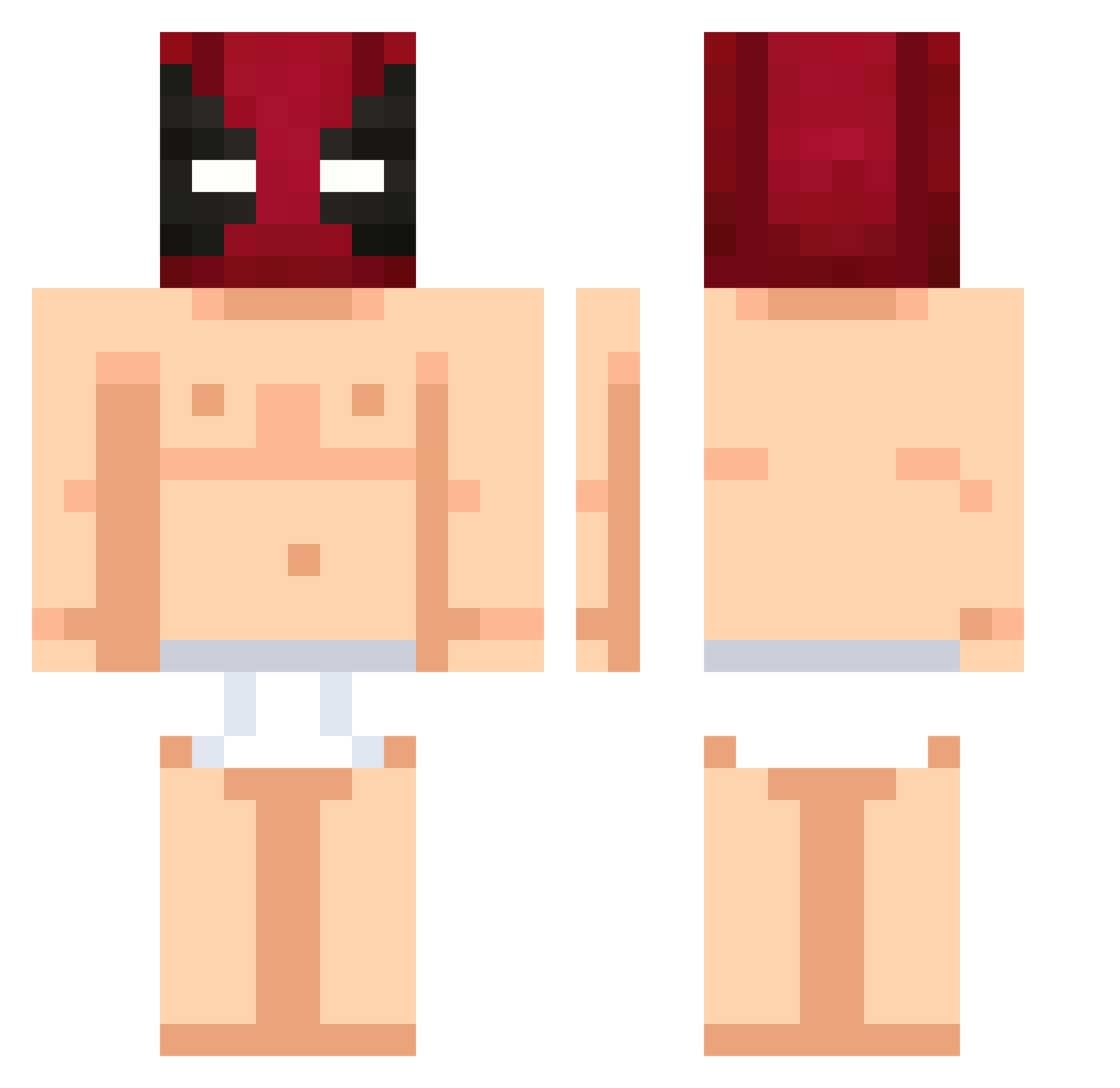
Current Minecraft skin of the player panthercatch, loaded from the official Mojang API. Rotate the 3D model with your mouse or finger, then download the skin as a PNG file and use it in Minecraft: Bedrock Edition or Java Edition for free. When panthercatch changes their skin, this page updates automatically and the old skin stays in the history below.
Other players with this skin (538)
panthercatch was the 529th player we have seen with this skin, first spotted on 10.11.2026. The same skin was seen on these players. Open a nickname to see their current skin and skin history.
 PlayerPM crytus702 Fonko1 Nanothek CapyBurra Vasco4721 Bogdan_Kuska Kraion12 MakeSexWithVlad ZayAFK MaRii008 Jaliu0710 ltsWayne Simon247 TenBen4968 Maxnuss JowJow15723 soregasi666 Albananer Zetths ISnowY420 AMA90 Cut13_ BlackAngel9708 viego45 w1kedz Axel_ont Ilutac nakanaex morcuendee loikong TheLegendddd27 NLECCI StarButty BIGJOEY_ JQQSE imbarb A13X1S__ susean stankywipes MrGobling_ zhikun666 heislee Ghozek2 oilquen GalaXxis eknlyt JaeDog2017 PixelFighter03 wHPy10 agl_xf CretanmasterMC PoWerFuL1175 BlaxHill Luckyzaa _Maestro_27 Fleksnes1 aowuna V0iD_L_0_ Semih_bo2
More Deadpool Minecraft skins
How to install the panthercatch skin
- Press the Download button above to save the skin as a PNG file.
- Minecraft: Bedrock Edition (PE): open the Dressing Room from the main menu (or tap your character → Edit Character), go to Classic Skins → Owned, press the + (new skin) button, choose the downloaded PNG and pick the Classic (Steve) model. Works on PC and mobile; consoles cannot import custom skins.
- Minecraft: Java Edition: open the Minecraft Launcher, go to the Skins tab, click New Skin, load the PNG, pick the Classic (Steve) model and press Save & Use. You can also upload it at minecraft.net → Profile → Change Skin.
The skin does not show up after import - what should I do?
Restart Minecraft and open the Dressing Room again - imported skins sometimes appear only after a restart. Also make sure you selected the imported skin and picked the Classic (Steve) model.
Which model should I choose, Classic or Slim?
This skin is designed for the Classic (Steve) model. If you pick the wrong model, the arms of the skin will look stretched or squeezed.
Is the skin of panthercatch free to download?
Yes. Press Download, save the PNG file and use it in Minecraft: Bedrock Edition or Java Edition - no payment or registration needed. The skin also works on multiplayer servers and Realms.
More skins
Looking for more? Go back to all Minecraft skins and check the top skins of the week, month and all time, or find any player's skin by nickname.