
onmyalt - Minecraft Skins & Skin History
Current Minecraft skin of the player onmyalt, loaded from the official Mojang API. Rotate the 3D model with your mouse or finger, then download the skin as a PNG file and use it in Minecraft: Bedrock Edition or Java Edition for free. When onmyalt changes their skin, this page updates automatically and the old skin stays in the history below.
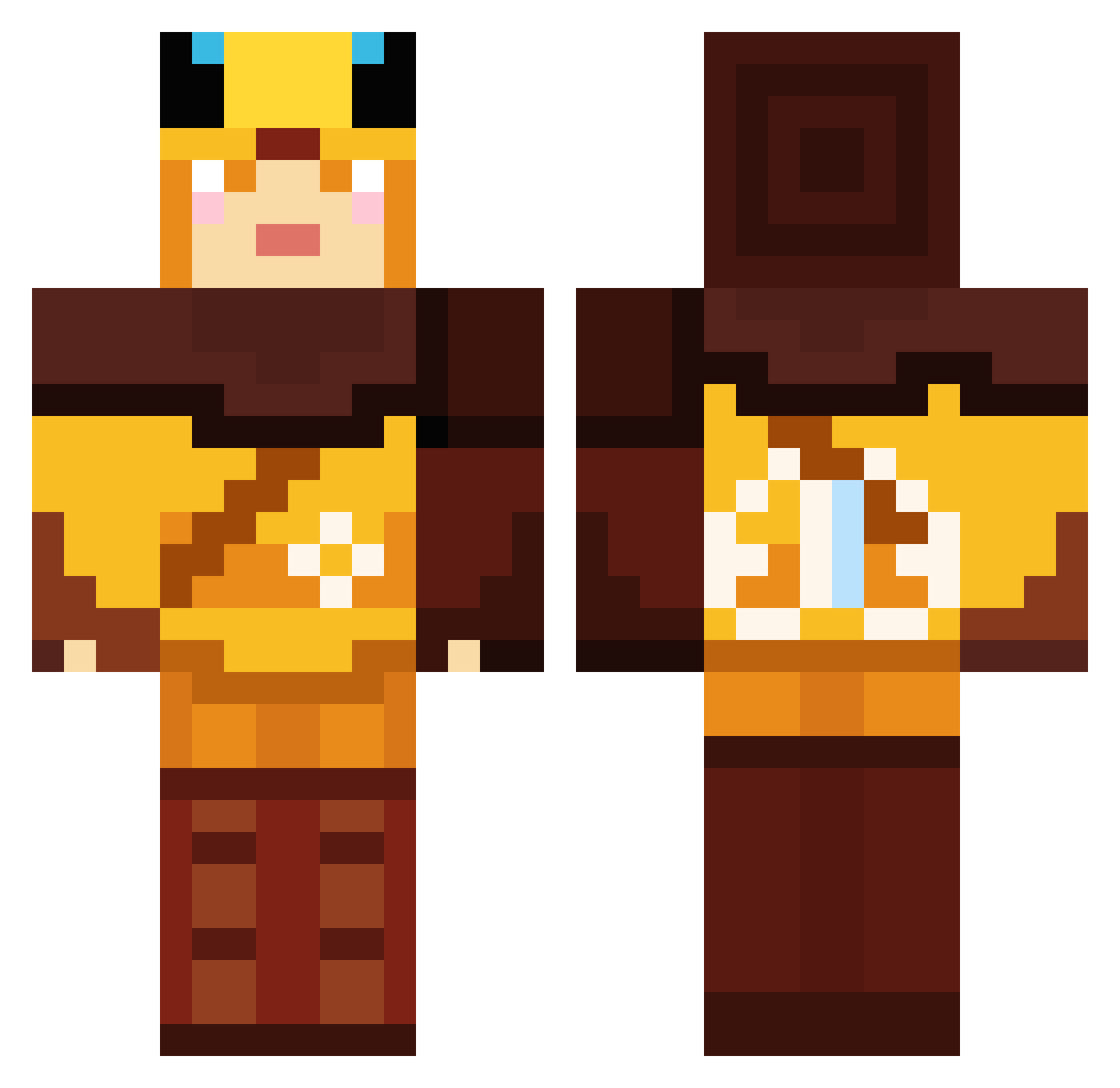
Other players with this skin (57)
onmyalt was the 58th player we have seen with this skin, first spotted on 01.11.2026. The same skin was seen on these players. Open a nickname to see their current skin and skin history.
 420KUBS iluvsleep67 Bomboclatman200 Curtainbag th9556rgl2mmer Webber49 7SAINTS honeymoon2545 InkB64 alexw573 Zofalt AlexNine98 XKreshaX Freeezies DayDreamer101 LiamRivers DefNotDream LiveGuns Alex1254 JacobGM02 scrunklyyy Fluffball97 DCLO phamHanni79 durgi156 alpertornaci AnimalBoy6 JKelley89 DJ_JJB Wretchedly randommilan75 poggers_e Henriette0815 Princess_NY Mk2G60 beanteas Kkattyyaaa PunchTreeWin DessoHans Lazadohunor 623x urfqt WeexSL BoaoOfWoa Goblinmancer DarthMaul403 Beseth _stella_7 Soyyee Satin66 Rabittz RabiscoAnima coolcoral26 ZoncoJ
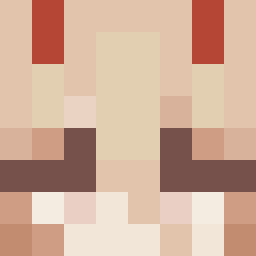 m0rzaw1
 ehdb927
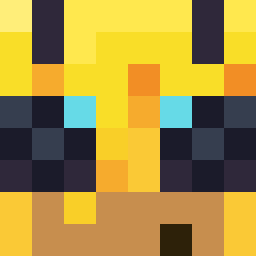 AvgGoldorChad
More Insect Minecraft skins
How to install the onmyalt skin
- Press the Download button above to save the skin as a PNG file.
- Minecraft: Bedrock Edition (PE): open the Dressing Room from the main menu (or tap your character → Edit Character), go to Classic Skins → Owned, press the + (new skin) button, choose the downloaded PNG and pick the Classic (Steve) model. Works on PC and mobile; consoles cannot import custom skins.
- Minecraft: Java Edition: open the Minecraft Launcher, go to the Skins tab, click New Skin, load the PNG, pick the Classic (Steve) model and press Save & Use. You can also upload it at minecraft.net → Profile → Change Skin.
The skin does not show up after import - what should I do?
Restart Minecraft and open the Dressing Room again - imported skins sometimes appear only after a restart. Also make sure you selected the imported skin and picked the Classic (Steve) model.
Which model should I choose, Classic or Slim?
This skin is designed for the Classic (Steve) model. If you pick the wrong model, the arms of the skin will look stretched or squeezed.
Is the skin of onmyalt free to download?
Yes. Press Download, save the PNG file and use it in Minecraft: Bedrock Edition or Java Edition - no payment or registration needed. The skin also works on multiplayer servers and Realms.
More skins
Looking for more? Go back to all Minecraft skins and check the top skins of the week, month and all time, or find any player's skin by nickname.