
onesquare - Minecraft Skins & Skin History
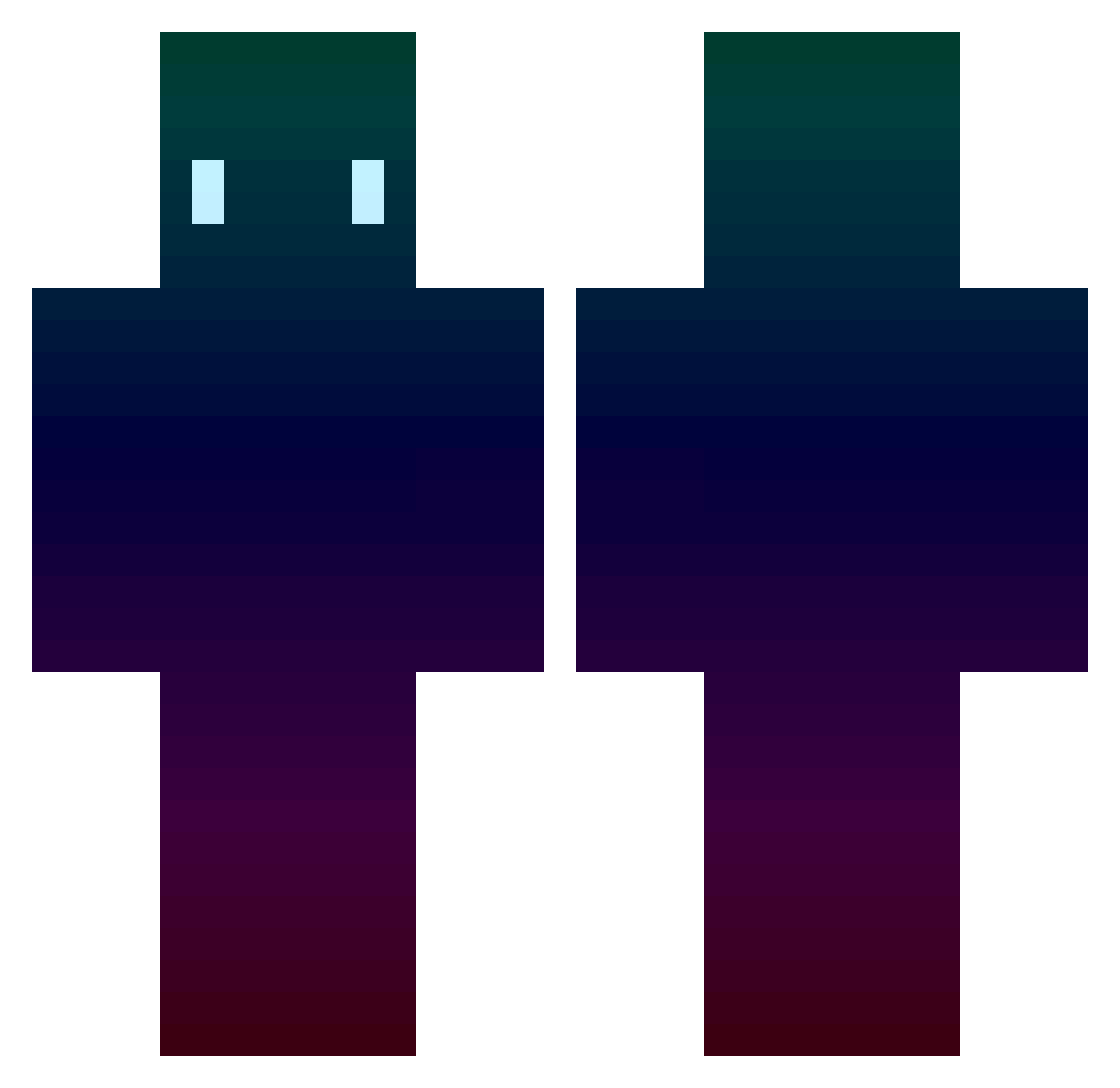
Current Minecraft skin of the player onesquare, loaded from the official Mojang API. Rotate the 3D model with your mouse or finger, then download the skin as a PNG file and use it in Minecraft: Bedrock Edition or Java Edition for free. When onesquare changes their skin, this page updates automatically and the old skin stays in the history below.
Other players with this skin (418)
onesquare was the 112th player we have seen with this skin, first spotted on 24.08.2026. The same skin was seen on these players. Open a nickname to see their current skin and skin history.
 Dinasty14 gcs1 Boopenator _Totle dev_1541 Precoil Hlrty Neosciz fovn2 DanielMakeEm AYRO5 zikdriver Deathglow_ CaptEntropy Mokshinator Th3_Hero_ Carbon0998 chiefbiso21 LeKAKiD Hemmerhaai BurritoDefeater5 Cripus eminen656 eojobas IlCrucco PoissonPied PotatowButBetter Zao_R Sage_TRS doshirak24 airtery ONLY6M Weerkaaa HeyYouPikachu Twerdy someoligugbab _CANK KasperSwag1001 Papata62 CussMan56 ToxicAss52 Milou_Poisson ricegrass_ BluFeis Drippii TONNOPELOSO apthii swosiaoa123 Stelifas QuenchtheKnife Kalekay ITripleDI NandaOff RCS1124 YangFaithfulUser Tetouu azertio57 Louloulette MrAgator takao_joey
How to install the onesquare skin
- Press the Download button above to save the skin as a PNG file.
- Minecraft: Bedrock Edition (PE): open the Dressing Room from the main menu (or tap your character → Edit Character), go to Classic Skins → Owned, press the + (new skin) button, choose the downloaded PNG and pick the Classic (Steve) model. Works on PC and mobile; consoles cannot import custom skins.
- Minecraft: Java Edition: open the Minecraft Launcher, go to the Skins tab, click New Skin, load the PNG, pick the Classic (Steve) model and press Save & Use. You can also upload it at minecraft.net → Profile → Change Skin.
The skin does not show up after import - what should I do?
Restart Minecraft and open the Dressing Room again - imported skins sometimes appear only after a restart. Also make sure you selected the imported skin and picked the Classic (Steve) model.
Which model should I choose, Classic or Slim?
This skin is designed for the Classic (Steve) model. If you pick the wrong model, the arms of the skin will look stretched or squeezed.
Is the skin of onesquare free to download?
Yes. Press Download, save the PNG file and use it in Minecraft: Bedrock Edition or Java Edition - no payment or registration needed. The skin also works on multiplayer servers and Realms.
More skins
Looking for more? Go back to all Minecraft skins and check the top skins of the week, month and all time, or find any player's skin by nickname.