
officialstijn - Minecraft Skins & Skin History
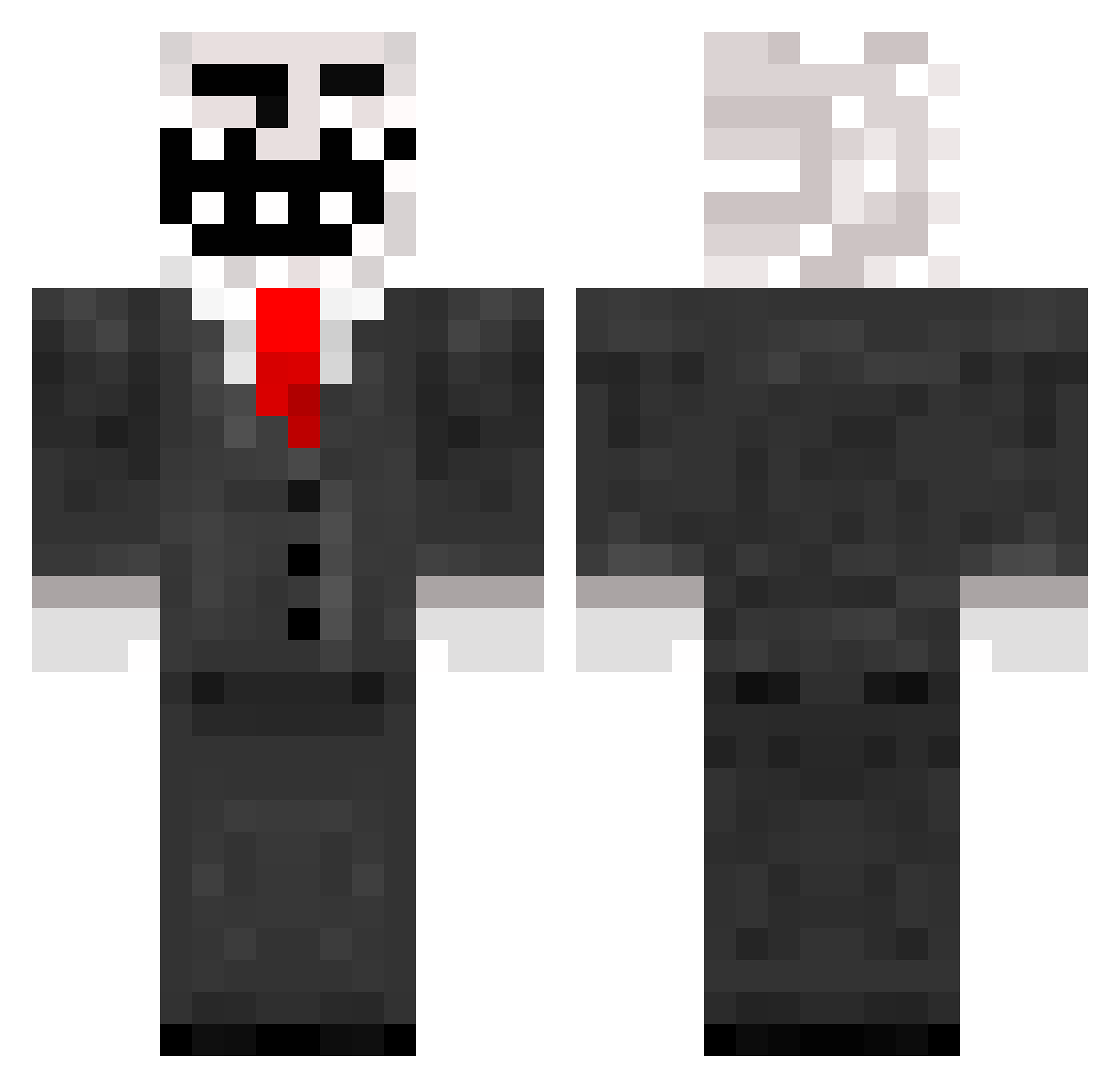
Current Minecraft skin of the player officialstijn, loaded from the official Mojang API. Rotate the 3D model with your mouse or finger, then download the skin as a PNG file and use it in Minecraft: Bedrock Edition or Java Edition for free. When officialstijn changes their skin, this page updates automatically and the old skin stays in the history below.
Other players with this skin (318)
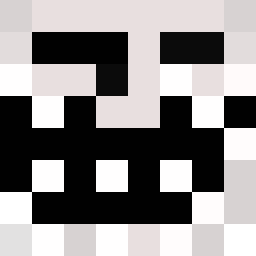
officialstijn was the 282nd player we have seen with this skin, first spotted on 08.11.2026. The same skin was seen on these players. Open a nickname to see their current skin and skin history.
 anders230 aliassasin winserv1 AlmostToast kokikokitekoki Soretinho estevez123 AwsoMEddan Calle2005 Leon3234 rofflecopter11 Warhammer_40k NovichOK95 777s StenIPod GalacticGipsy ieufly natedwg88 Haag01 lilazz 10RJ RAIG4R master212121 Sethviper Battlerot purplepanda555 Tschobper Player00777 JeanFF KalleFyfan Lime_Speedo layne08 PyroGamer14 MegaLumbre PvPgamer23 Unhallowed67 Juli_An1998 fmmb17 hrjm Bulldawg212 zordaxian JuliExtreme Pep2627 deaton12 HotDaniela Xblast Steeryy ferrit256 Ghully xEcoZzZ seungkyoung ruxuxux mosku2000 alexstormur Gramnon Jorgob199 Craftingkid11 unknownkiller71 Riddler06 mobxkill
More Trollface Minecraft skins
How to install the officialstijn skin
- Press the Download button above to save the skin as a PNG file.
- Minecraft: Bedrock Edition (PE): open the Dressing Room from the main menu (or tap your character → Edit Character), go to Classic Skins → Owned, press the + (new skin) button, choose the downloaded PNG and pick the Classic (Steve) model. Works on PC and mobile; consoles cannot import custom skins.
- Minecraft: Java Edition: open the Minecraft Launcher, go to the Skins tab, click New Skin, load the PNG, pick the Classic (Steve) model and press Save & Use. You can also upload it at minecraft.net → Profile → Change Skin.
The skin does not show up after import - what should I do?
Restart Minecraft and open the Dressing Room again - imported skins sometimes appear only after a restart. Also make sure you selected the imported skin and picked the Classic (Steve) model.
Which model should I choose, Classic or Slim?
This skin is designed for the Classic (Steve) model. If you pick the wrong model, the arms of the skin will look stretched or squeezed.
Is the skin of officialstijn free to download?
Yes. Press Download, save the PNG file and use it in Minecraft: Bedrock Edition or Java Edition - no payment or registration needed. The skin also works on multiplayer servers and Realms.
More skins
Looking for more? Go back to all Minecraft skins and check the top skins of the week, month and all time, or find any player's skin by nickname.