
oCqmbo - Minecraft Skins & Skin History
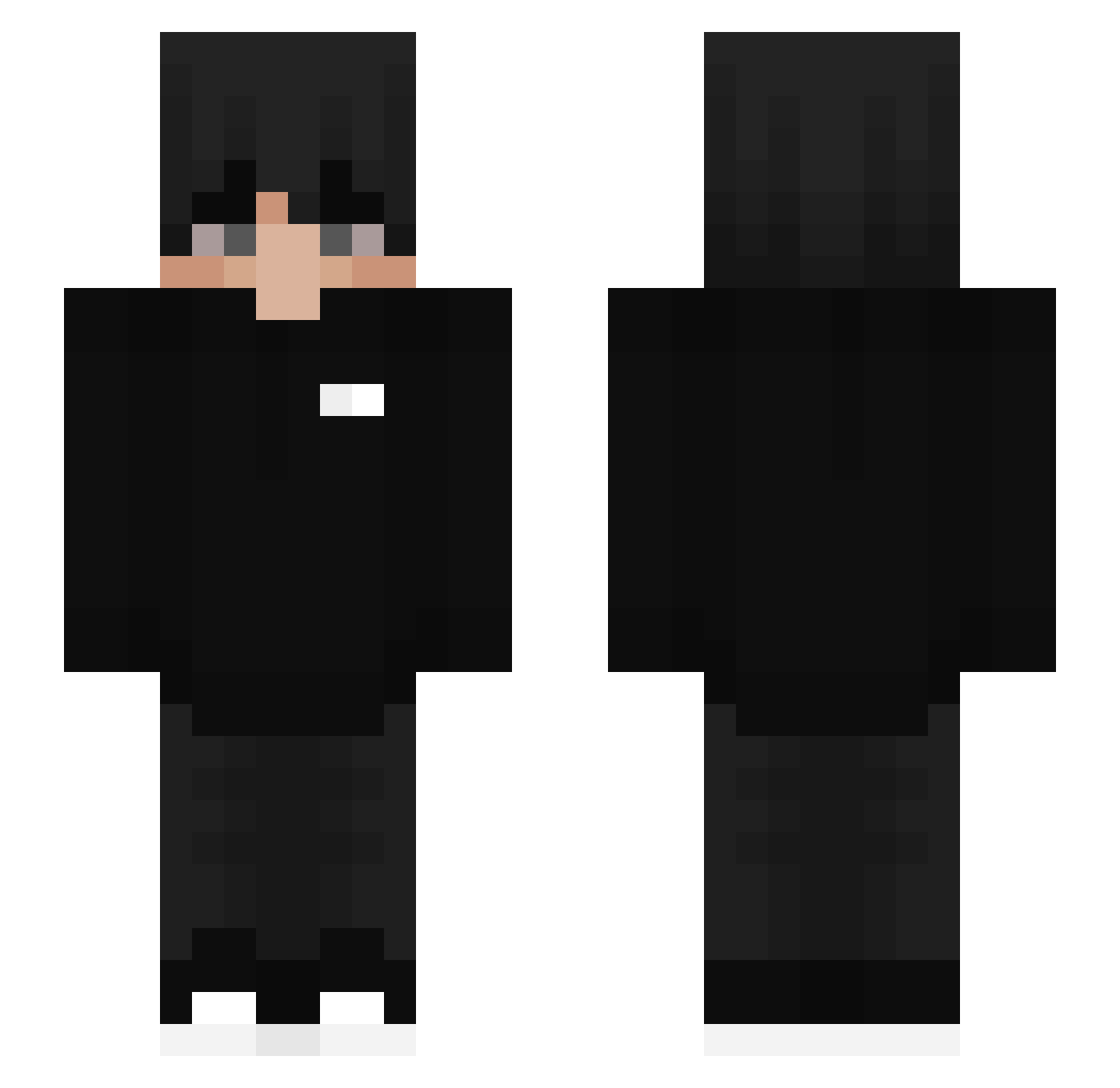
Current Minecraft skin of the player oCqmbo, loaded from the official Mojang API. Rotate the 3D model with your mouse or finger, then download the skin as a PNG file and use it in Minecraft: Bedrock Edition or Java Edition for free. When oCqmbo changes their skin, this page updates automatically and the old skin stays in the history below.
Other players with this skin (454)
oCqmbo was the 301st player we have seen with this skin, first spotted on 06.10.2026. The same skin was seen on these players. Open a nickname to see their current skin and skin history.
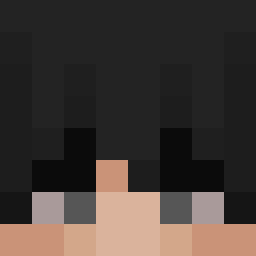 JiuFan_ _Calido_ 3MER7 Benrr EmpresSz SupRaTR Polski_Kotlet_XD o_m_e nLad Lfvidalouca xn3bdo_YT Limijan Raichu_on _Splashy LAMP_Y McGamerPie_ joel_08 NotKill Velaris006 DevFree Sanpetete OlinexGaming Farzad1 PIRONGA Pantala Marluuun Tomex8961 kangjisong davielRod gnzm_cj niafisatoukongo SmasherUX NxightLife_ nBerat XBilalTRX wiktor1mikolaj NaYreK_ SkyRiderr10 helmervn zeoden HemisphereLI Mlokk1337 KcrewL WeiJieeeee thibault552 Ethere4l Czarnyxddd Platy1 Destroheart Erud1r MeseroDeNorkys YuriFSX7 ImDredd Human2690 Derxx_ cxcxcxcxcx666 JamesChung1999 ZdechlyPiesel HYUN0512 Momenirc
How to install the oCqmbo skin
- Press the Download button above to save the skin as a PNG file.
- Minecraft: Bedrock Edition (PE): open the Dressing Room from the main menu (or tap your character → Edit Character), go to Classic Skins → Owned, press the + (new skin) button, choose the downloaded PNG and pick the Slim (Alex) model. Works on PC and mobile; consoles cannot import custom skins.
- Minecraft: Java Edition: open the Minecraft Launcher, go to the Skins tab, click New Skin, load the PNG, pick the Slim (Alex) model and press Save & Use. You can also upload it at minecraft.net → Profile → Change Skin.
The skin does not show up after import - what should I do?
Restart Minecraft and open the Dressing Room again - imported skins sometimes appear only after a restart. Also make sure you selected the imported skin and picked the Slim (Alex) model.
Which model should I choose, Classic or Slim?
This skin is designed for the Slim (Alex) model. If you pick the wrong model, the arms of the skin will look stretched or squeezed.
Is the skin of oCqmbo free to download?
Yes. Press Download, save the PNG file and use it in Minecraft: Bedrock Edition or Java Edition - no payment or registration needed. The skin also works on multiplayer servers and Realms.
More skins
Looking for more? Go back to all Minecraft skins and check the top skins of the week, month and all time, or find any player's skin by nickname.