
noatroner - Minecraft Skins & Skin History
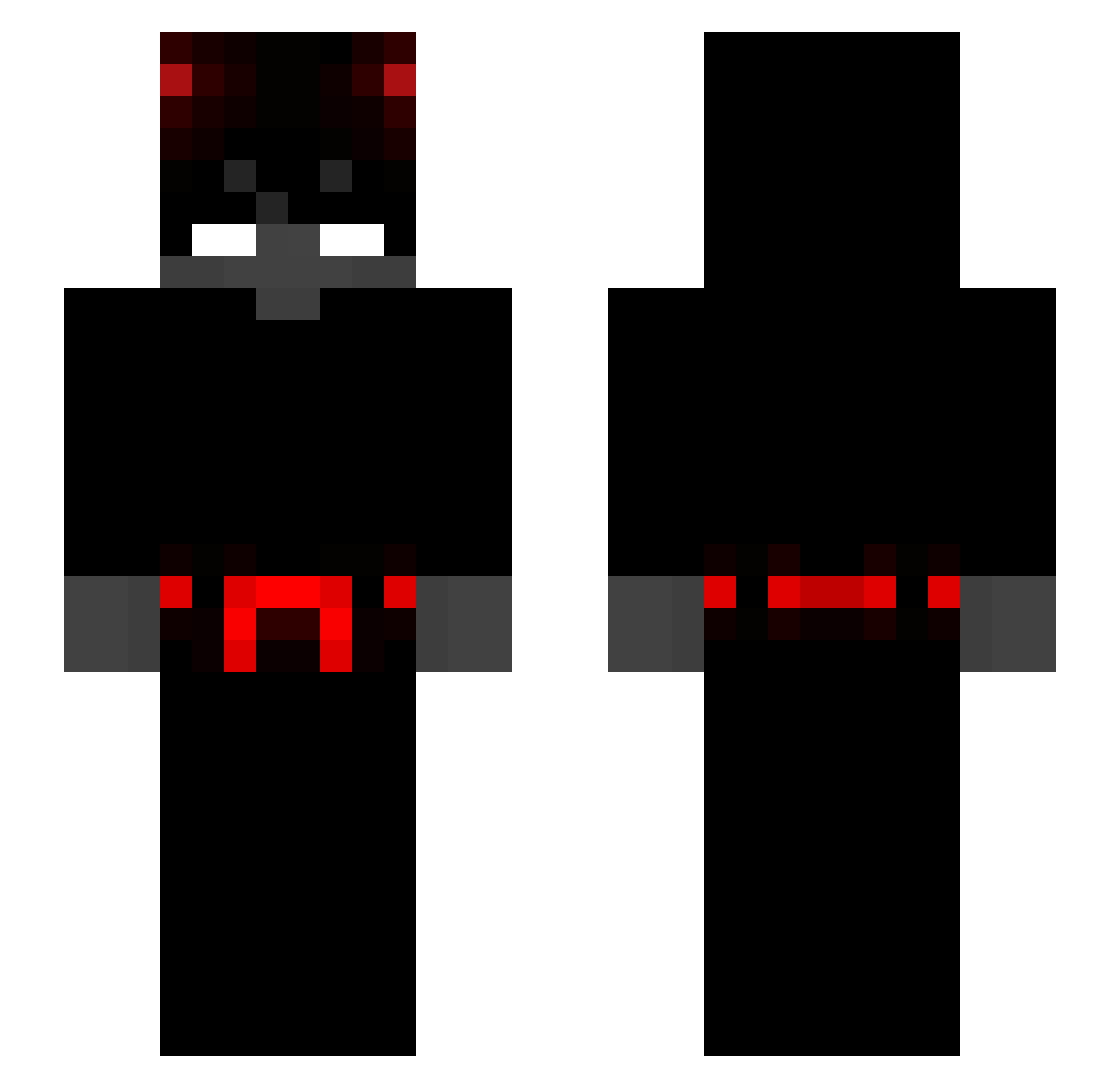
Current Minecraft skin of the player noatroner, loaded from the official Mojang API. Rotate the 3D model with your mouse or finger, then download the skin as a PNG file and use it in Minecraft: Bedrock Edition or Java Edition for free. When noatroner changes their skin, this page updates automatically and the old skin stays in the history below.
Other players with this skin (281)
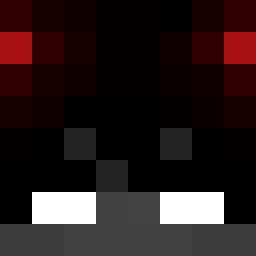
noatroner was the 189th player we have seen with this skin, first spotted on 24.09.2026. The same skin was seen on these players. Open a nickname to see their current skin and skin history.
 StressedManager pgomezt10 adamos2903 Dilldopp88 ByNoe23 Boldgapple OweYou BrodisRATARIAS PilsPlnejBatoh DR_LUIZ0 Saaber09 Hoessway Nuxyia xBenOG Papatore Terycop oTrident tjddyd79 MorraRoger SlushiiFR 1SOKAY the_IRONTITAN WhiteYamagi idontfallaway _qxyz Makopeople kingabood Whaaaaat123 urboitarek pxwerl s78x stiffanny1 NotATryha Drissu Moojin2 GamerKho59 ReVonax lolo1505 MrxX_ Augustoerik ImJahwe Julzrockt Dyl___an pucan catboypie travesti21cm kuzygang ITz_J1kishinkan Almoduudler_xD Alnavis0 Ksarox44 dennispsn imadiplol Infuse NaNajii Backyougo Hirenkyakuh Lauge127 danitole68 CrazyMonkey7
More Devil Minecraft skins
How to install the noatroner skin
- Press the Download button above to save the skin as a PNG file.
- Minecraft: Bedrock Edition (PE): open the Dressing Room from the main menu (or tap your character → Edit Character), go to Classic Skins → Owned, press the + (new skin) button, choose the downloaded PNG and pick the Slim (Alex) model. Works on PC and mobile; consoles cannot import custom skins.
- Minecraft: Java Edition: open the Minecraft Launcher, go to the Skins tab, click New Skin, load the PNG, pick the Slim (Alex) model and press Save & Use. You can also upload it at minecraft.net → Profile → Change Skin.
The skin does not show up after import - what should I do?
Restart Minecraft and open the Dressing Room again - imported skins sometimes appear only after a restart. Also make sure you selected the imported skin and picked the Slim (Alex) model.
Which model should I choose, Classic or Slim?
This skin is designed for the Slim (Alex) model. If you pick the wrong model, the arms of the skin will look stretched or squeezed.
Is the skin of noatroner free to download?
Yes. Press Download, save the PNG file and use it in Minecraft: Bedrock Edition or Java Edition - no payment or registration needed. The skin also works on multiplayer servers and Realms.
More skins
Looking for more? Go back to all Minecraft skins and check the top skins of the week, month and all time, or find any player's skin by nickname.