
noambozo - Minecraft Skins & Skin History
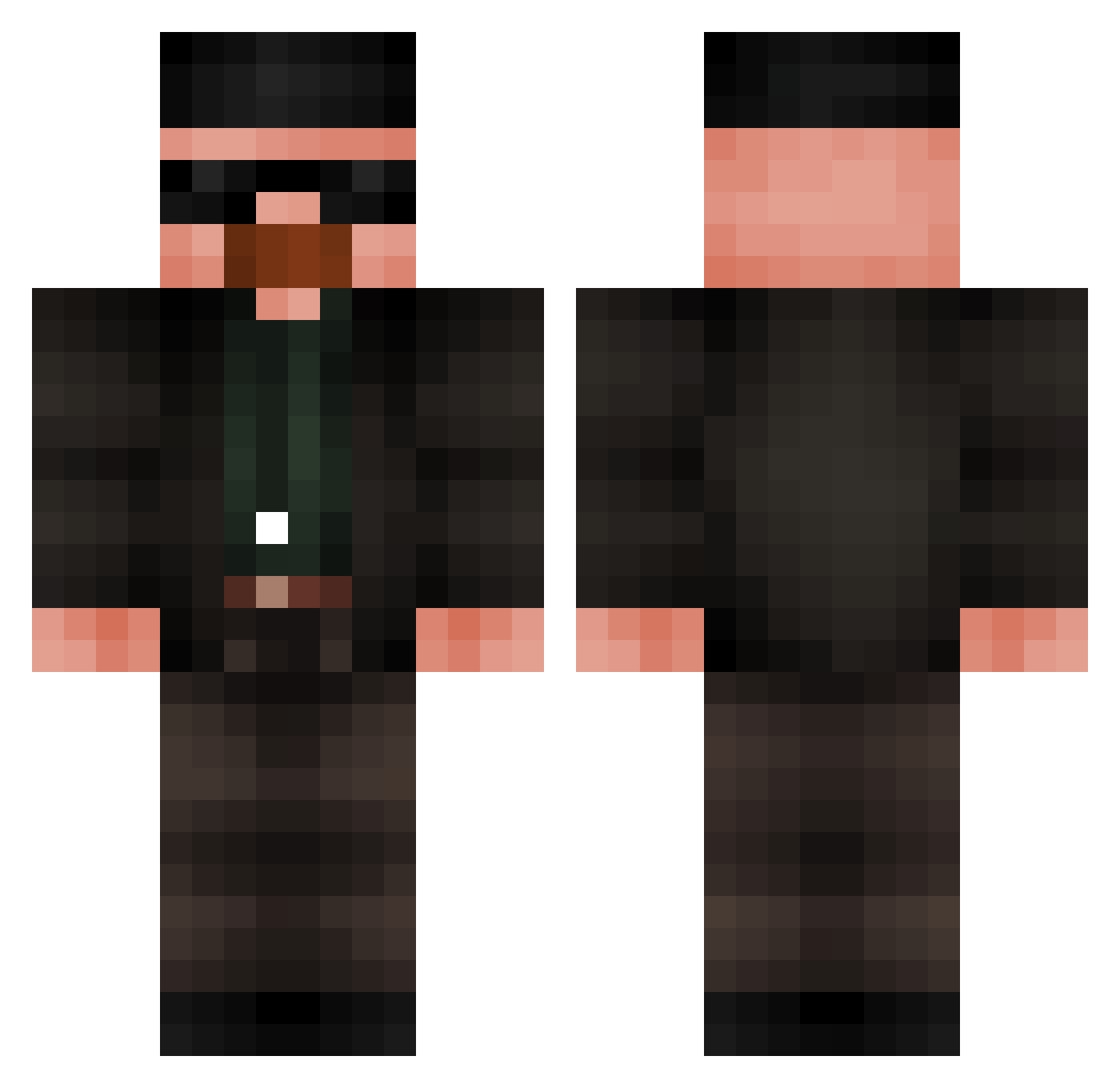
Current Minecraft skin of the player noambozo, loaded from the official Mojang API. Rotate the 3D model with your mouse or finger, then download the skin as a PNG file and use it in Minecraft: Bedrock Edition or Java Edition for free. When noambozo changes their skin, this page updates automatically and the old skin stays in the history below.
Other players with this skin (686)
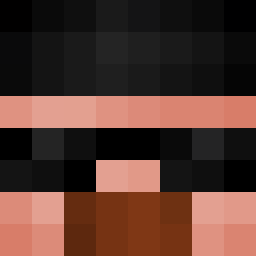
noambozo was the 372nd player we have seen with this skin, first spotted on 24.09.2026. The same skin was seen on these players. Open a nickname to see their current skin and skin history.
 oox_ Leon_why_not_YT TheSpoicyBoi amgkiller kottom102 Airor2303 MrNoobert0 Jellybean2805 Binor_ Yoh4nn_e30 henrikderg Game__ON Mario20cm OguzCandan Svideniex Rival_WW dirtybubbykiller SharperSoap1870 imacaptain LKSH PD_PanDinok Garycool17 Breslow QuickGnu_305 rrvice POS3D0 FFUSH itspizzakid TylirMoo Bugbin TToddyn Mannybeatyou555 juheon1216 raphael7130 danieltripl Poblete54 TylerPlayzz Bengad ShoroAlmeja IkerEMNP Bjurrn b5nyk digyboy Devorin Moon_Chik hediboss Sinepso1 miausikas Peterle2018 JoshTFS _njm_ red_kayn mami109 davidYng Erit0 nekosaurus_rex ovaltien_30 _AguFlexKingg EverageBeverage PanGadziu
More Heisenberg Minecraft skins
How to install the noambozo skin
- Press the Download button above to save the skin as a PNG file.
- Minecraft: Bedrock Edition (PE): open the Dressing Room from the main menu (or tap your character → Edit Character), go to Classic Skins → Owned, press the + (new skin) button, choose the downloaded PNG and pick the Classic (Steve) model. Works on PC and mobile; consoles cannot import custom skins.
- Minecraft: Java Edition: open the Minecraft Launcher, go to the Skins tab, click New Skin, load the PNG, pick the Classic (Steve) model and press Save & Use. You can also upload it at minecraft.net → Profile → Change Skin.
The skin does not show up after import - what should I do?
Restart Minecraft and open the Dressing Room again - imported skins sometimes appear only after a restart. Also make sure you selected the imported skin and picked the Classic (Steve) model.
Which model should I choose, Classic or Slim?
This skin is designed for the Classic (Steve) model. If you pick the wrong model, the arms of the skin will look stretched or squeezed.
Is the skin of noambozo free to download?
Yes. Press Download, save the PNG file and use it in Minecraft: Bedrock Edition or Java Edition - no payment or registration needed. The skin also works on multiplayer servers and Realms.
More skins
Looking for more? Go back to all Minecraft skins and check the top skins of the week, month and all time, or find any player's skin by nickname.