
nny0306 - Minecraft Skins & Skin History
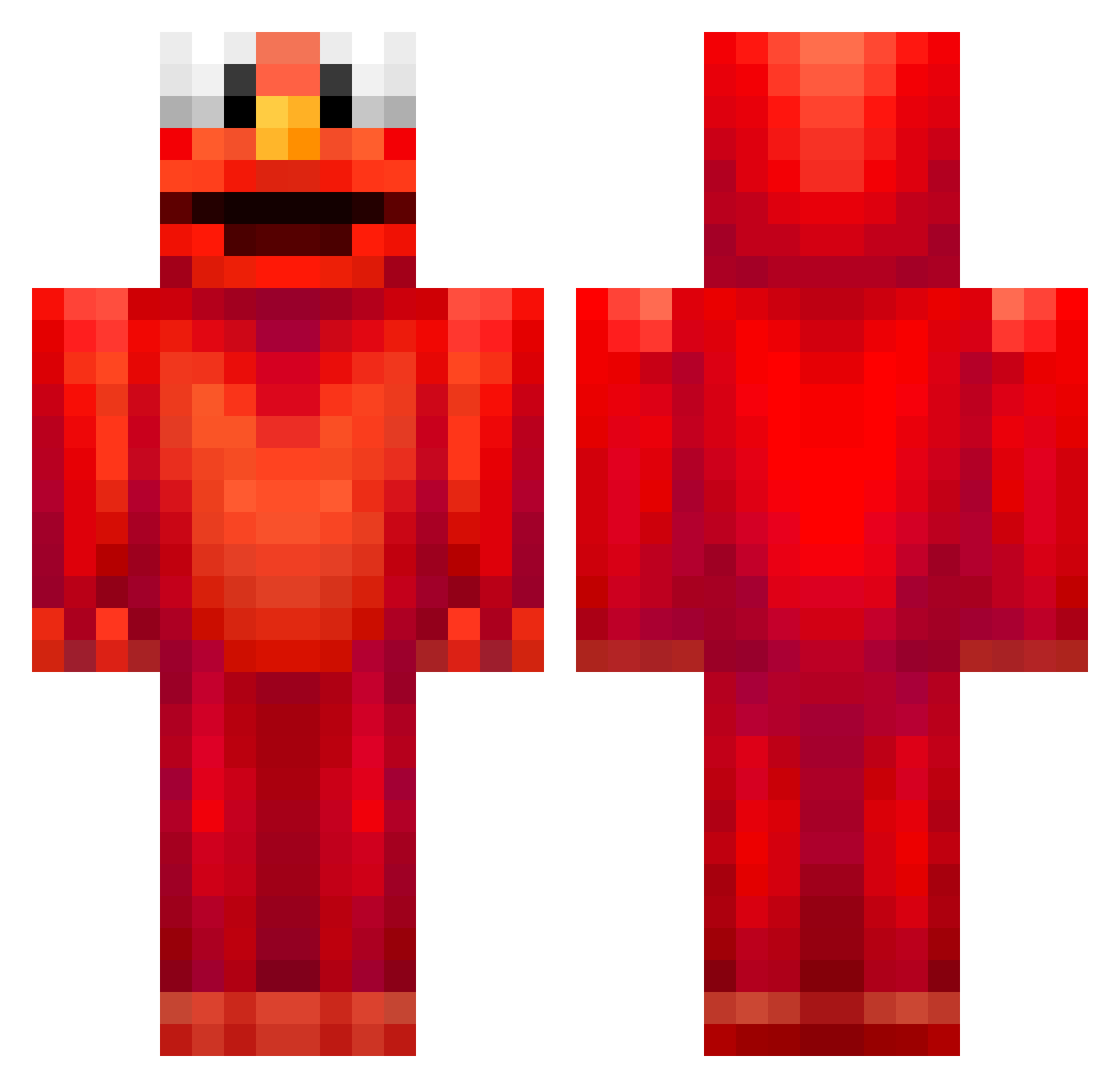
Current Minecraft skin of the player nny0306, loaded from the official Mojang API. Rotate the 3D model with your mouse or finger, then download the skin as a PNG file and use it in Minecraft: Bedrock Edition or Java Edition for free. When nny0306 changes their skin, this page updates automatically and the old skin stays in the history below.
Other players with this skin (679)
nny0306 was the 374th player we have seen with this skin, first spotted on 25.09.2026. The same skin was seen on these players. Open a nickname to see their current skin and skin history.
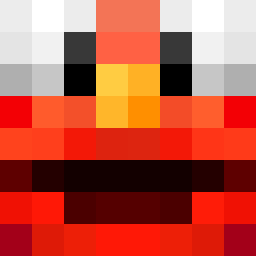 Krizho JakubeK1201 TheLordGimili dawidczio_v3 Juggurnaut1234 pollasaurio89 Jona088s S3XKing_Minsu topoooo Just_Michal Sherlock_1710 110A emilmus2005 ITomoTI Shujyy_ Pig_comau ThunderSienna CoolsadDuck kctboy Cookie_jaar MeMetoTrembolona Teotimleboss TheClearShadow miloo5665 TheColdPie_ You015 Meloni_x Waqqy hcherry05 Notzka AlaphaTigers Fitz_vr S1mply_G0ne NinoDifferent DAVIDHWANG Try_pinguin_07 chlTL1015 OzzyyYaY ziomonterosa user42069 Wekar KerstKlaas8 zookobop TTSnabber Radun69 _Gindy_ UltimateBrecher Dusdewieee meaghanrayner00 BigBillyBob1234 cowlazzy rvxhaa Mclovin9856 toottoot2021 Curlyfrye8 amir_gamer1231 Heinbloet_Bot Doublesynergy Kyuubi7_ MonkeyNaz
More Elmo Minecraft skins
How to install the nny0306 skin
- Press the Download button above to save the skin as a PNG file.
- Minecraft: Bedrock Edition (PE): open the Dressing Room from the main menu (or tap your character → Edit Character), go to Classic Skins → Owned, press the + (new skin) button, choose the downloaded PNG and pick the Classic (Steve) model. Works on PC and mobile; consoles cannot import custom skins.
- Minecraft: Java Edition: open the Minecraft Launcher, go to the Skins tab, click New Skin, load the PNG, pick the Classic (Steve) model and press Save & Use. You can also upload it at minecraft.net → Profile → Change Skin.
The skin does not show up after import - what should I do?
Restart Minecraft and open the Dressing Room again - imported skins sometimes appear only after a restart. Also make sure you selected the imported skin and picked the Classic (Steve) model.
Which model should I choose, Classic or Slim?
This skin is designed for the Classic (Steve) model. If you pick the wrong model, the arms of the skin will look stretched or squeezed.
Is the skin of nny0306 free to download?
Yes. Press Download, save the PNG file and use it in Minecraft: Bedrock Edition or Java Edition - no payment or registration needed. The skin also works on multiplayer servers and Realms.
More skins
Looking for more? Go back to all Minecraft skins and check the top skins of the week, month and all time, or find any player's skin by nickname.