
nhghjk - Minecraft Skins & Skin History
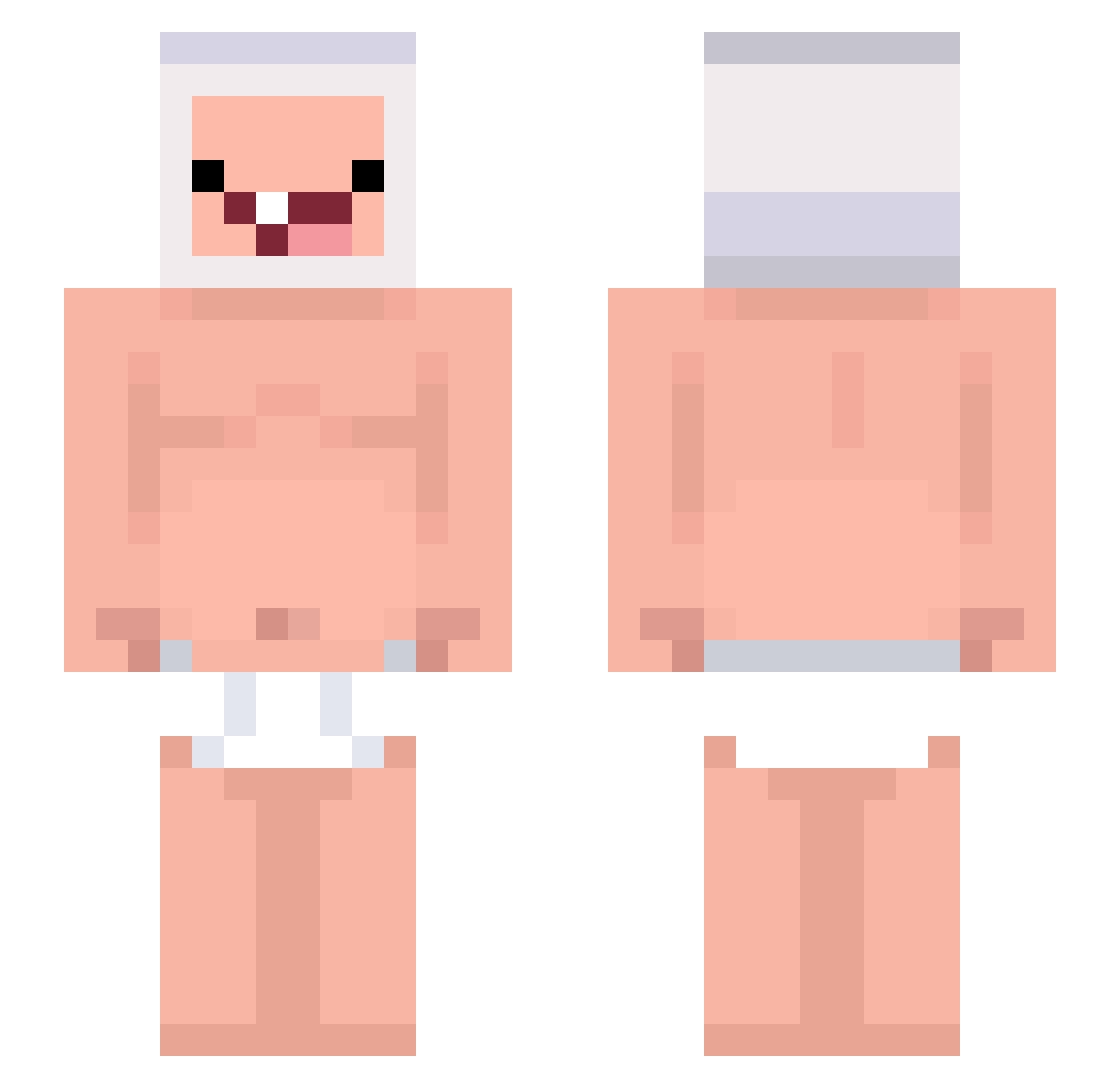
Current Minecraft skin of the player nhghjk, loaded from the official Mojang API. Rotate the 3D model with your mouse or finger, then download the skin as a PNG file and use it in Minecraft: Bedrock Edition or Java Edition for free. When nhghjk changes their skin, this page updates automatically and the old skin stays in the history below.
Other players with this skin (244)
nhghjk was the 110th player we have seen with this skin, first spotted on 13.09.2026. The same skin was seen on these players. Open a nickname to see their current skin and skin history.
 xurwux fornitekid1337 xyCoco Dev_gang Chopper_______ twitchYnebell Patapim67 ShooterXLie wiktor47 Gta512345678903 Fireboy_22 Doyulkang Wtep Quiivz drei_euro virgonvo AwtumnLeaves MINESOFM iAmafatty Phatiu SNTDMC70 Checkpoin7 mathmathrpo kkalliii Crepeero2 MAKSE2007 MILDDIA 0SQL JAAJAAX3 Julian2333 Olinm Feliodas taas10_ ImLexxy rrxr Lui_1105 pisanggeprek abadebi hazzof whosars EagleIIV asiangigachad KLElN CrazyHillbillyo Krazee4u NST_21 Nishenn RamboIsBlack vnzf z3xlfr Chuckraa Scrambler187 MaiDei _chhanky yunsemi Santa4k AnaSwitzer sypozs kuku2024 ReiSama
More Finn The Human Minecraft skins
See all 444 Finn The Human skins
How to install the nhghjk skin
- Press the Download button above to save the skin as a PNG file.
- Minecraft: Bedrock Edition (PE): open the Dressing Room from the main menu (or tap your character → Edit Character), go to Classic Skins → Owned, press the + (new skin) button, choose the downloaded PNG and pick the Slim (Alex) model. Works on PC and mobile; consoles cannot import custom skins.
- Minecraft: Java Edition: open the Minecraft Launcher, go to the Skins tab, click New Skin, load the PNG, pick the Slim (Alex) model and press Save & Use. You can also upload it at minecraft.net → Profile → Change Skin.
The skin does not show up after import - what should I do?
Restart Minecraft and open the Dressing Room again - imported skins sometimes appear only after a restart. Also make sure you selected the imported skin and picked the Slim (Alex) model.
Which model should I choose, Classic or Slim?
This skin is designed for the Slim (Alex) model. If you pick the wrong model, the arms of the skin will look stretched or squeezed.
Is the skin of nhghjk free to download?
Yes. Press Download, save the PNG file and use it in Minecraft: Bedrock Edition or Java Edition - no payment or registration needed. The skin also works on multiplayer servers and Realms.
More skins
Looking for more? Go back to all Minecraft skins and check the top skins of the week, month and all time, or find any player's skin by nickname.