
neglige - Minecraft Skins & Skin History
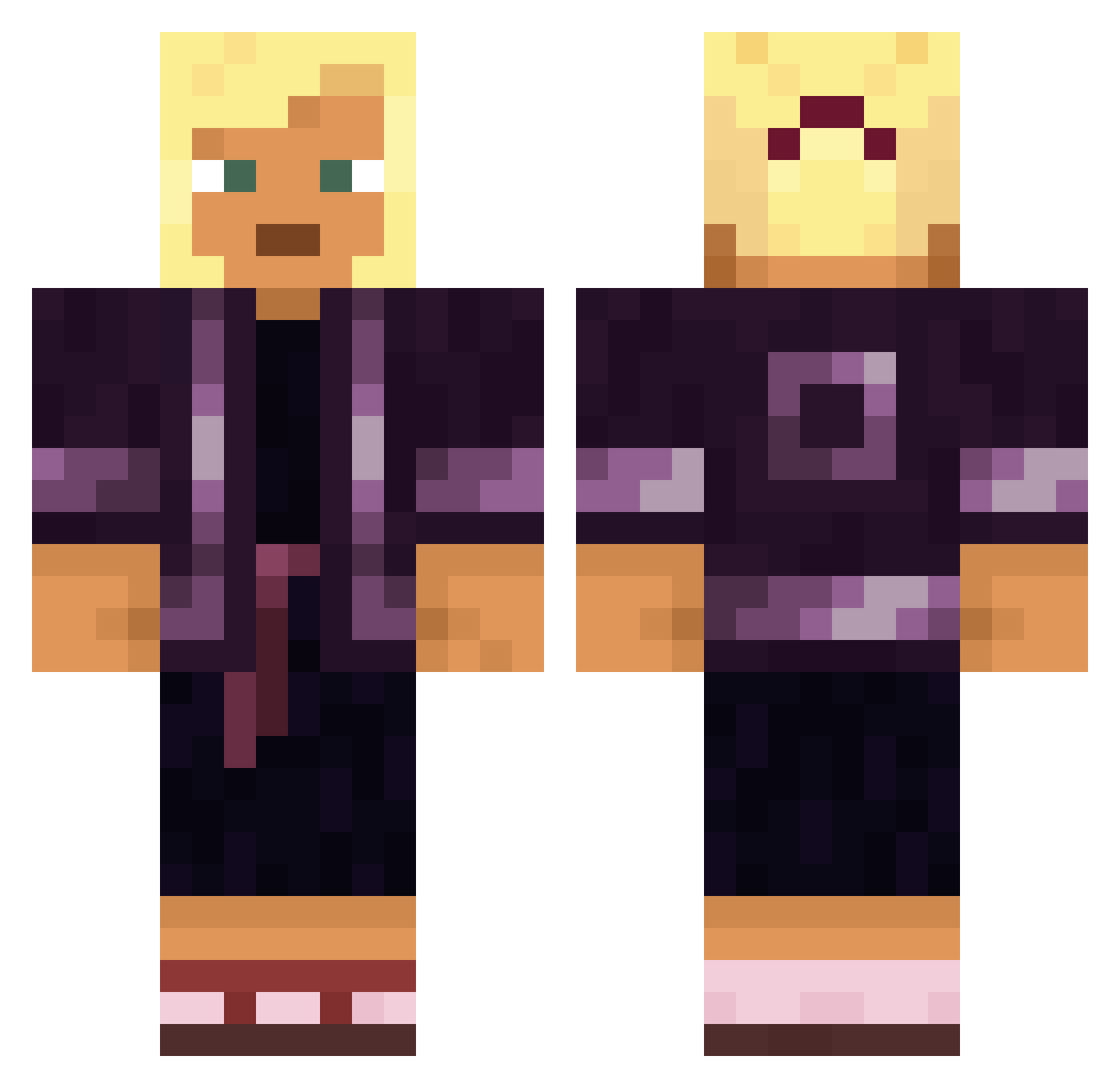
Current Minecraft skin of the player neglige, loaded from the official Mojang API. Rotate the 3D model with your mouse or finger, then download the skin as a PNG file and use it in Minecraft: Bedrock Edition or Java Edition for free. When neglige changes their skin, this page updates automatically and the old skin stays in the history below.
Other players with this skin (1568)
neglige was the 1398th player we have seen with this skin, first spotted on 25.10.2026. The same skin was seen on these players. Open a nickname to see their current skin and skin history.
 xxjuicyjonxx Lengthwise Anargyros MatyMoody bouteloua robatzen Taghairm FGGMember1230 Archimago estGames zersta S0ME100 Jalee Padella Quoen ArthurAx_ IdKanyth Aphis mozat Boilermakers Koobi Consideration edenkiller Bando KaninchenPfote itz_velja Haloa KyomotoJP SheLovesJayy surma Chalker pinafore SHUN1336 TeraTheFox mactation Cuteeunho Resurges Aseprit rozbud Harrisonjh_ TheDiablito inpouring mRscal CobHead Roamers jarlefosen Commerciable KAI_424 guillermo2 Chaoskeeper Soultiger43 030Julian Rechip animastical Eternal_Dolphin KleinBlockie Alessok201 juju51 kleagle Micropus
More Kimono Minecraft skins
How to install the neglige skin
- Press the Download button above to save the skin as a PNG file.
- Minecraft: Bedrock Edition (PE): open the Dressing Room from the main menu (or tap your character → Edit Character), go to Classic Skins → Owned, press the + (new skin) button, choose the downloaded PNG and pick the Classic (Steve) model. Works on PC and mobile; consoles cannot import custom skins.
- Minecraft: Java Edition: open the Minecraft Launcher, go to the Skins tab, click New Skin, load the PNG, pick the Classic (Steve) model and press Save & Use. You can also upload it at minecraft.net → Profile → Change Skin.
The skin does not show up after import - what should I do?
Restart Minecraft and open the Dressing Room again - imported skins sometimes appear only after a restart. Also make sure you selected the imported skin and picked the Classic (Steve) model.
Which model should I choose, Classic or Slim?
This skin is designed for the Classic (Steve) model. If you pick the wrong model, the arms of the skin will look stretched or squeezed.
Is the skin of neglige free to download?
Yes. Press Download, save the PNG file and use it in Minecraft: Bedrock Edition or Java Edition - no payment or registration needed. The skin also works on multiplayer servers and Realms.
More skins
Looking for more? Go back to all Minecraft skins and check the top skins of the week, month and all time, or find any player's skin by nickname.