
nRM85 - Minecraft Skins & Skin History
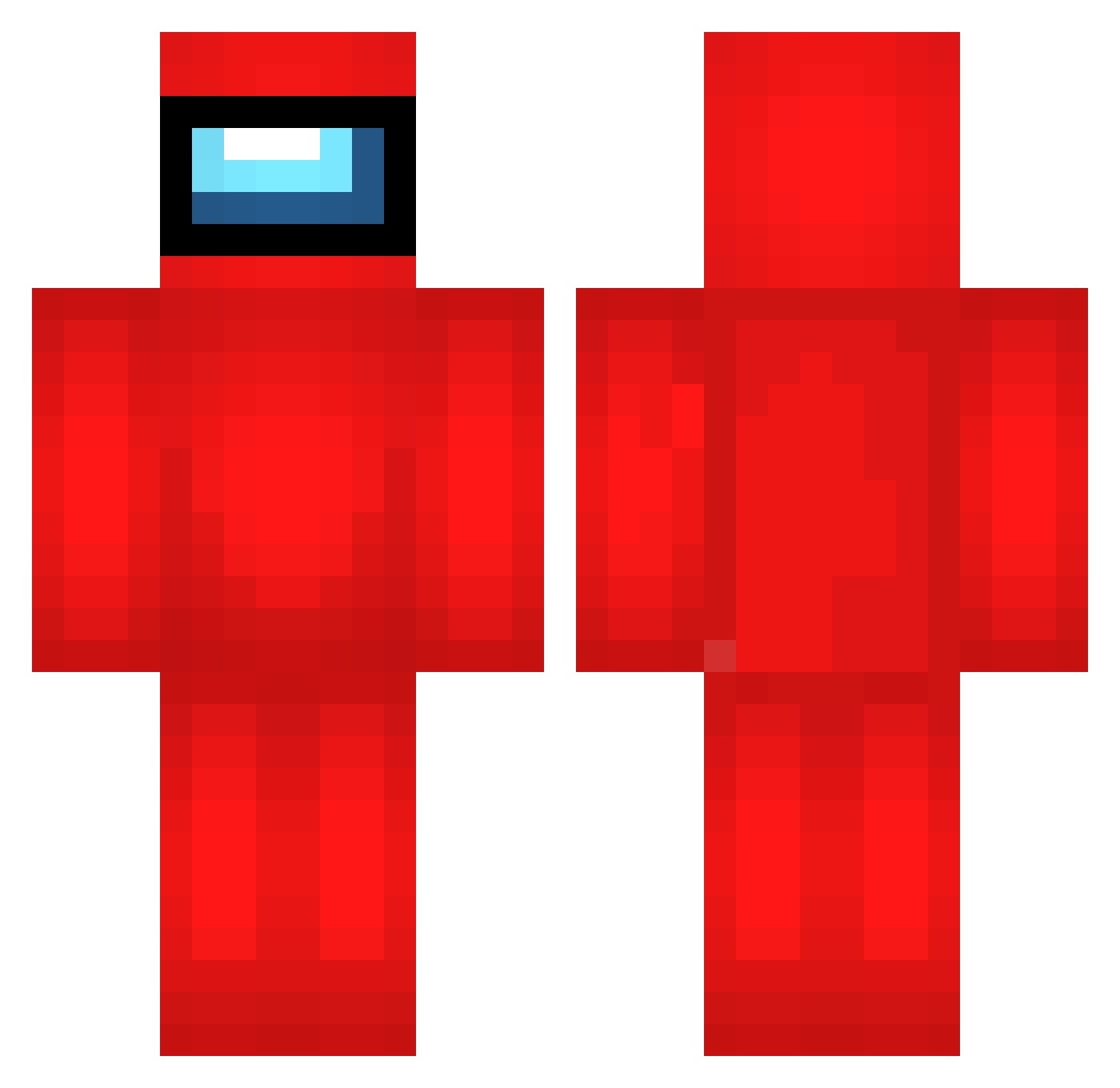
Current Minecraft skin of the player nRM85, loaded from the official Mojang API. Rotate the 3D model with your mouse or finger, then download the skin as a PNG file and use it in Minecraft: Bedrock Edition or Java Edition for free. When nRM85 changes their skin, this page updates automatically and the old skin stays in the history below.
Other players with this skin (693)
nRM85 was the 577th player we have seen with this skin, first spotted on 22.10.2026. The same skin was seen on these players. Open a nickname to see their current skin and skin history.
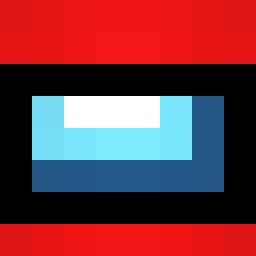 cJu223 oofman45 CoolBob007 uVe27 gAU538 PxC730 PasQdek08 IRB133 Skl566 aPA103 xgZ710 jgD176 pHJ183 BSG43 FailingLiver ProutMax Yxn883 TheYoPickles LeyIsSuS WXJ985 PzO391 eJP234 MXh757 ZBs356 Sucuk_BOY123 kTW405 pipefurro JPr588 pSs365 zFd605 Aaayon OpP963 IRe688 rBP379 Lrg647 GeO622 Tul591 NDG950 Zagruzka04 gDq383 btI113 war50 cLW919 OZg961 Euj863 cZn892 vTm145 hyung_ming MrH291 Kyuqui QWO328 HcQ619 gMI984 uUq450 uoV935 otD458 pSv186 uGf530 zbE871 RDp343
More Crewmate Minecraft skins
How to install the nRM85 skin
- Press the Download button above to save the skin as a PNG file.
- Minecraft: Bedrock Edition (PE): open the Dressing Room from the main menu (or tap your character → Edit Character), go to Classic Skins → Owned, press the + (new skin) button, choose the downloaded PNG and pick the Classic (Steve) model. Works on PC and mobile; consoles cannot import custom skins.
- Minecraft: Java Edition: open the Minecraft Launcher, go to the Skins tab, click New Skin, load the PNG, pick the Classic (Steve) model and press Save & Use. You can also upload it at minecraft.net → Profile → Change Skin.
The skin does not show up after import - what should I do?
Restart Minecraft and open the Dressing Room again - imported skins sometimes appear only after a restart. Also make sure you selected the imported skin and picked the Classic (Steve) model.
Which model should I choose, Classic or Slim?
This skin is designed for the Classic (Steve) model. If you pick the wrong model, the arms of the skin will look stretched or squeezed.
Is the skin of nRM85 free to download?
Yes. Press Download, save the PNG file and use it in Minecraft: Bedrock Edition or Java Edition - no payment or registration needed. The skin also works on multiplayer servers and Realms.
More skins
Looking for more? Go back to all Minecraft skins and check the top skins of the week, month and all time, or find any player's skin by nickname.