
mydash_ - Minecraft Skins & Skin History
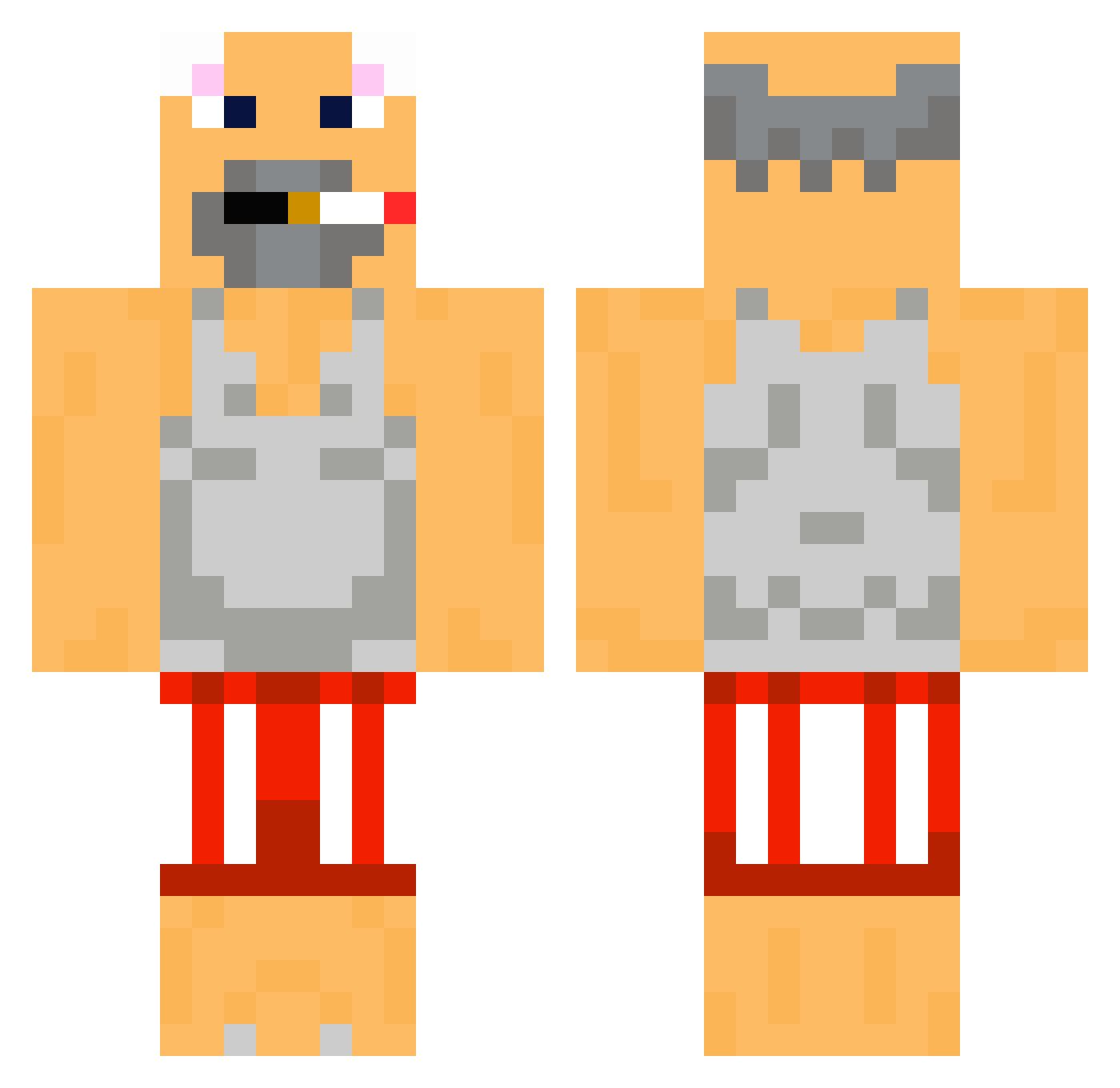
Current Minecraft skin of the player mydash_, loaded from the official Mojang API. Rotate the 3D model with your mouse or finger, then download the skin as a PNG file and use it in Minecraft: Bedrock Edition or Java Edition for free. When mydash_ changes their skin, this page updates automatically and the old skin stays in the history below.
Other players with this skin (49)
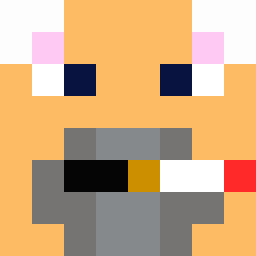
mydash_ was the 19th player we have seen with this skin, first spotted on 02.09.2026. The same skin was seen on these players. Open a nickname to see their current skin and skin history.
 paparounos sisioreczek 9NNxa Bruunks jejukim phm4 X_gregr_X jaru773 Kulsts Pein666 Jiuner GeYou stinkypinky202 400ug maobing223 POPCAT_CUTE nicholasnaison nif___ kadafus Beck0k_proEr VoBinator Andromedown Treczqu Mf_Hunter AkiJR Trawk4 Freeeeeeeez tw_chenhan69 fikrettw voowwww JADEYY__ mlodywasin Suited_live Amartbomb FISURAREK eric77787 ppyy07775 zombeq_ fancyLam25 MrMkm gokey07 Miyojoku osamason67dih ThePintaao denoxd4 Schmidde khrine15 Mortteza binobanat
More Grunkle Stan Minecraft skins
How to install the mydash_ skin
- Press the Download button above to save the skin as a PNG file.
- Minecraft: Bedrock Edition (PE): open the Dressing Room from the main menu (or tap your character → Edit Character), go to Classic Skins → Owned, press the + (new skin) button, choose the downloaded PNG and pick the Classic (Steve) model. Works on PC and mobile; consoles cannot import custom skins.
- Minecraft: Java Edition: open the Minecraft Launcher, go to the Skins tab, click New Skin, load the PNG, pick the Classic (Steve) model and press Save & Use. You can also upload it at minecraft.net → Profile → Change Skin.
The skin does not show up after import - what should I do?
Restart Minecraft and open the Dressing Room again - imported skins sometimes appear only after a restart. Also make sure you selected the imported skin and picked the Classic (Steve) model.
Which model should I choose, Classic or Slim?
This skin is designed for the Classic (Steve) model. If you pick the wrong model, the arms of the skin will look stretched or squeezed.
Is the skin of mydash_ free to download?
Yes. Press Download, save the PNG file and use it in Minecraft: Bedrock Edition or Java Edition - no payment or registration needed. The skin also works on multiplayer servers and Realms.
More skins
Looking for more? Go back to all Minecraft skins and check the top skins of the week, month and all time, or find any player's skin by nickname.