
mors1q - Minecraft Skins & Skin History
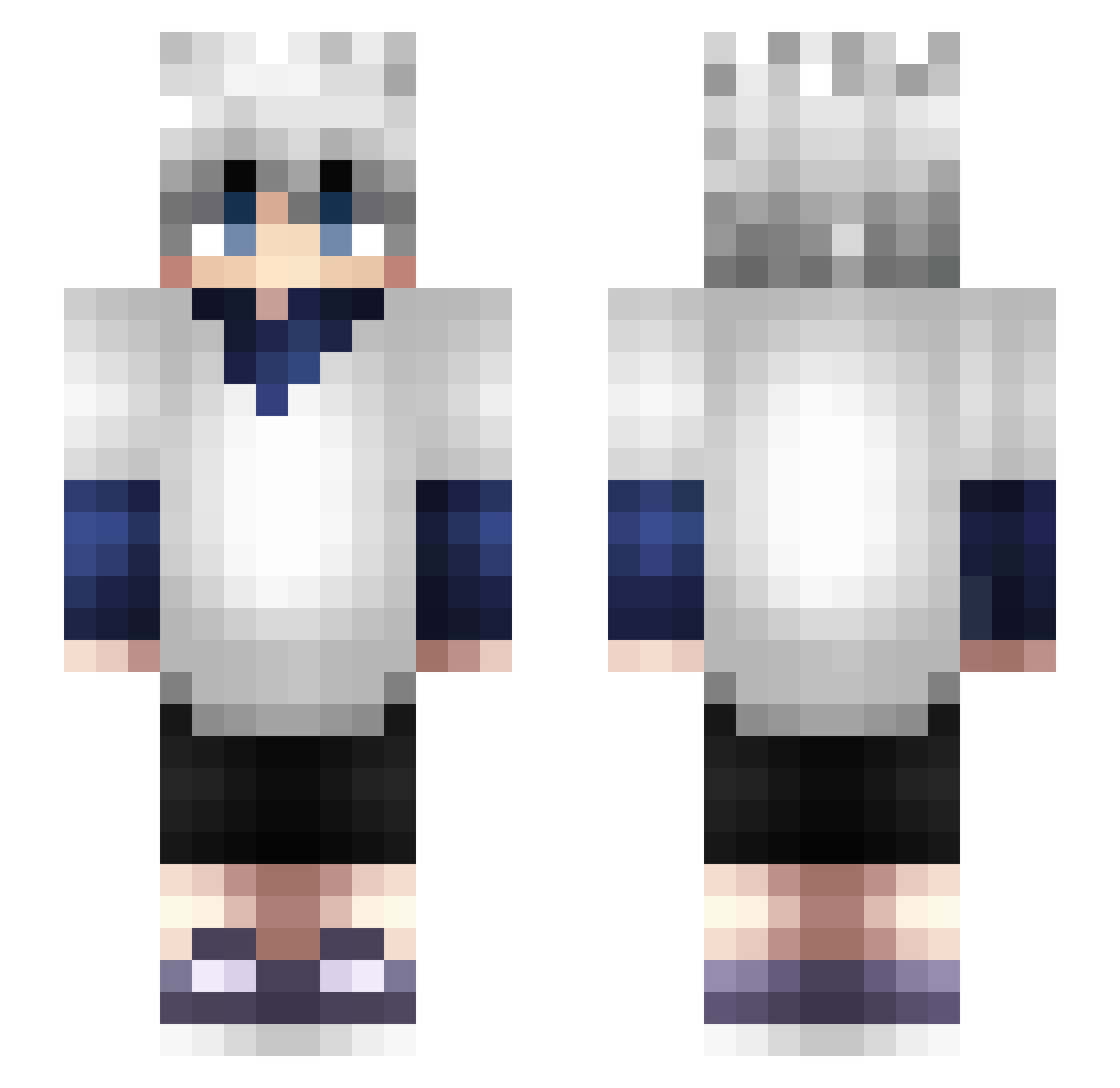
Current Minecraft skin of the player mors1q, loaded from the official Mojang API. Rotate the 3D model with your mouse or finger, then download the skin as a PNG file and use it in Minecraft: Bedrock Edition or Java Edition for free. When mors1q changes their skin, this page updates automatically and the old skin stays in the history below.
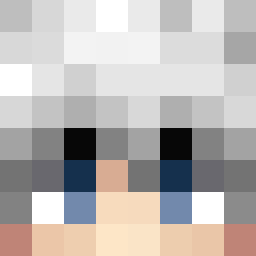
Other players with this skin (364)
mors1q was the 301st player we have seen with this skin, first spotted on 17.10.2026. The same skin was seen on these players. Open a nickname to see their current skin and skin history.
 addxum gushii Aloarr KilluaDaikokuten vikashhhh Mankuisti20 little_baka420 skyukie Vessallius Malikx zefapop Citas_cts _vinnyjj_ akebi584 Kirby_Jun IrmNotSad RZinMC DeChuckD Jenahhh BehaveDude Playeromat CxEroo LutpiiUrBoy kokamut BraxAK1 SPY_Forger SHL1 Cromax_25 Fomast luigi1073 IceSword1 _ThePanDaGirl_ Anime3nthusiast Esophis sasuke_666 uShadoww_ kremowyyypiesio Plypeachii atzel17 swagilous Kingzitsu Clapz3134 rritsu bipo7 dinner12138 ElMoignonn ebberto Anbu02 KOARA7777 Vine2010 matyo999 hxhummie Jxrel Galectix Chicken_N_Beer zCatal1st KrillGeniy TimmyBurner Guao_Guao _VnX672
More Killua Zoldyck Minecraft skins
See all 180 Killua Zoldyck skins
How to install the mors1q skin
- Press the Download button above to save the skin as a PNG file.
- Minecraft: Bedrock Edition (PE): open the Dressing Room from the main menu (or tap your character → Edit Character), go to Classic Skins → Owned, press the + (new skin) button, choose the downloaded PNG and pick the Slim (Alex) model. Works on PC and mobile; consoles cannot import custom skins.
- Minecraft: Java Edition: open the Minecraft Launcher, go to the Skins tab, click New Skin, load the PNG, pick the Slim (Alex) model and press Save & Use. You can also upload it at minecraft.net → Profile → Change Skin.
The skin does not show up after import - what should I do?
Restart Minecraft and open the Dressing Room again - imported skins sometimes appear only after a restart. Also make sure you selected the imported skin and picked the Slim (Alex) model.
Which model should I choose, Classic or Slim?
This skin is designed for the Slim (Alex) model. If you pick the wrong model, the arms of the skin will look stretched or squeezed.
Is the skin of mors1q free to download?
Yes. Press Download, save the PNG file and use it in Minecraft: Bedrock Edition or Java Edition - no payment or registration needed. The skin also works on multiplayer servers and Realms.
More skins
Looking for more? Go back to all Minecraft skins and check the top skins of the week, month and all time, or find any player's skin by nickname.