
moopse - Minecraft Skins & Skin History
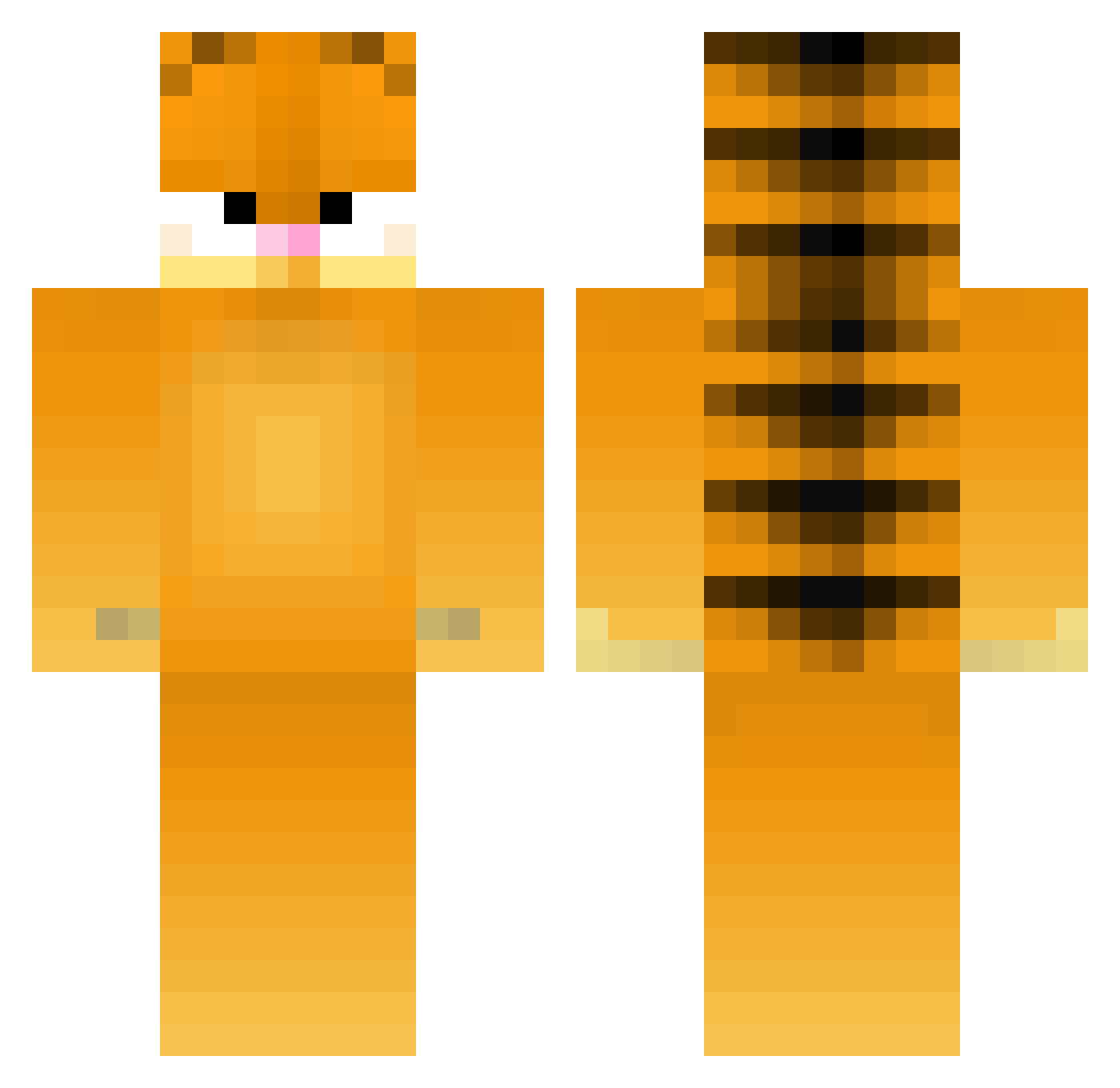
Current Minecraft skin of the player moopse, loaded from the official Mojang API. Rotate the 3D model with your mouse or finger, then download the skin as a PNG file and use it in Minecraft: Bedrock Edition or Java Edition for free. When moopse changes their skin, this page updates automatically and the old skin stays in the history below.
Other players with this skin (275)
moopse was the 155th player we have seen with this skin, first spotted on 27.09.2026. The same skin was seen on these players. Open a nickname to see their current skin and skin history.
 Cailech DrMine WCopson SChoOL_scHOOter bobajon AnonymousPlague Sagittariace Zodinosaur Zarmitha johnnyfan819 Schilsnipe Hidde_Veenstra Lt_Jack_jack3456 ITooKeen MrSkme GoooJam Charliemun05 mercedeskenz mrswag2000 Splinterific Speckei Zecren07 glacierelement Shockss_ GreenStarCat Steventhehamster Venomous_3 MillaThaKilla Jonahcreeper _mofmoon_ BillyBones23 ballislife Lasagna_Lover Krikro94 MoPar225 VickyCat Mister_001 wildphoebe MapleBey diegofficial Pnut1025 garfield2b RMXhockey chip42 _Pandaroux_ arrow9395 IStrengthPots Zitronenfisch Ethaid catsupsoup smallFUCKINGdude P1NKP4ND4 Felix0 Mr_Equinox xTITANIUM_ZEBRAx Sollitude steveswood Lasagnas minaezogi Pinesauce
More Garfield Minecraft skins
How to install the moopse skin
- Press the Download button above to save the skin as a PNG file.
- Minecraft: Bedrock Edition (PE): open the Dressing Room from the main menu (or tap your character → Edit Character), go to Classic Skins → Owned, press the + (new skin) button, choose the downloaded PNG and pick the Classic (Steve) model. Works on PC and mobile; consoles cannot import custom skins.
- Minecraft: Java Edition: open the Minecraft Launcher, go to the Skins tab, click New Skin, load the PNG, pick the Classic (Steve) model and press Save & Use. You can also upload it at minecraft.net → Profile → Change Skin.
The skin does not show up after import - what should I do?
Restart Minecraft and open the Dressing Room again - imported skins sometimes appear only after a restart. Also make sure you selected the imported skin and picked the Classic (Steve) model.
Which model should I choose, Classic or Slim?
This skin is designed for the Classic (Steve) model. If you pick the wrong model, the arms of the skin will look stretched or squeezed.
Is the skin of moopse free to download?
Yes. Press Download, save the PNG file and use it in Minecraft: Bedrock Edition or Java Edition - no payment or registration needed. The skin also works on multiplayer servers and Realms.
More skins
Looking for more? Go back to all Minecraft skins and check the top skins of the week, month and all time, or find any player's skin by nickname.