
Current Minecraft skin of the player modgawd, loaded from the official Mojang API. Rotate the 3D model with your mouse or finger, then download the skin as a PNG file and use it in Minecraft: Bedrock Edition or Java Edition for free. When modgawd changes their skin, this page updates automatically and the old skin stays in the history below.
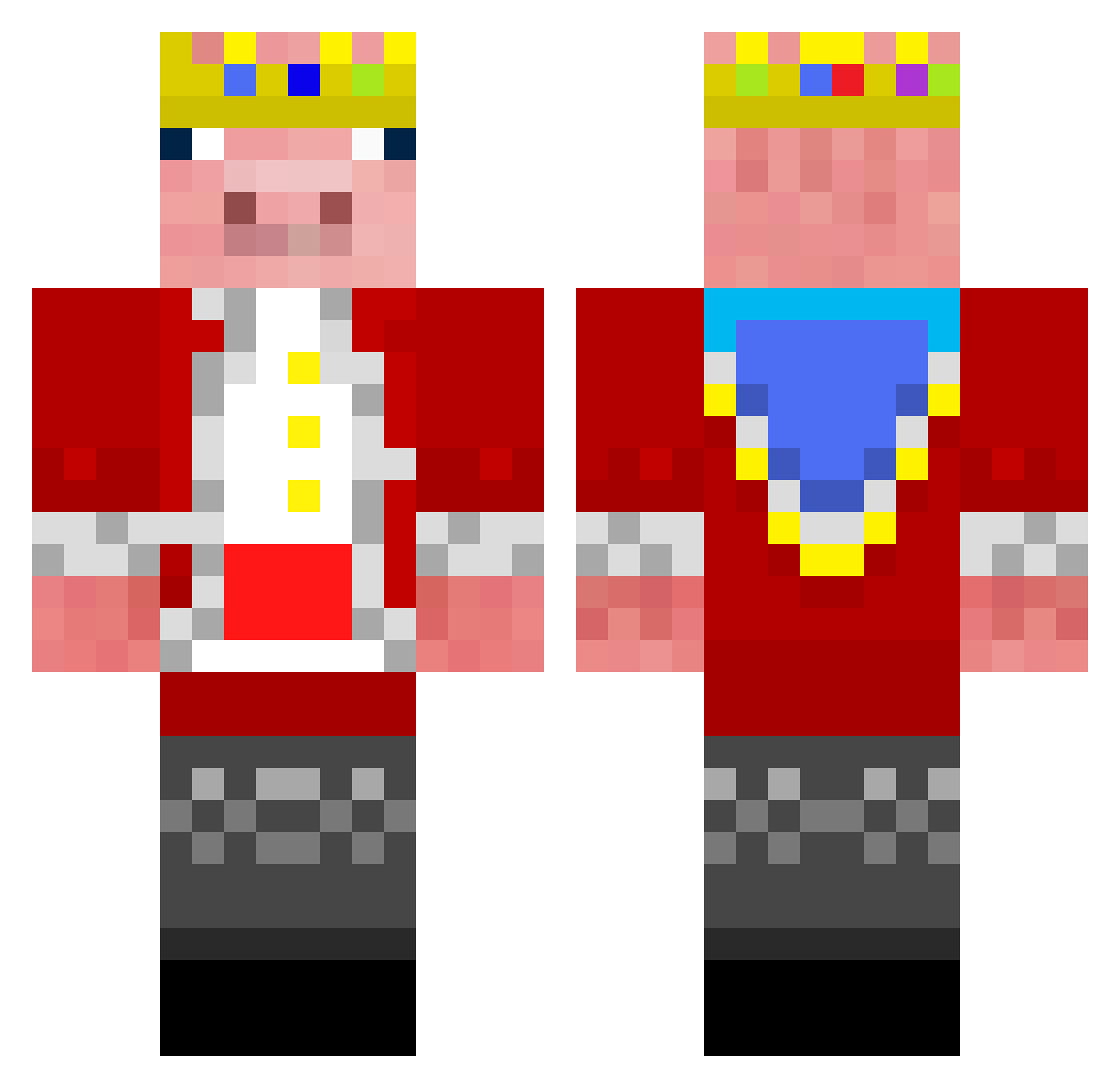
Other players with this skin (147)
modgawd was the 6th player we have seen with this skin, first spotted on 25.07.2026. The same skin was seen on these players. Open a nickname to see their current skin and skin history.
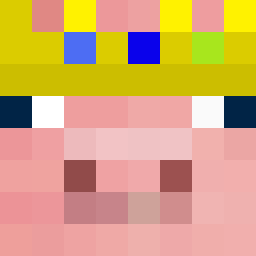 CarFan210 Bill_195 Singapore_Lucy YourOPlayz messimate15 fefrless Dakiks Link_24 PimpDaddyPork Gussybussy Xpyneverdie CaptAwesome364 Ostis11 MYNN_0812 Sil3a2 DestroyerJam17 SilverShadow01 Milara1 Neev4812 Shdwinnit JoeKhamis GreenEagle200 KingKnight540 1980sSpaceMan1 Anime_fan566 The1YeetGod Kakashii6209 dunesdark TurfyDwarf44920 Ramonie602 Emilsboy Babyadopalis cottage_cat Phantom_Yuri HellsSponge TTpeanut ProfoundSatyr1 NickHarry2 cOmEcLoSe Sykes2040 RelicsMC Jack57507 IM_DONE_WITH_DIS DangeCheem mayzee22 ALAMS uReach Coby352 Evanc101 Fire_Bolter6635 imdinosaur456 Dream_XD3 Arnav_Cool cakeman3469 11arda01 gwapingxz Alex1233294 Epic8113 Ominous_King Mummyisth
More Pig King Minecraft skins
How to install the modgawd skin
- Press the Download button above to save the skin as a PNG file.
- Minecraft: Bedrock Edition (PE): open the Dressing Room from the main menu (or tap your character → Edit Character), go to Classic Skins → Owned, press the + (new skin) button, choose the downloaded PNG and pick the Classic (Steve) model. Works on PC and mobile; consoles cannot import custom skins.
- Minecraft: Java Edition: open the Minecraft Launcher, go to the Skins tab, click New Skin, load the PNG, pick the Classic (Steve) model and press Save & Use. You can also upload it at minecraft.net → Profile → Change Skin.
The skin does not show up after import - what should I do?
Restart Minecraft and open the Dressing Room again - imported skins sometimes appear only after a restart. Also make sure you selected the imported skin and picked the Classic (Steve) model.
Which model should I choose, Classic or Slim?
This skin is designed for the Classic (Steve) model. If you pick the wrong model, the arms of the skin will look stretched or squeezed.
Is the skin of modgawd free to download?
Yes. Press Download, save the PNG file and use it in Minecraft: Bedrock Edition or Java Edition - no payment or registration needed. The skin also works on multiplayer servers and Realms.
More skins
Looking for more? Go back to all Minecraft skins and check the top skins of the week, month and all time, or find any player's skin by nickname.