
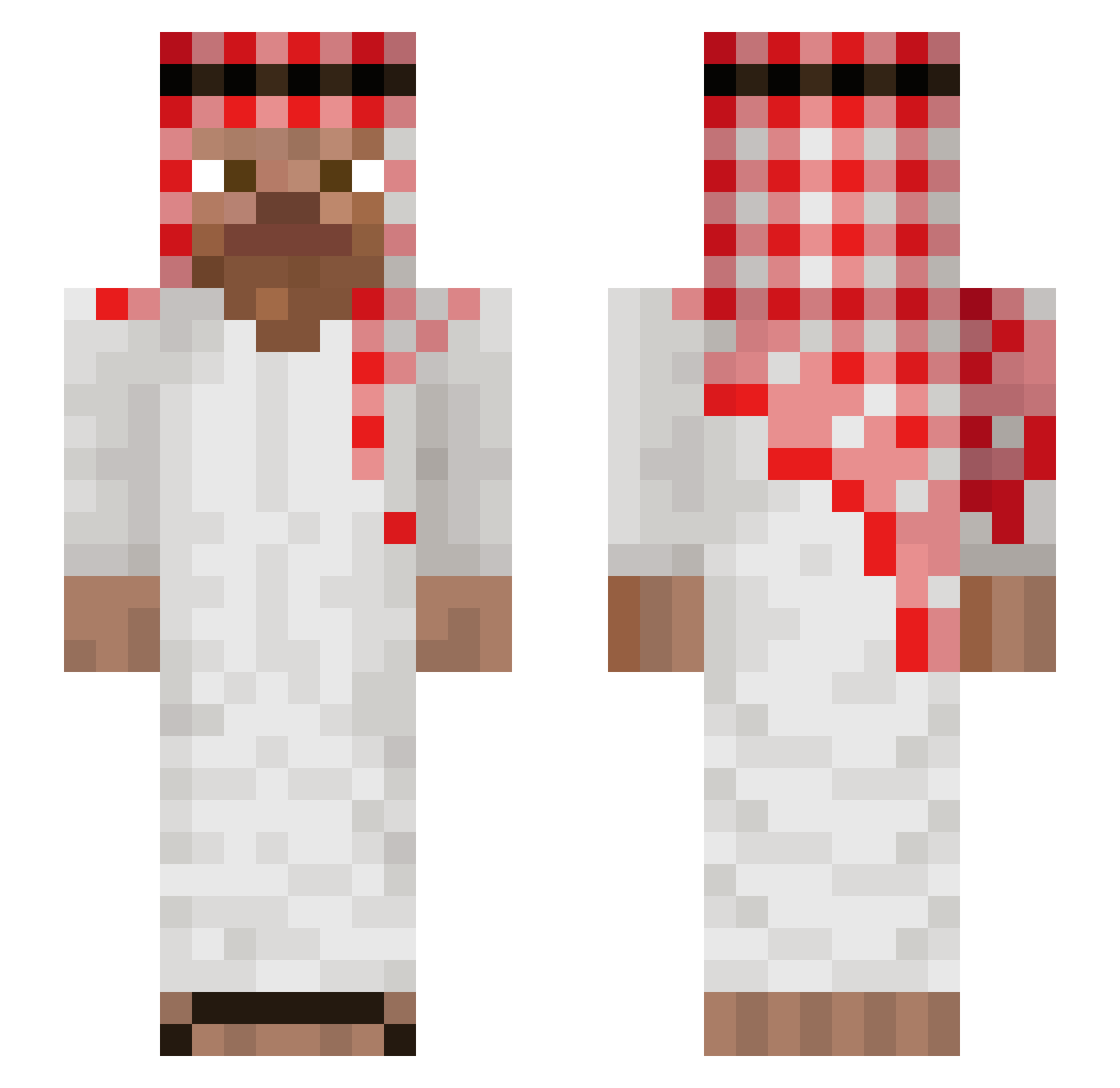
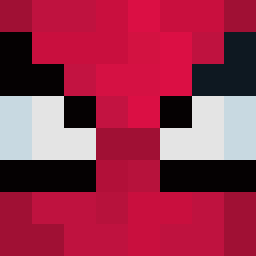
Current Minecraft skin of the player modephonk, loaded from the official Mojang API. Rotate the 3D model with your mouse or finger, then download the skin as a PNG file and use it in Minecraft: Bedrock Edition or Java Edition for free. When modephonk changes their skin, this page updates automatically and the old skin stays in the history below.
Other players with this skin (765)
modephonk was the 81st player we have seen with this skin, first spotted on 30.07.2026. The same skin was seen on these players. Open a nickname to see their current skin and skin history.
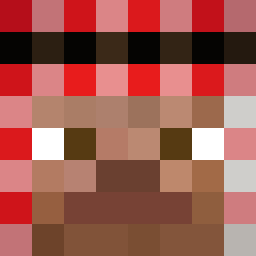 spreadlies
 Ach1lles3 Feneq_maszin DarKad78 Le_33333 manolocaminasolo gescwiester_zeit Exactbicycle13 14L2 papaPacifier Ethanisachud ABBASI515 Misad13 sness11 Gen3ralRadahn sebusduck12 Magloc Soukine FrikadellenSuff red_phantomx1 Larppa85 FullMoonFlex Rosand404 FreeCiv21 At0m3xx HolyZebra21 KropeK8 BOMBEL444 RETR0901 hamada69 alongly AstrayS Reggie8176 MemeManXDD arabmohsen AmirLeAmirp Danog06 Pesdru PracownikRoku Romain200IQ migzdcm meeeeeere SN_132 MensRalncoatslIl
 minecarler DarkIkam_07 Dubdus96 tf0901_fbkfbk Arabski_
 srayzz91 bigpapiQ LegionaryC Itzzkrzyss Muzhacker prazona_boruwa Mitzixin nrqzy lwdb gutsysuds Exclipse01
More Arabic Minecraft skins
How to install the modephonk skin
- Press the Download button above to save the skin as a PNG file.
- Minecraft: Bedrock Edition (PE): open the Dressing Room from the main menu (or tap your character → Edit Character), go to Classic Skins → Owned, press the + (new skin) button, choose the downloaded PNG and pick the Slim (Alex) model. Works on PC and mobile; consoles cannot import custom skins.
- Minecraft: Java Edition: open the Minecraft Launcher, go to the Skins tab, click New Skin, load the PNG, pick the Slim (Alex) model and press Save & Use. You can also upload it at minecraft.net → Profile → Change Skin.
The skin does not show up after import - what should I do?
Restart Minecraft and open the Dressing Room again - imported skins sometimes appear only after a restart. Also make sure you selected the imported skin and picked the Slim (Alex) model.
Which model should I choose, Classic or Slim?
This skin is designed for the Slim (Alex) model. If you pick the wrong model, the arms of the skin will look stretched or squeezed.
Is the skin of modephonk free to download?
Yes. Press Download, save the PNG file and use it in Minecraft: Bedrock Edition or Java Edition - no payment or registration needed. The skin also works on multiplayer servers and Realms.
More skins
Looking for more? Go back to all Minecraft skins and check the top skins of the week, month and all time, or find any player's skin by nickname.