
mjo0ody09 - Minecraft Skins & Skin History
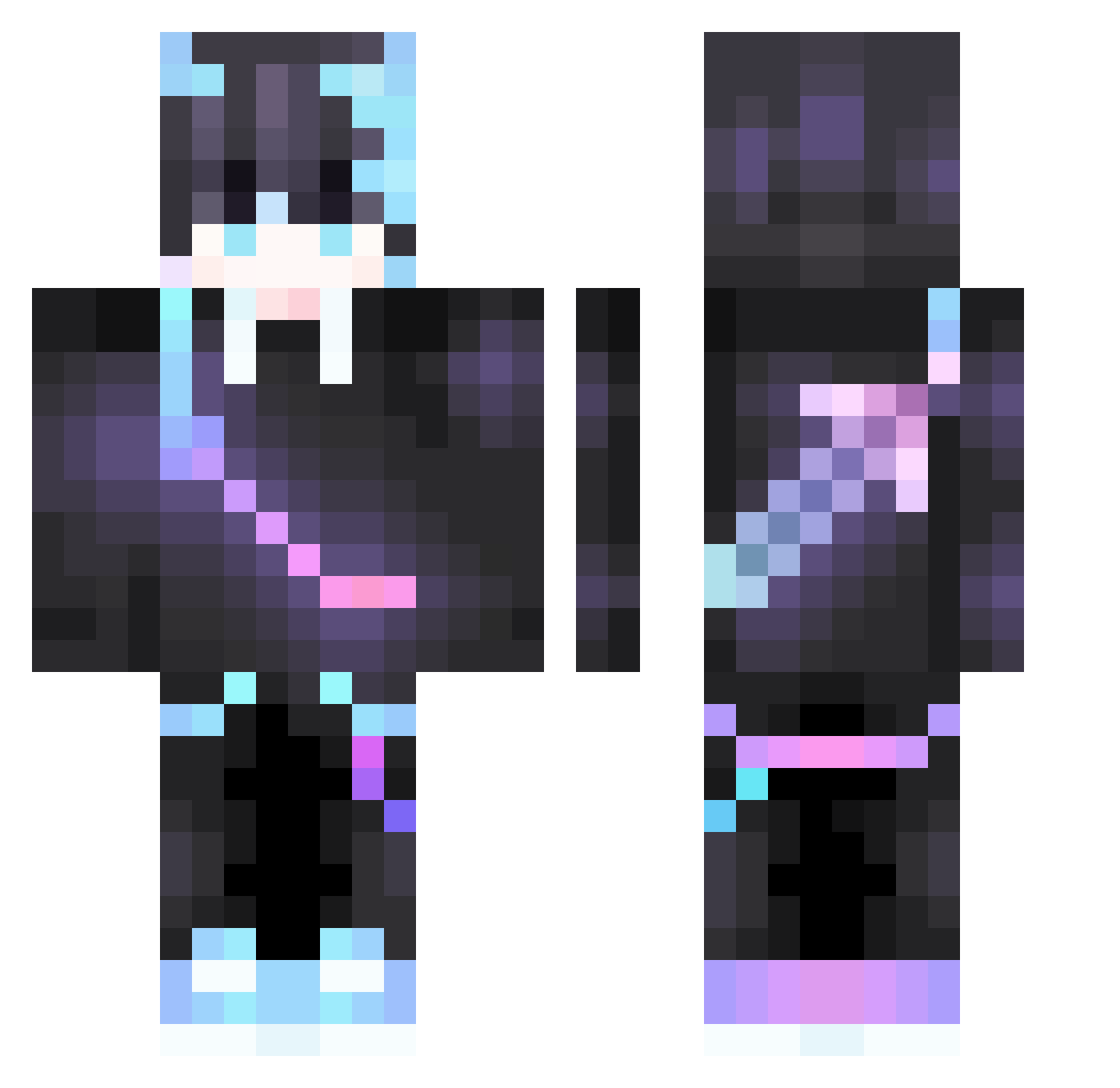
Current Minecraft skin of the player mjo0ody09, loaded from the official Mojang API. Rotate the 3D model with your mouse or finger, then download the skin as a PNG file and use it in Minecraft: Bedrock Edition or Java Edition for free. When mjo0ody09 changes their skin, this page updates automatically and the old skin stays in the history below.
Other players with this skin (378)
mjo0ody09 was the 62nd player we have seen with this skin, first spotted on 08.08.2026. The same skin was seen on these players. Open a nickname to see their current skin and skin history.
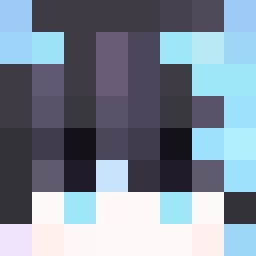 Motaro55
 AlvinTan kotori1214 Yu_Huan Raiko88 TuanGangster Sathaar Michal_Mat selvingl ArcLanlu star_yuan Idr4 LouisLeung Atckhorti ycp0317 nipeige DarkenedEternal West211412 KrispXX gshwl123 Wozhiitry ladislav__CZ h2O96 trumpetqueen14 Riccardociao ShadowGamer7862 Obito2i jesuspro15 xxyhd2008125 Sharkakkoii HZOCHAN ikpc quan1984 wenzhiz gg01gg Tomo_Ha Fecnvc JerryZ___ EasternNight roc_p2 KlPTON Enyola_BB QWQ11223 scp_9527 LinxiaoHanfeng RitikXD Drrkz Dopamint Zeaikyo xbyHell ZJCYAXI sevtimes tofu_liu nienie2 MonkeyJonas733 LIHAOISBOY YUANJI2023 alen7889 Kourtland lzdxxs
More Sword On Back Minecraft skins
See all 238 Sword On Back skins
How to install the mjo0ody09 skin
- Press the Download button above to save the skin as a PNG file.
- Minecraft: Bedrock Edition (PE): open the Dressing Room from the main menu (or tap your character → Edit Character), go to Classic Skins → Owned, press the + (new skin) button, choose the downloaded PNG and pick the Classic (Steve) model. Works on PC and mobile; consoles cannot import custom skins.
- Minecraft: Java Edition: open the Minecraft Launcher, go to the Skins tab, click New Skin, load the PNG, pick the Classic (Steve) model and press Save & Use. You can also upload it at minecraft.net → Profile → Change Skin.
The skin does not show up after import - what should I do?
Restart Minecraft and open the Dressing Room again - imported skins sometimes appear only after a restart. Also make sure you selected the imported skin and picked the Classic (Steve) model.
Which model should I choose, Classic or Slim?
This skin is designed for the Classic (Steve) model. If you pick the wrong model, the arms of the skin will look stretched or squeezed.
Is the skin of mjo0ody09 free to download?
Yes. Press Download, save the PNG file and use it in Minecraft: Bedrock Edition or Java Edition - no payment or registration needed. The skin also works on multiplayer servers and Realms.
More skins
Looking for more? Go back to all Minecraft skins and check the top skins of the week, month and all time, or find any player's skin by nickname.