
mirkano2610 - Minecraft Skins & Skin History
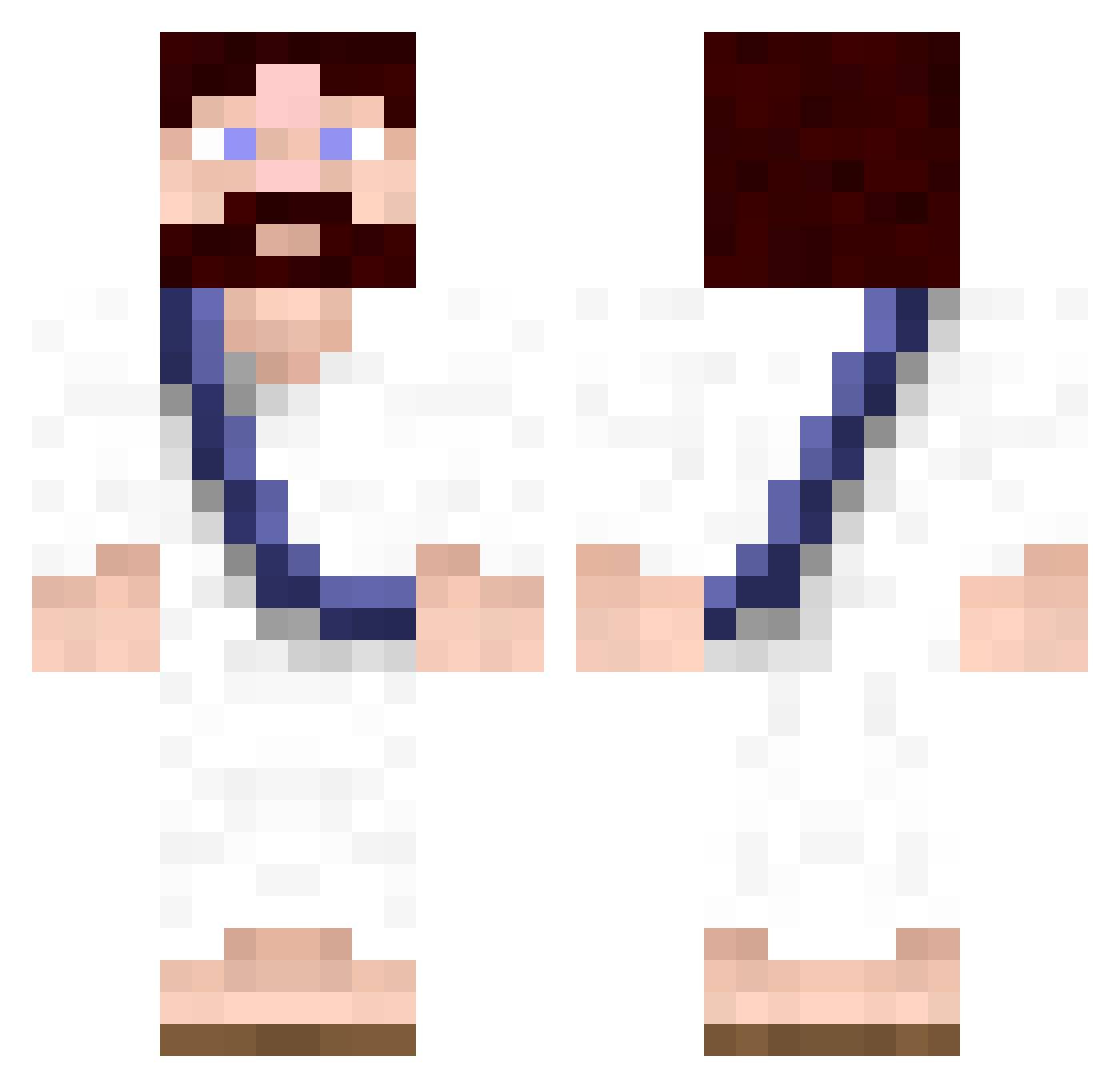
Current Minecraft skin of the player mirkano2610, loaded from the official Mojang API. Rotate the 3D model with your mouse or finger, then download the skin as a PNG file and use it in Minecraft: Bedrock Edition or Java Edition for free. When mirkano2610 changes their skin, this page updates automatically and the old skin stays in the history below.
Other players with this skin (619)
mirkano2610 was the 89th player we have seen with this skin, first spotted on 11.08.2026. The same skin was seen on these players. Open a nickname to see their current skin and skin history.
 cmc3000 brohsidan kewlkatcalvin xtomberryx TimB7 D3r4T alekbless jrosey patchgray Beatsfactor47 Jesus08 leetmachine bhaze AnteNorberg No0basaurusRex snuke7 rich0g Dr_Bear NARCISSE20_ MrBlueChicken88 Gradin19 LeDakat Nimblefingers Theorak wowwowza jaisu skrillex1231234 MalcWebb poopyfartlet twixx8898 brownhes Wipe3Times Pafnuczynski Germxdude NurseKilljoy ignacy2011 hunger_time Joeanator forrealee sathekemp DominosamPL ColaDose Hannibal1705 Dr_Chubs mrTessera StickyBryan MYCAJR98 SumoSniper khwachs hipline CreativeIceCube sementhrower69 M4st3rM4x Shariqc senorbeca nneckclutz mups DennisNo2 ImInMove Heose_
More Bible Minecraft skins
How to install the mirkano2610 skin
- Press the Download button above to save the skin as a PNG file.
- Minecraft: Bedrock Edition (PE): open the Dressing Room from the main menu (or tap your character → Edit Character), go to Classic Skins → Owned, press the + (new skin) button, choose the downloaded PNG and pick the Classic (Steve) model. Works on PC and mobile; consoles cannot import custom skins.
- Minecraft: Java Edition: open the Minecraft Launcher, go to the Skins tab, click New Skin, load the PNG, pick the Classic (Steve) model and press Save & Use. You can also upload it at minecraft.net → Profile → Change Skin.
The skin does not show up after import - what should I do?
Restart Minecraft and open the Dressing Room again - imported skins sometimes appear only after a restart. Also make sure you selected the imported skin and picked the Classic (Steve) model.
Which model should I choose, Classic or Slim?
This skin is designed for the Classic (Steve) model. If you pick the wrong model, the arms of the skin will look stretched or squeezed.
Is the skin of mirkano2610 free to download?
Yes. Press Download, save the PNG file and use it in Minecraft: Bedrock Edition or Java Edition - no payment or registration needed. The skin also works on multiplayer servers and Realms.
More skins
Looking for more? Go back to all Minecraft skins and check the top skins of the week, month and all time, or find any player's skin by nickname.