
minnnnnnnt - Minecraft Skins & Skin History
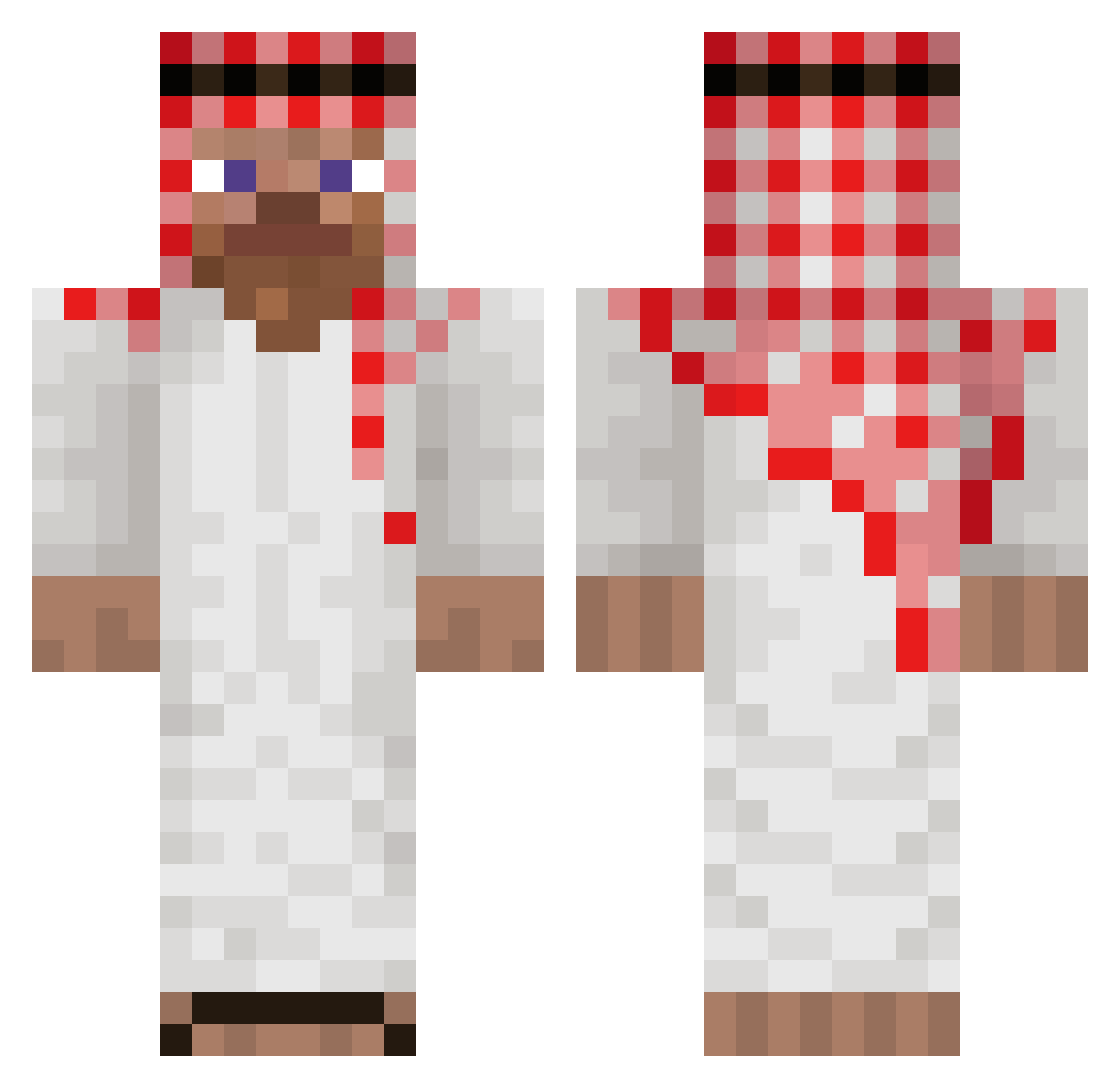
Current Minecraft skin of the player minnnnnnnt, loaded from the official Mojang API. Rotate the 3D model with your mouse or finger, then download the skin as a PNG file and use it in Minecraft: Bedrock Edition or Java Edition for free. When minnnnnnnt changes their skin, this page updates automatically and the old skin stays in the history below.
Other players with this skin (49)
minnnnnnnt was the 5th player we have seen with this skin, first spotted on 12.08.2026. The same skin was seen on these players. Open a nickname to see their current skin and skin history.
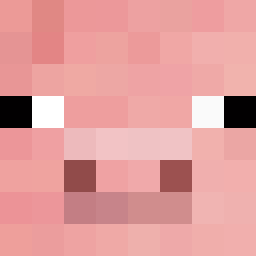 hapukapsas
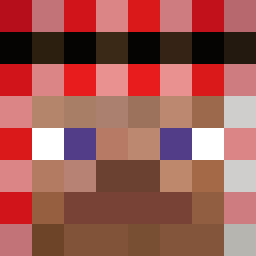 CHK_Dessix Wailenciennnn BOMINIKLOVESFENT Therealdiddy677 zen7_ CHM_5 FLC_Exact Mahi236 Ikaloz2 sharia xWiertarka juangeeked BrowsofDoom
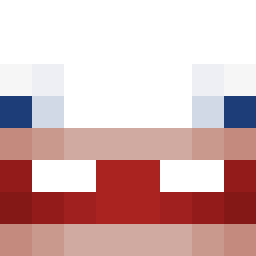 Zakarneh kenji6 xXzumisXx NoxuuYTB VANAMEES2000 Caheumboys youyouu212 MrPapulince algaman Javii1606 ableptically Dravenek bigboi18am OkMrR Gxirox baschtii69 duzyborysek LucaDinescu7620 Aykramba DishierElf53681 CrafterTrigga Gabb4Reall Aksell__ vurelix1 Misko081 Grimalkin GapeDragon TomStark0311 Bartik1255 929eutuoeh jmr2002 SLESH_LIAM_OP KamciAmci Enzothv Dartez_
More Sheikh Minecraft skins
How to install the minnnnnnnt skin
- Press the Download button above to save the skin as a PNG file.
- Minecraft: Bedrock Edition (PE): open the Dressing Room from the main menu (or tap your character → Edit Character), go to Classic Skins → Owned, press the + (new skin) button, choose the downloaded PNG and pick the Classic (Steve) model. Works on PC and mobile; consoles cannot import custom skins.
- Minecraft: Java Edition: open the Minecraft Launcher, go to the Skins tab, click New Skin, load the PNG, pick the Classic (Steve) model and press Save & Use. You can also upload it at minecraft.net → Profile → Change Skin.
The skin does not show up after import - what should I do?
Restart Minecraft and open the Dressing Room again - imported skins sometimes appear only after a restart. Also make sure you selected the imported skin and picked the Classic (Steve) model.
Which model should I choose, Classic or Slim?
This skin is designed for the Classic (Steve) model. If you pick the wrong model, the arms of the skin will look stretched or squeezed.
Is the skin of minnnnnnnt free to download?
Yes. Press Download, save the PNG file and use it in Minecraft: Bedrock Edition or Java Edition - no payment or registration needed. The skin also works on multiplayer servers and Realms.
More skins
Looking for more? Go back to all Minecraft skins and check the top skins of the week, month and all time, or find any player's skin by nickname.