
mining_cobble - Minecraft Skins & Skin History
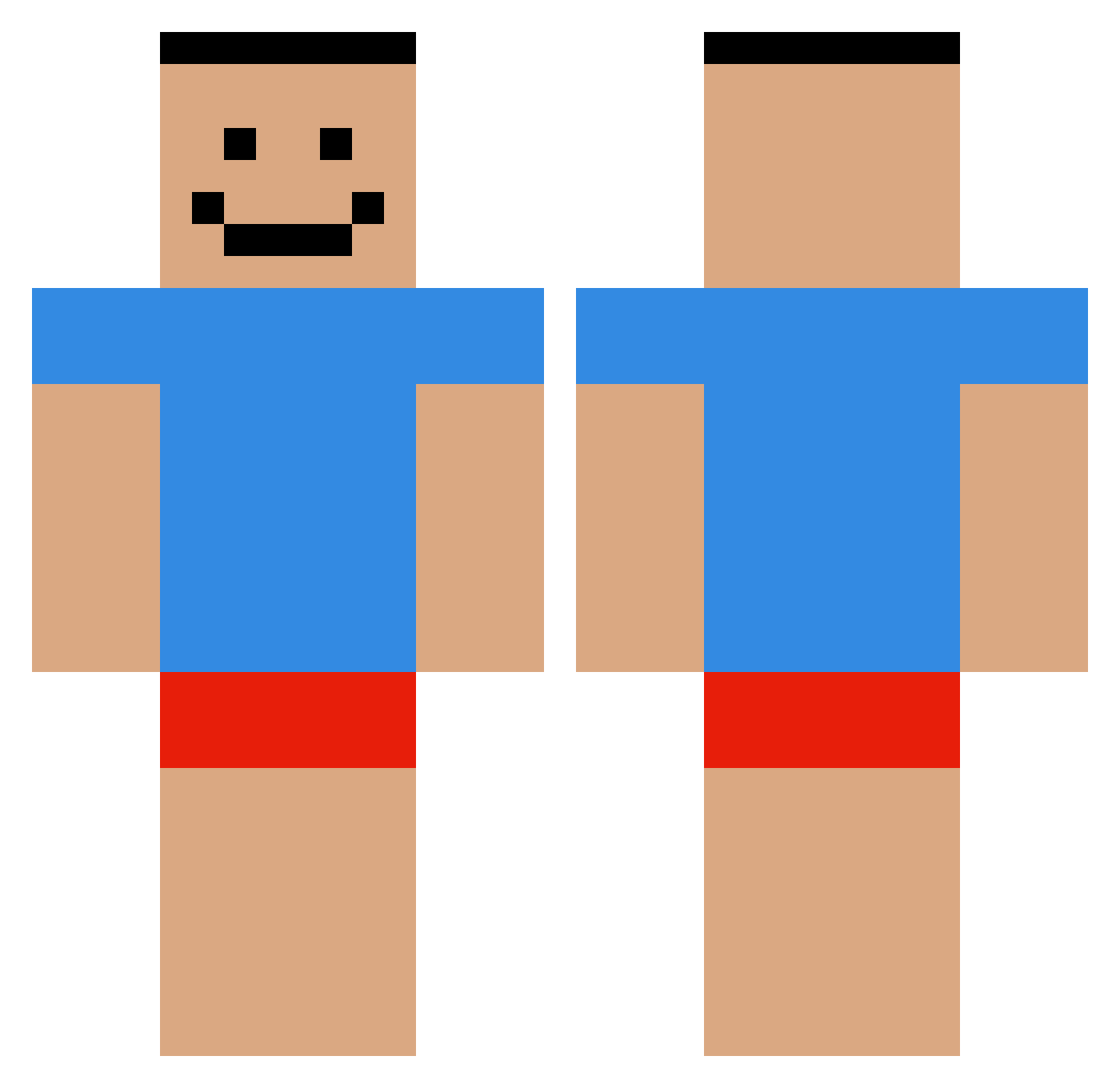
Current Minecraft skin of the player mining_cobble, loaded from the official Mojang API. Rotate the 3D model with your mouse or finger, then download the skin as a PNG file and use it in Minecraft: Bedrock Edition or Java Edition for free. When mining_cobble changes their skin, this page updates automatically and the old skin stays in the history below.
Other players with this skin (479)
mining_cobble was the 368th player we have seen with this skin, first spotted on 06.10.2026. The same skin was seen on these players. Open a nickname to see their current skin and skin history.
 sa9ra73 McBrendo GrafGordon flxmn Simno_ Coop__05 liufat Hanked wofkwofk TalismanKenny Pyxrgon FightingDemon XANMAN2006 xSylenn goudatakeshi bure_dilau Hobo_Soldier ZippyFTW TurkishSpearmen shohee_ HelloImaheadout ARedPear Qwerty48 SHADYe33 MilkyMilk795 dudenugget123 WECTOR22888 ocsibacsi Yungz69 PjanyMistrz astercatt BiliBri ThimmyThicc Perhaps5 ms5014 jogojo11 Orbits_X Aliviax11 helokittymete Xavi_II MakachuSheesh marius_uwu sralsaeed OmarLeTerroriste Bruinpuppy NotXandiOnAlt Mhenlo16 Lithrons 69dzonysex2007 _kafuu Kreker337 ohxi bruh_momentm JuliusKRS jvxo RegularBrik mitchbrown63 wo0__ch Kejkap Pentium_4_HT_651
How to install the mining_cobble skin
- Press the Download button above to save the skin as a PNG file.
- Minecraft: Bedrock Edition (PE): open the Dressing Room from the main menu (or tap your character → Edit Character), go to Classic Skins → Owned, press the + (new skin) button, choose the downloaded PNG and pick the Classic (Steve) model. Works on PC and mobile; consoles cannot import custom skins.
- Minecraft: Java Edition: open the Minecraft Launcher, go to the Skins tab, click New Skin, load the PNG, pick the Classic (Steve) model and press Save & Use. You can also upload it at minecraft.net → Profile → Change Skin.
The skin does not show up after import - what should I do?
Restart Minecraft and open the Dressing Room again - imported skins sometimes appear only after a restart. Also make sure you selected the imported skin and picked the Classic (Steve) model.
Which model should I choose, Classic or Slim?
This skin is designed for the Classic (Steve) model. If you pick the wrong model, the arms of the skin will look stretched or squeezed.
Is the skin of mining_cobble free to download?
Yes. Press Download, save the PNG file and use it in Minecraft: Bedrock Edition or Java Edition - no payment or registration needed. The skin also works on multiplayer servers and Realms.
More skins
Looking for more? Go back to all Minecraft skins and check the top skins of the week, month and all time, or find any player's skin by nickname.