
minecraftkid345 - Minecraft Skins & Skin History
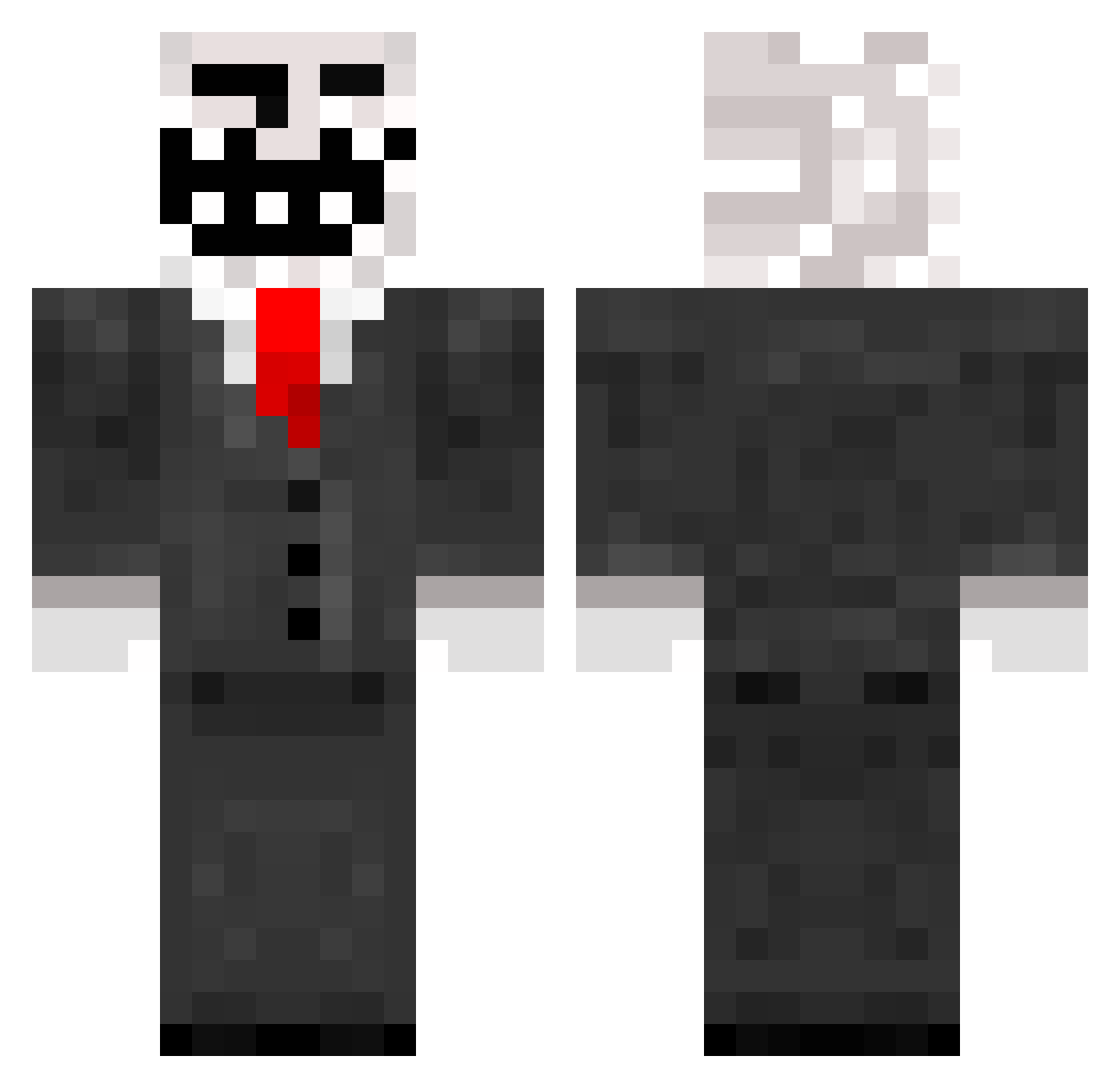
Current Minecraft skin of the player minecraftkid345, loaded from the official Mojang API. Rotate the 3D model with your mouse or finger, then download the skin as a PNG file and use it in Minecraft: Bedrock Edition or Java Edition for free. When minecraftkid345 changes their skin, this page updates automatically and the old skin stays in the history below.
Other players with this skin (788)
minecraftkid345 was the 196th player we have seen with this skin, first spotted on 20.08.2026. The same skin was seen on these players. Open a nickname to see their current skin and skin history.
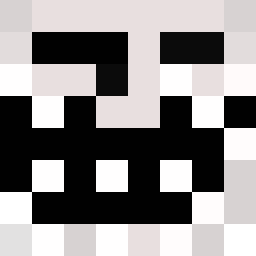 VinceDaChang Hugo1809 Zeus7887 Pilsharker mikey832 NoizGM Zzzzap sean_turtle Candywalk BostonCannonsLax MuffinZor colethebeastly BlackbutWhite15 SubaruLife13 hetzer2002 dimikbad goodbub Darkwalkertd miviro StealingFlowz danieljensen4760 neverordinary Mr_Prismax the_last_trol ErikNamo monsterspawnerXD Subsoil Flex1994 Dog_Duke OPTiiCNiiNJA MilkyFilms infinityIMonkey TH3TROLL DarkKrai Schnils09 TheLOLWHAT DarkestDemon Luckse ghostrider716 haydnb9 CosmoCid krup2893 GamingStyle300 ThePlaya1301 zordiak7 Soszenbrot ganjabis EviLRangeR RoflanZdorova Hodorz Rallige DesmoGame pacmanv16 dvdosho TrueAllstar12 Jackbluett jwoo8990 johnnyboy188 blitzschnell fapmaster_flash
More Trollface Minecraft skins
How to install the minecraftkid345 skin
- Press the Download button above to save the skin as a PNG file.
- Minecraft: Bedrock Edition (PE): open the Dressing Room from the main menu (or tap your character → Edit Character), go to Classic Skins → Owned, press the + (new skin) button, choose the downloaded PNG and pick the Classic (Steve) model. Works on PC and mobile; consoles cannot import custom skins.
- Minecraft: Java Edition: open the Minecraft Launcher, go to the Skins tab, click New Skin, load the PNG, pick the Classic (Steve) model and press Save & Use. You can also upload it at minecraft.net → Profile → Change Skin.
The skin does not show up after import - what should I do?
Restart Minecraft and open the Dressing Room again - imported skins sometimes appear only after a restart. Also make sure you selected the imported skin and picked the Classic (Steve) model.
Which model should I choose, Classic or Slim?
This skin is designed for the Classic (Steve) model. If you pick the wrong model, the arms of the skin will look stretched or squeezed.
Is the skin of minecraftkid345 free to download?
Yes. Press Download, save the PNG file and use it in Minecraft: Bedrock Edition or Java Edition - no payment or registration needed. The skin also works on multiplayer servers and Realms.
More skins
Looking for more? Go back to all Minecraft skins and check the top skins of the week, month and all time, or find any player's skin by nickname.