
mine_0069 - Minecraft Skins & Skin History
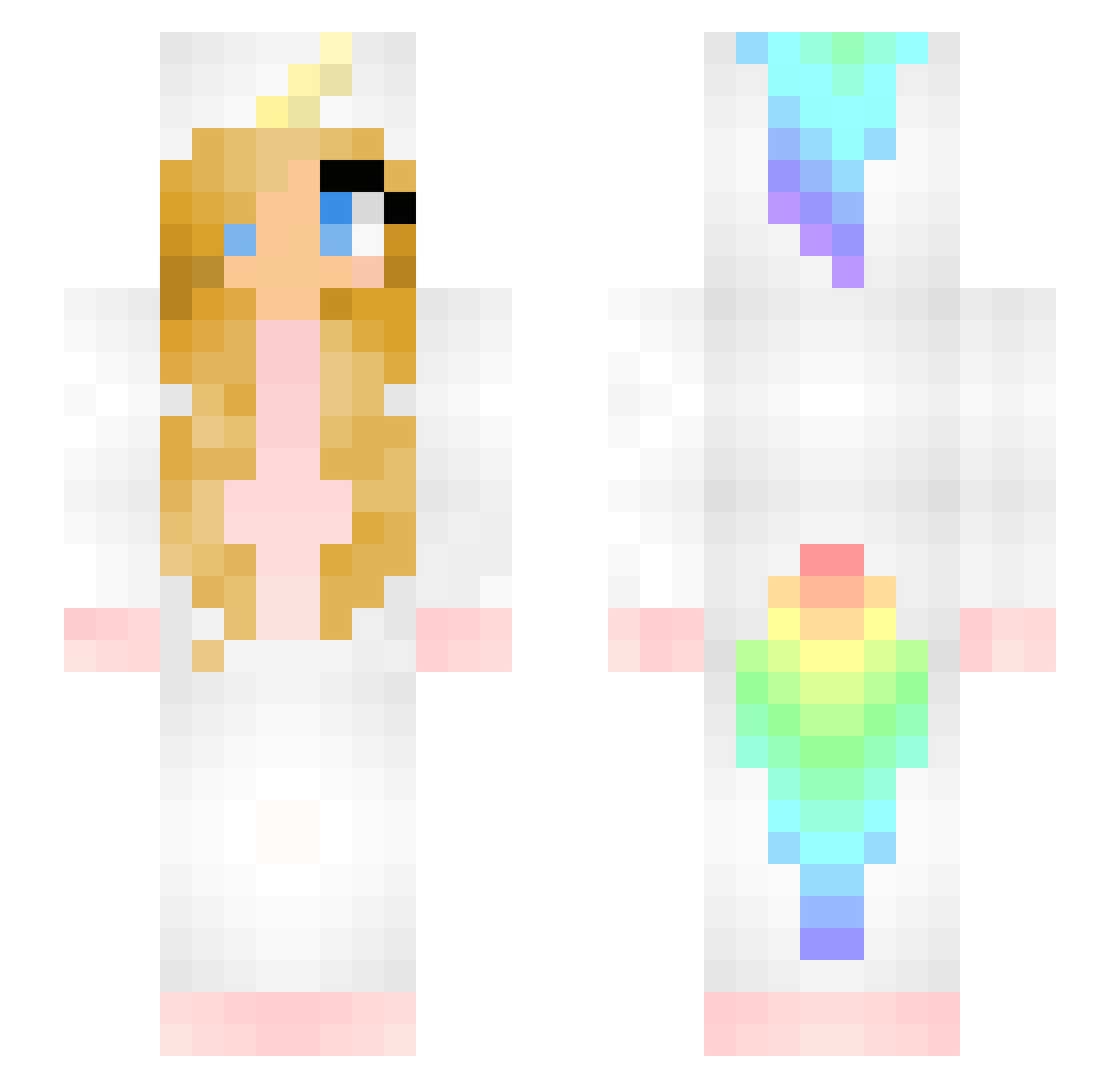
Current Minecraft skin of the player mine_0069, loaded from the official Mojang API. Rotate the 3D model with your mouse or finger, then download the skin as a PNG file and use it in Minecraft: Bedrock Edition or Java Edition for free. When mine_0069 changes their skin, this page updates automatically and the old skin stays in the history below.
Other players with this skin (121)
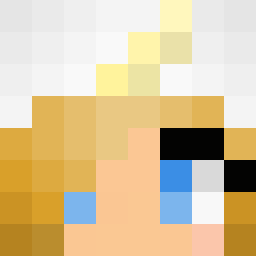
mine_0069 was the 15th player we have seen with this skin, first spotted on 09.08.2026. The same skin was seen on these players. Open a nickname to see their current skin and skin history.
 KatelynWithPaint CorporalSammy _BeKaa Sildebille valentin260905 FusselFlusen FluffyUnicorn949 AlionaGames NotePadPlusPlus Lola0077 Milki669 barak3573c Bluemo_ ItsCaareBear Emeraldsky1221 EMILKA0000 KariSocke vulpppe Smol_Skitty kualdja Orbbc AnalMeDaddy Sheikalice gracelyyn ElectroSpy Amornchai Angel4615 beru9 Laurose escandrea Mastergucky CheesyNachos21 guzelx mashak Rosaengel unicornio1212 yourfavv_lina anna_0808 clxudiaaa AwesomeAlexa5 kinga5471 Vayora Isikaya Derpientje cherry1029 pelkinhoo BobaSpock DinoGrl AwsomeSanne White_dog1998 PrincessLeia_69 mell_any_ lindee Razalael tnisk420 JordynUnicorn Esmerelle buontonno2 UnicornLover321 CarolzinhaCraft
More Unicorn Minecraft skins
How to install the mine_0069 skin
- Press the Download button above to save the skin as a PNG file.
- Minecraft: Bedrock Edition (PE): open the Dressing Room from the main menu (or tap your character → Edit Character), go to Classic Skins → Owned, press the + (new skin) button, choose the downloaded PNG and pick the Slim (Alex) model. Works on PC and mobile; consoles cannot import custom skins.
- Minecraft: Java Edition: open the Minecraft Launcher, go to the Skins tab, click New Skin, load the PNG, pick the Slim (Alex) model and press Save & Use. You can also upload it at minecraft.net → Profile → Change Skin.
The skin does not show up after import - what should I do?
Restart Minecraft and open the Dressing Room again - imported skins sometimes appear only after a restart. Also make sure you selected the imported skin and picked the Slim (Alex) model.
Which model should I choose, Classic or Slim?
This skin is designed for the Slim (Alex) model. If you pick the wrong model, the arms of the skin will look stretched or squeezed.
Is the skin of mine_0069 free to download?
Yes. Press Download, save the PNG file and use it in Minecraft: Bedrock Edition or Java Edition - no payment or registration needed. The skin also works on multiplayer servers and Realms.
More skins
Looking for more? Go back to all Minecraft skins and check the top skins of the week, month and all time, or find any player's skin by nickname.