
mikeywi95 - Minecraft Skins & Skin History
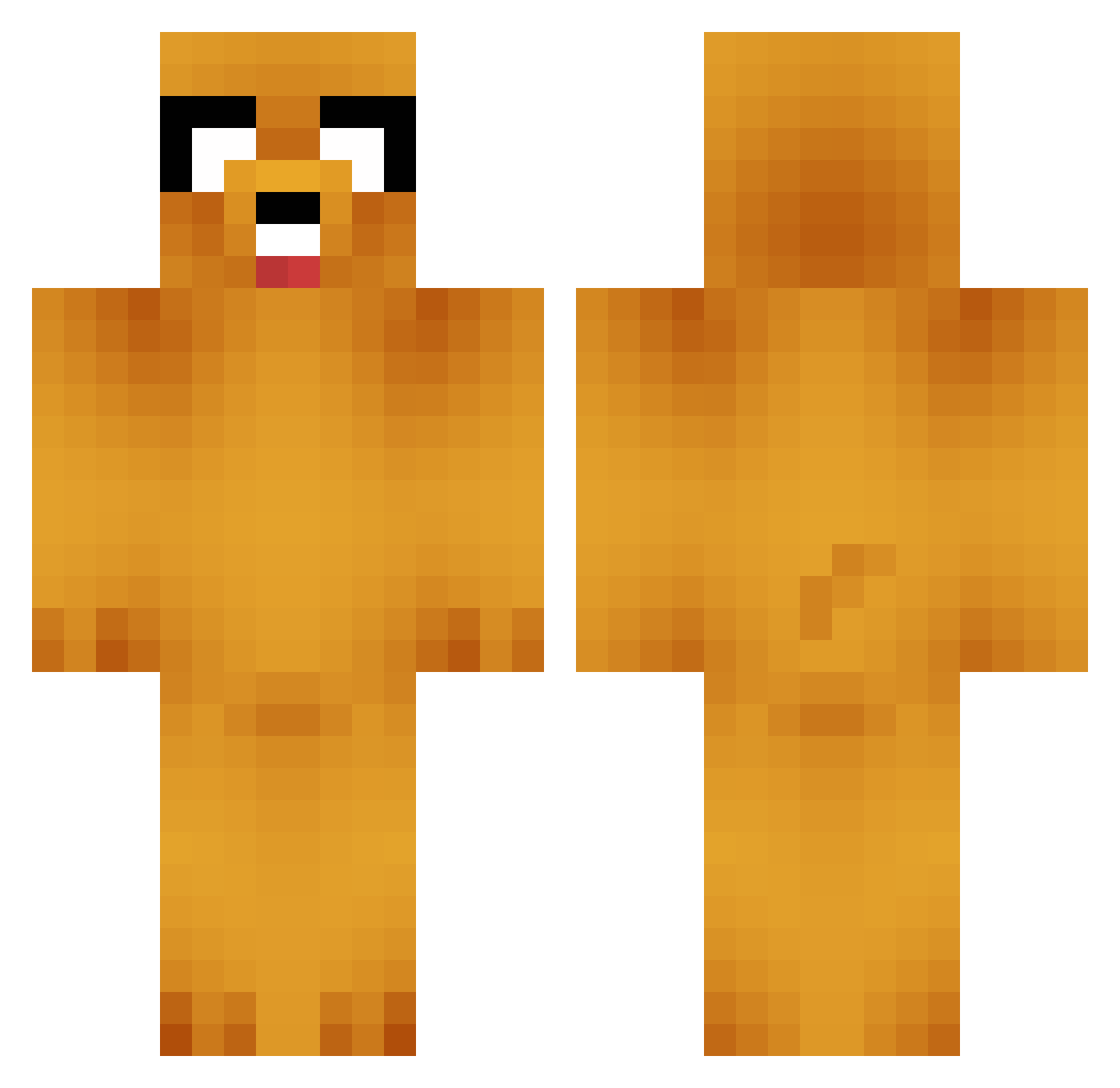
Current Minecraft skin of the player mikeywi95, loaded from the official Mojang API. Rotate the 3D model with your mouse or finger, then download the skin as a PNG file and use it in Minecraft: Bedrock Edition or Java Edition for free. When mikeywi95 changes their skin, this page updates automatically and the old skin stays in the history below.
Other players with this skin (749)
mikeywi95 was the 561st player we have seen with this skin, first spotted on 12.10.2026. The same skin was seen on these players. Open a nickname to see their current skin and skin history.
 armykidd99 thunderbuddy187 miacat77 drummermania2112 ffnsbrownman PK_Awesome_o magnus221 Kyosr Moafi silverslugger17 maskama liamkills Megatallica Im_Just_Toby solanaceus ananasinn professorQtip MasnySzymek computerdude29 IamMalaria qwertyhunter NastyReaper26 SynisterMotive jkasky rainbow367 Cannaisseur Wheezetea Blackops2025P zwerc Rickets1 5D5 EvrythingBurrit0 ethanrangerman JakeTemuka beastquest1212 Bladecatcher13 Hari_kokoro Dr_Morte Viking_punch and6409 cottonwool Talossun Speakofawe FooZZZi Stickreid Lemin_ OMGItsXennis oscar9ko SuperWaluigibros _charlatan Romkis35 gatto31 aerosmith1999 d0ormat Played Fandensoldemor96 micta Abraham_ Charliehswag2424 Stijn2016
More Jake Minecraft skins
How to install the mikeywi95 skin
- Press the Download button above to save the skin as a PNG file.
- Minecraft: Bedrock Edition (PE): open the Dressing Room from the main menu (or tap your character → Edit Character), go to Classic Skins → Owned, press the + (new skin) button, choose the downloaded PNG and pick the Classic (Steve) model. Works on PC and mobile; consoles cannot import custom skins.
- Minecraft: Java Edition: open the Minecraft Launcher, go to the Skins tab, click New Skin, load the PNG, pick the Classic (Steve) model and press Save & Use. You can also upload it at minecraft.net → Profile → Change Skin.
The skin does not show up after import - what should I do?
Restart Minecraft and open the Dressing Room again - imported skins sometimes appear only after a restart. Also make sure you selected the imported skin and picked the Classic (Steve) model.
Which model should I choose, Classic or Slim?
This skin is designed for the Classic (Steve) model. If you pick the wrong model, the arms of the skin will look stretched or squeezed.
Is the skin of mikeywi95 free to download?
Yes. Press Download, save the PNG file and use it in Minecraft: Bedrock Edition or Java Edition - no payment or registration needed. The skin also works on multiplayer servers and Realms.
More skins
Looking for more? Go back to all Minecraft skins and check the top skins of the week, month and all time, or find any player's skin by nickname.