
metsunshine - Minecraft Skins & Skin History
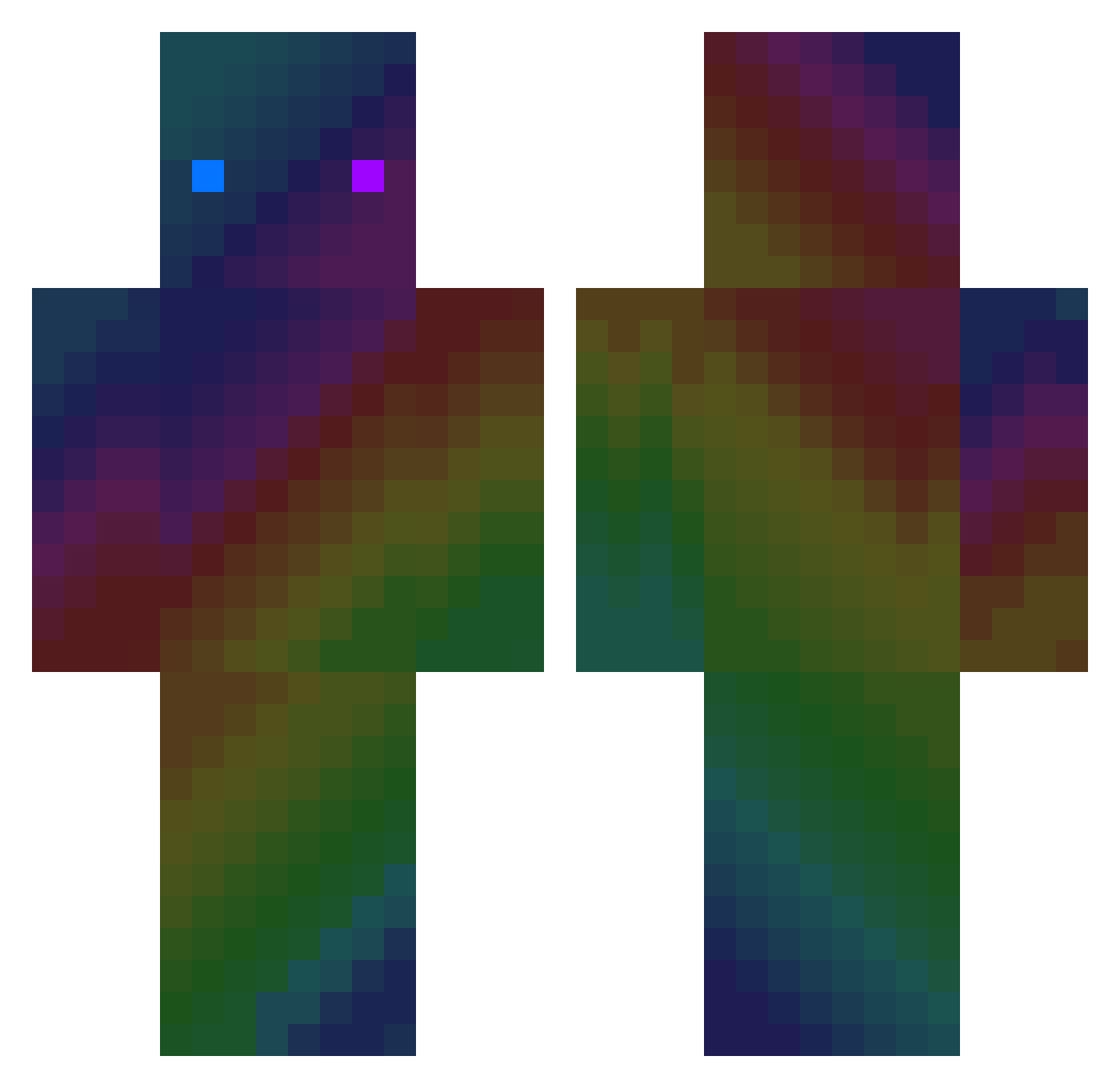
Current Minecraft skin of the player metsunshine, loaded from the official Mojang API. Rotate the 3D model with your mouse or finger, then download the skin as a PNG file and use it in Minecraft: Bedrock Edition or Java Edition for free. When metsunshine changes their skin, this page updates automatically and the old skin stays in the history below.
Other players with this skin (412)
metsunshine was the 37th player we have seen with this skin, first spotted on 03.08.2026. The same skin was seen on these players. Open a nickname to see their current skin and skin history.
 Nicolecoquelicot RzRayzz WallGen Stoecky jason651499 kimtehun Nejra20 Howard2006 PoprostujarO supermiraglia Honzys97 Gian178 Akiba555 erincsahin Mooocooow Rook5050 o0DerSteven0o rektdonutcrafter peterjs1121 Va1idation patronn00 Pickouse iErAlpha Sinappi98 Dimonovich CatLord73 ManicPride GiveMeAdmin_ Doudouman91 Uzg ashlexOP szyyyyyszek MonoBarry roelieboy204 Dreamoonyaoyuan2 zDaanx12 koxde Matesadlox guy_theking Its_schefff emeuss DamiRaf FreezZy__76 GC2404 haoyuexingkong NimNinja AlphahyderYT MILO2LATESSS Helmx edwardk1023 Mimimiilllllllli VIVIXs YungSinatraz hyeonseo0806 green_tea1482 gimoring1004 ZhongShi IxoTwo Galiroo anwaarrr
How to install the metsunshine skin
- Press the Download button above to save the skin as a PNG file.
- Minecraft: Bedrock Edition (PE): open the Dressing Room from the main menu (or tap your character → Edit Character), go to Classic Skins → Owned, press the + (new skin) button, choose the downloaded PNG and pick the Classic (Steve) model. Works on PC and mobile; consoles cannot import custom skins.
- Minecraft: Java Edition: open the Minecraft Launcher, go to the Skins tab, click New Skin, load the PNG, pick the Classic (Steve) model and press Save & Use. You can also upload it at minecraft.net → Profile → Change Skin.
The skin does not show up after import - what should I do?
Restart Minecraft and open the Dressing Room again - imported skins sometimes appear only after a restart. Also make sure you selected the imported skin and picked the Classic (Steve) model.
Which model should I choose, Classic or Slim?
This skin is designed for the Classic (Steve) model. If you pick the wrong model, the arms of the skin will look stretched or squeezed.
Is the skin of metsunshine free to download?
Yes. Press Download, save the PNG file and use it in Minecraft: Bedrock Edition or Java Edition - no payment or registration needed. The skin also works on multiplayer servers and Realms.
More skins
Looking for more? Go back to all Minecraft skins and check the top skins of the week, month and all time, or find any player's skin by nickname.