
melodyygg - Minecraft Skins & Skin History
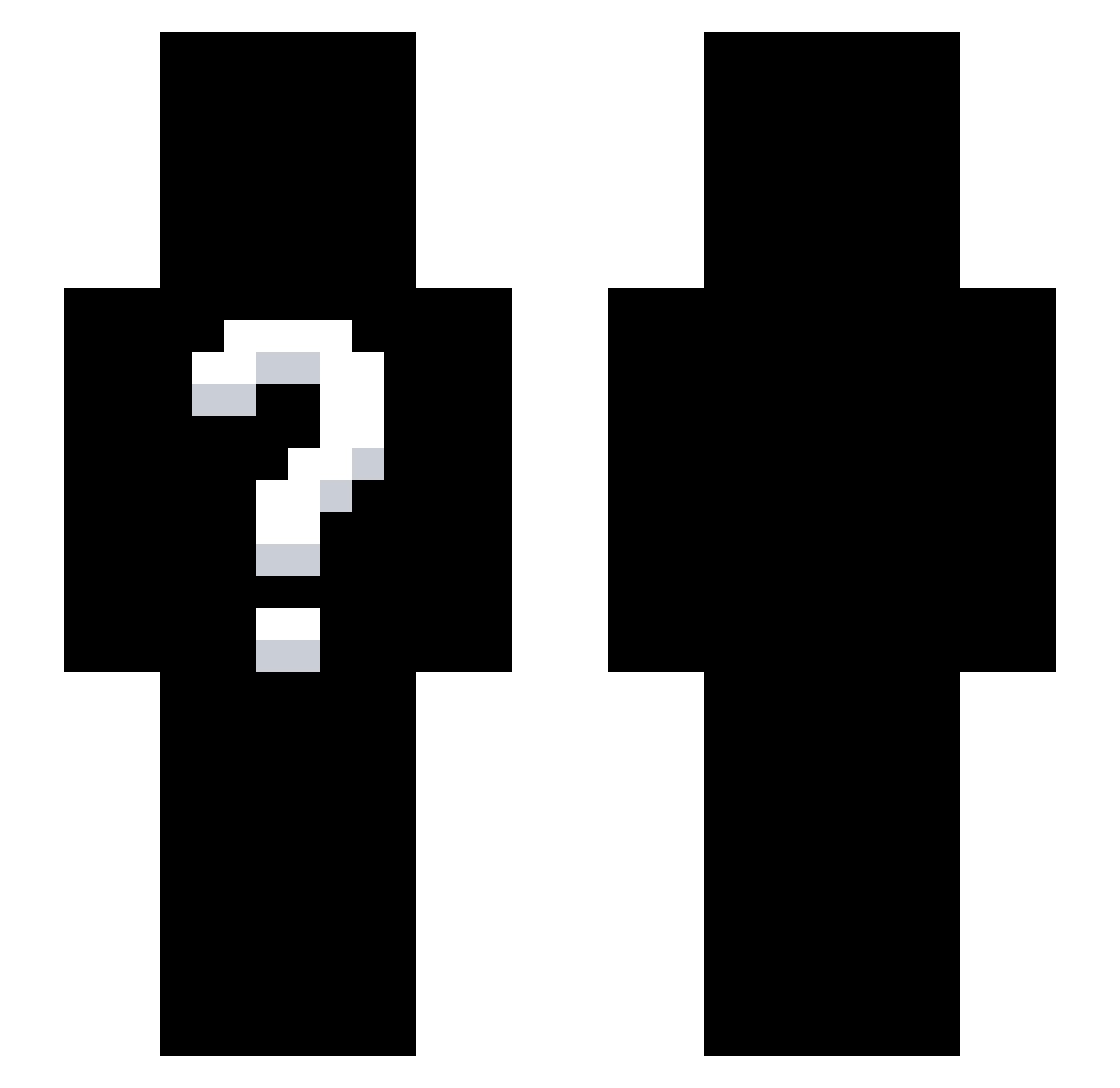
Current Minecraft skin of the player melodyygg, loaded from the official Mojang API. Rotate the 3D model with your mouse or finger, then download the skin as a PNG file and use it in Minecraft: Bedrock Edition or Java Edition for free. When melodyygg changes their skin, this page updates automatically and the old skin stays in the history below.
Other players with this skin (265)
melodyygg was the 75th player we have seen with this skin, first spotted on 20.08.2026. The same skin was seen on these players. Open a nickname to see their current skin and skin history.
 PortuDicenMe toucanY5
 Slisy_23
 twomenonejar
 Turkcukurtadam DeadlyDamonW
 poopsauce118 J0NIBALD Knifeman19 Cezary8901d
 Rebzyyx__
 I_am_not_good_ StateFl0w abracada_bra tutulas007
 joejoealabama 83KA _Zenq LunarHii Nah_What skylertheguy
 Lootinglll alessio123456782 Prime_Klein sir_Hedge_Knight Syvrix Solynate HexNorkS
 Clipcicle JitLang
 WardenNoah nabenabek aimzaza
 twivz_ krozza90 Ornatepark2751
 Hypersuperduber dxtzm Oshikomu
 Dominity silentreaperx0_
 Steveopherus Szymooo77 1v57 user_stolen N0TH1NG_C0LD
 IlIlIlIllIllIIlI ydkkL
 Kaaztqn
 CosmicC00K1E M0ltnn
 Daboozo R5sor c0rona1 Steakuncher
 Bloomeed_ lt1lowkey sillypurin kimarthur119 dugotuco
How to install the melodyygg skin
- Press the Download button above to save the skin as a PNG file.
- Minecraft: Bedrock Edition (PE): open the Dressing Room from the main menu (or tap your character → Edit Character), go to Classic Skins → Owned, press the + (new skin) button, choose the downloaded PNG and pick the Slim (Alex) model. Works on PC and mobile; consoles cannot import custom skins.
- Minecraft: Java Edition: open the Minecraft Launcher, go to the Skins tab, click New Skin, load the PNG, pick the Slim (Alex) model and press Save & Use. You can also upload it at minecraft.net → Profile → Change Skin.
The skin does not show up after import - what should I do?
Restart Minecraft and open the Dressing Room again - imported skins sometimes appear only after a restart. Also make sure you selected the imported skin and picked the Slim (Alex) model.
Which model should I choose, Classic or Slim?
This skin is designed for the Slim (Alex) model. If you pick the wrong model, the arms of the skin will look stretched or squeezed.
Is the skin of melodyygg free to download?
Yes. Press Download, save the PNG file and use it in Minecraft: Bedrock Edition or Java Edition - no payment or registration needed. The skin also works on multiplayer servers and Realms.
More skins
Looking for more? Go back to all Minecraft skins and check the top skins of the week, month and all time, or find any player's skin by nickname.