
maxlawrence1 - Minecraft Skins & Skin History
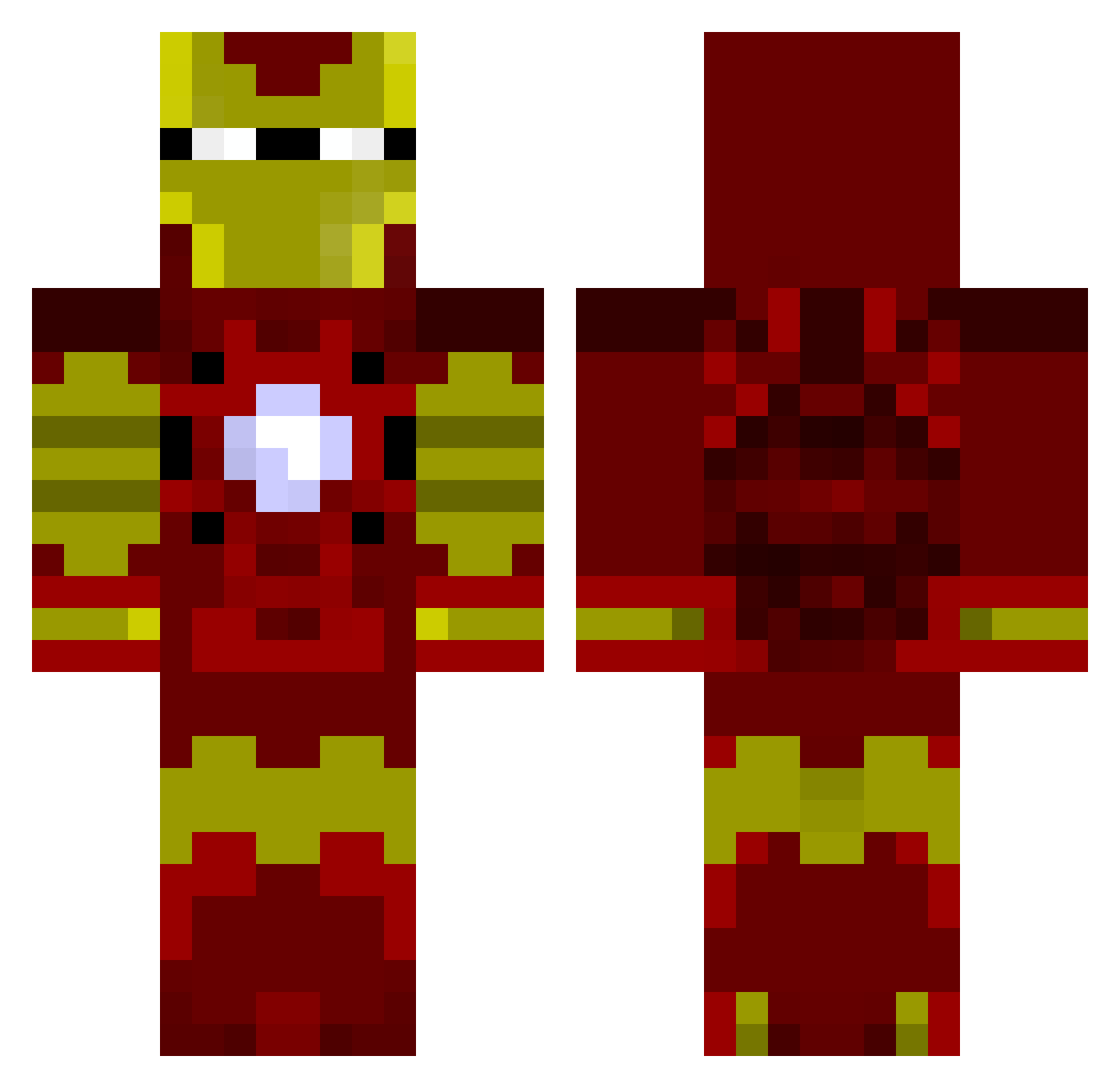
Current Minecraft skin of the player maxlawrence1, loaded from the official Mojang API. Rotate the 3D model with your mouse or finger, then download the skin as a PNG file and use it in Minecraft: Bedrock Edition or Java Edition for free. When maxlawrence1 changes their skin, this page updates automatically and the old skin stays in the history below.
Other players with this skin (803)
maxlawrence1 was the 328th player we have seen with this skin, first spotted on 01.09.2026. The same skin was seen on these players. Open a nickname to see their current skin and skin history.
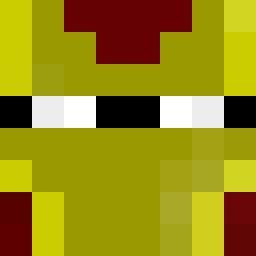 Eierbear97 rainbow5522 adzyvalo DR_DANIMAL RacistMuffin aneti1234 CallieSparkles ScoobyShag1 Imma_Weirdo Woutjuh88 Damascus543 TheKauffman ConnorR626 gez002 drunkirishman6 bztwoody FrenchyPopsicle TacCrafter CrispyCrisps NeffNerd KingHue joelmurt256 The_shield_ Wierdbeard1422 minemaker1210 electroncrossing bware2018 FFBirdman zemuffinman8 joskrau1234 jabr007 scrappydoo1986 YouMadBro908 zenondextra Bailey742 Blake_Aston thekillerofevil KaiRose75 CaptainBooth Oldwaldo Bradsufc89 dopeazzusername duus123456789 LeoLeoloLeo12345 UltiGeorge miningkareem dfallen0311 soakerALT74 bray1117 Cubaine theblockplacer1 chew149 stark023 marc4u23 CrazyHero30000 adamjr981 TY9487 CaptainSoccer526 sonofdad123cam ronfitz03
More Iron Man Minecraft skins
How to install the maxlawrence1 skin
- Press the Download button above to save the skin as a PNG file.
- Minecraft: Bedrock Edition (PE): open the Dressing Room from the main menu (or tap your character → Edit Character), go to Classic Skins → Owned, press the + (new skin) button, choose the downloaded PNG and pick the Classic (Steve) model. Works on PC and mobile; consoles cannot import custom skins.
- Minecraft: Java Edition: open the Minecraft Launcher, go to the Skins tab, click New Skin, load the PNG, pick the Classic (Steve) model and press Save & Use. You can also upload it at minecraft.net → Profile → Change Skin.
The skin does not show up after import - what should I do?
Restart Minecraft and open the Dressing Room again - imported skins sometimes appear only after a restart. Also make sure you selected the imported skin and picked the Classic (Steve) model.
Which model should I choose, Classic or Slim?
This skin is designed for the Classic (Steve) model. If you pick the wrong model, the arms of the skin will look stretched or squeezed.
Is the skin of maxlawrence1 free to download?
Yes. Press Download, save the PNG file and use it in Minecraft: Bedrock Edition or Java Edition - no payment or registration needed. The skin also works on multiplayer servers and Realms.
More skins
Looking for more? Go back to all Minecraft skins and check the top skins of the week, month and all time, or find any player's skin by nickname.