
maxi_88888 - Minecraft Skins & Skin History
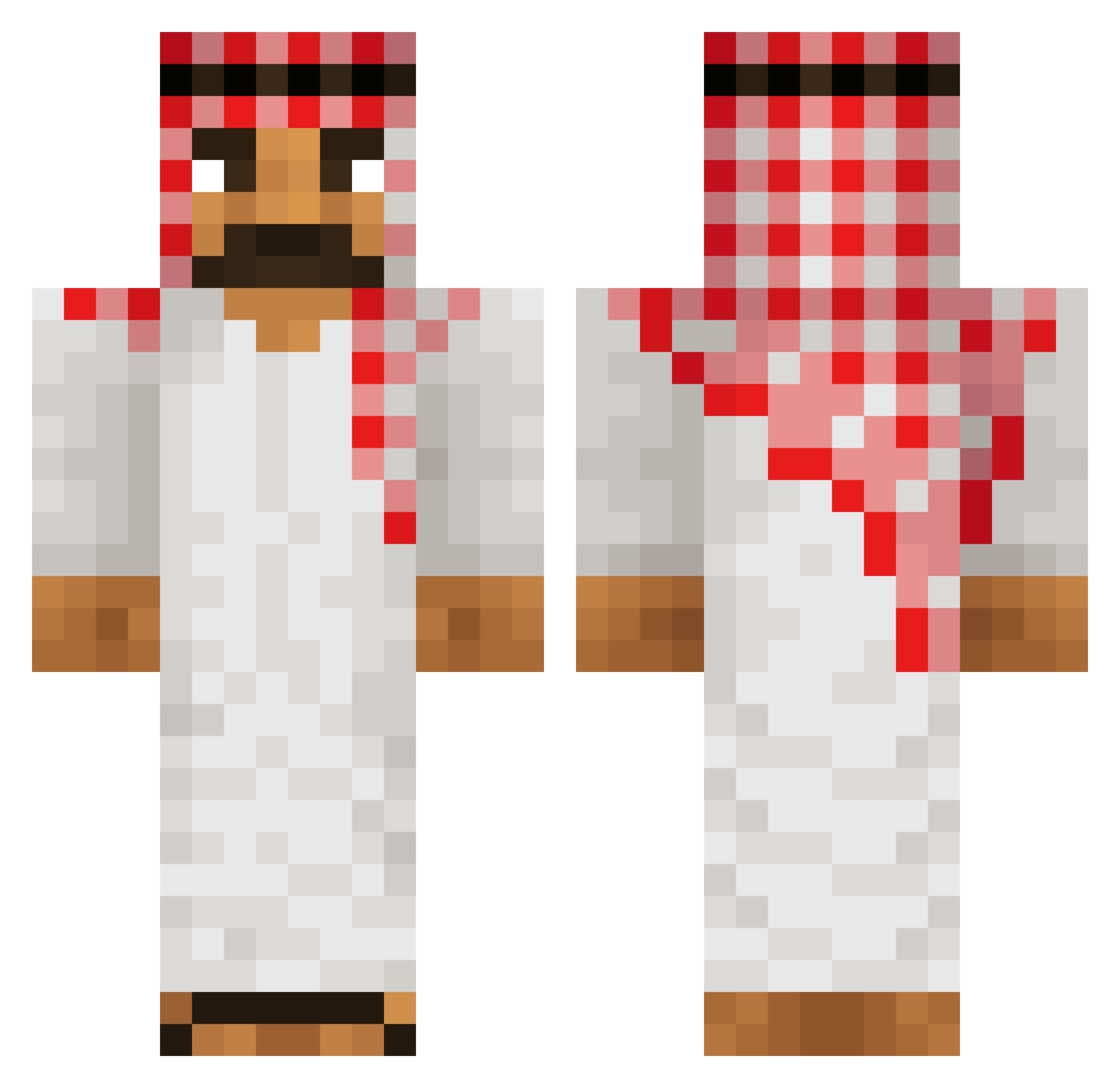
Current Minecraft skin of the player maxi_88888, loaded from the official Mojang API. Rotate the 3D model with your mouse or finger, then download the skin as a PNG file and use it in Minecraft: Bedrock Edition or Java Edition for free. When maxi_88888 changes their skin, this page updates automatically and the old skin stays in the history below.
Other players with this skin (513)
maxi_88888 was the 196th player we have seen with this skin, first spotted on 02.09.2026. The same skin was seen on these players. Open a nickname to see their current skin and skin history.
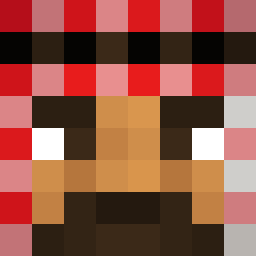 Provinix420 nd121 RawAppartment51 PapahSmoke gnembon1 4PFSwag Fafik1506 JJMOTO NickNoClip AushwitzCamp OnlyRiceFarmer homagenized chanmanfan1 GigaFiak maczetownik fivebenx WodyySs Thedi3ler SSphinxxx HugoLeParesseux Gooner88 UltimateSteam36 Kekite FamOm2705_ DRIPBALLIN katal1n edqss Kyisbored MikailHH08 Pumpernikiel_1 gopo8000 TaxCollector69 swxzyyyy Dotlev2009 Drdocs rider0900 beeeeetsoooon Gugugaga67 mathidle zaza_211 daddyreagan Wexpo FT4Taha TimJan2909 Sa1iko Szymonek2005 pingulingu69 a_duck_in_a_b joku_olli SobatMahsyar Mavo789 weepuddinhead Skryue JPDELASABANA MrCornman qqvy awf2603 YoneyaGV FahimAFG mijorx
More Sheikh Minecraft skins
How to install the maxi_88888 skin
- Press the Download button above to save the skin as a PNG file.
- Minecraft: Bedrock Edition (PE): open the Dressing Room from the main menu (or tap your character → Edit Character), go to Classic Skins → Owned, press the + (new skin) button, choose the downloaded PNG and pick the Classic (Steve) model. Works on PC and mobile; consoles cannot import custom skins.
- Minecraft: Java Edition: open the Minecraft Launcher, go to the Skins tab, click New Skin, load the PNG, pick the Classic (Steve) model and press Save & Use. You can also upload it at minecraft.net → Profile → Change Skin.
The skin does not show up after import - what should I do?
Restart Minecraft and open the Dressing Room again - imported skins sometimes appear only after a restart. Also make sure you selected the imported skin and picked the Classic (Steve) model.
Which model should I choose, Classic or Slim?
This skin is designed for the Classic (Steve) model. If you pick the wrong model, the arms of the skin will look stretched or squeezed.
Is the skin of maxi_88888 free to download?
Yes. Press Download, save the PNG file and use it in Minecraft: Bedrock Edition or Java Edition - no payment or registration needed. The skin also works on multiplayer servers and Realms.
More skins
Looking for more? Go back to all Minecraft skins and check the top skins of the week, month and all time, or find any player's skin by nickname.