
mates1137 - Minecraft Skins & Skin History
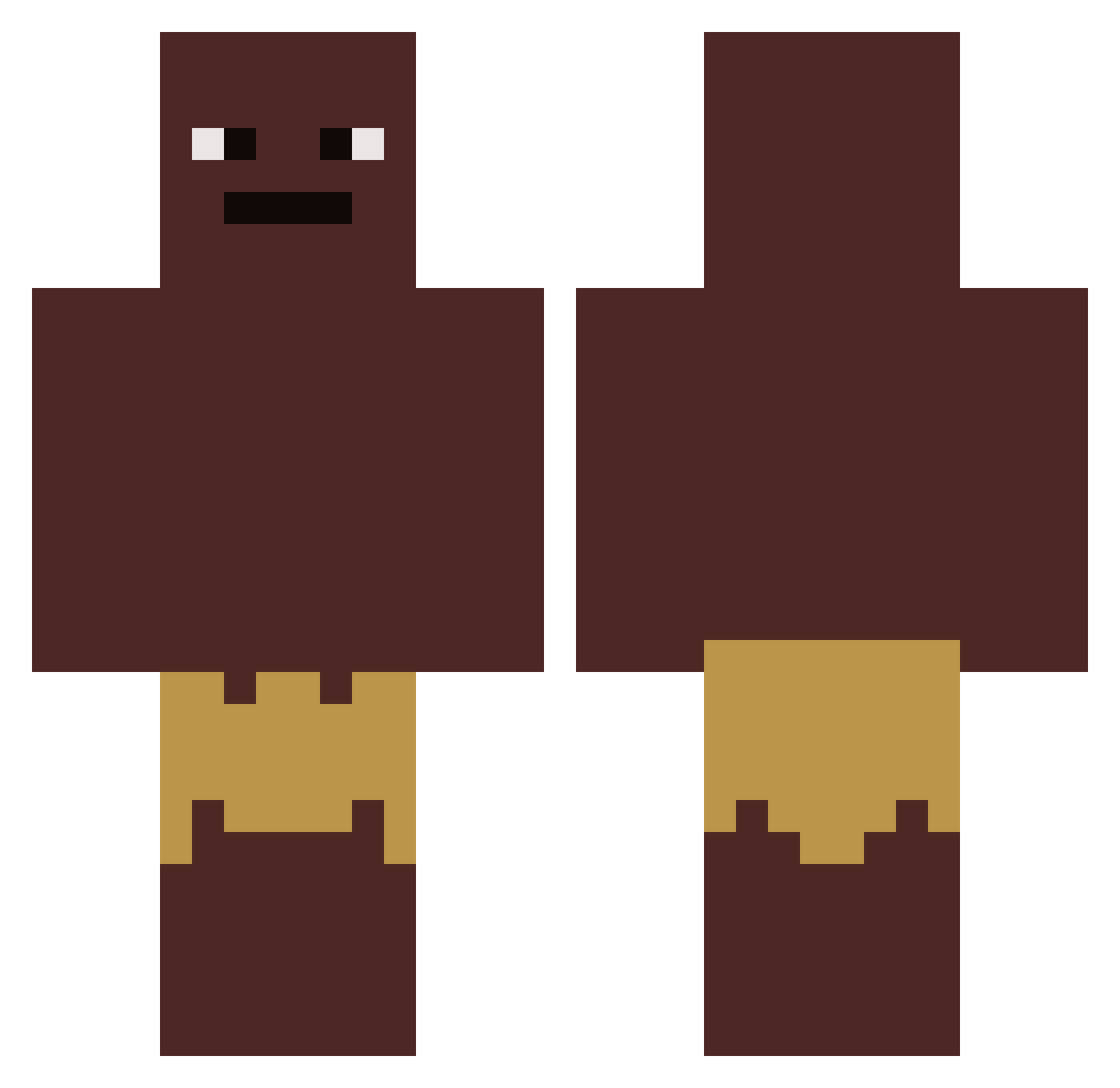
Current Minecraft skin of the player mates1137, loaded from the official Mojang API. Rotate the 3D model with your mouse or finger, then download the skin as a PNG file and use it in Minecraft: Bedrock Edition or Java Edition for free. When mates1137 changes their skin, this page updates automatically and the old skin stays in the history below.
Other players with this skin (419)
mates1137 was the 303rd player we have seen with this skin, first spotted on 02.10.2026. The same skin was seen on these players. Open a nickname to see their current skin and skin history.
 wdgblue_23 THECREEPER7545 JacksonStipe deanboy80 zakilbbb spanulator123 NOEFFORT_SLAVE Oleblaaa drksparrow N213S Paffiizz KDLW1 Towm20 mcswagger6969 Jaydidion eldrizzy12 cy_pt BirbPlayz Kupplungssteine gamernathan03 Thitis milkdrinker998 ulidson Fubbledouble V0id717 ProfHNxy2010 Pachachu realrudolf WANNNNITTTOOOOOO General_Mobutu akrassa djiang04 SrWhiterBR CaptainSardine Banankaka__ Kwant4200 MikeyBeToMike mazda0216 Gargamel1972 MeteAbi187 vinny3000 Jamaldablack_69 Demony00 MariusKa01 Nico_unsterblich Crosshair5670 Bananymez Raresimo Bakery kobziak EatDaFish ChickBird_96 Puppiboi15 Der_Motor magia_ognia ooodaah SpacemushroomXD ludmi999 Levente1221 Weep247
How to install the mates1137 skin
- Press the Download button above to save the skin as a PNG file.
- Minecraft: Bedrock Edition (PE): open the Dressing Room from the main menu (or tap your character → Edit Character), go to Classic Skins → Owned, press the + (new skin) button, choose the downloaded PNG and pick the Classic (Steve) model. Works on PC and mobile; consoles cannot import custom skins.
- Minecraft: Java Edition: open the Minecraft Launcher, go to the Skins tab, click New Skin, load the PNG, pick the Classic (Steve) model and press Save & Use. You can also upload it at minecraft.net → Profile → Change Skin.
The skin does not show up after import - what should I do?
Restart Minecraft and open the Dressing Room again - imported skins sometimes appear only after a restart. Also make sure you selected the imported skin and picked the Classic (Steve) model.
Which model should I choose, Classic or Slim?
This skin is designed for the Classic (Steve) model. If you pick the wrong model, the arms of the skin will look stretched or squeezed.
Is the skin of mates1137 free to download?
Yes. Press Download, save the PNG file and use it in Minecraft: Bedrock Edition or Java Edition - no payment or registration needed. The skin also works on multiplayer servers and Realms.
More skins
Looking for more? Go back to all Minecraft skins and check the top skins of the week, month and all time, or find any player's skin by nickname.