
marthi0825 - Minecraft Skins & Skin History
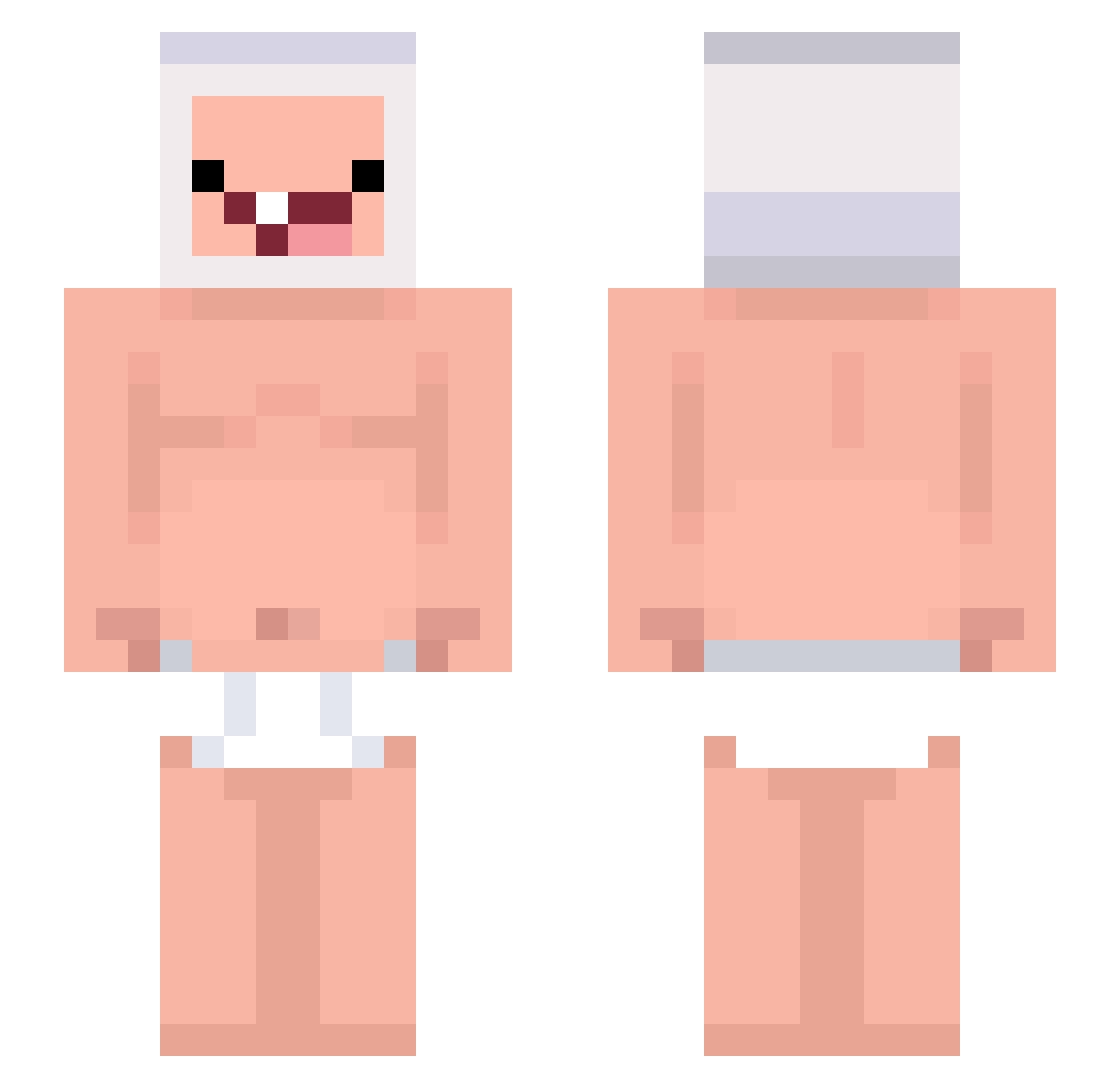
Current Minecraft skin of the player marthi0825, loaded from the official Mojang API. Rotate the 3D model with your mouse or finger, then download the skin as a PNG file and use it in Minecraft: Bedrock Edition or Java Edition for free. When marthi0825 changes their skin, this page updates automatically and the old skin stays in the history below.
Other players with this skin (243)
marthi0825 was the 20th player we have seen with this skin, first spotted on 04.08.2026. The same skin was seen on these players. Open a nickname to see their current skin and skin history.
 jsajfs DDMMPAPA TIMO_yap zeroctq KouStay GerhardGYT frameCount AteChipotle Thetoadgod125 Yuri3977
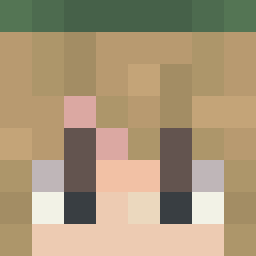 nicoxstd
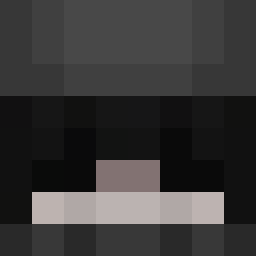 Pain_v hapce ConquestV 99_cejax_x DrDomeojs_ Yordel1212 Urubu_du_pixX Rezyan StxrsInvinity
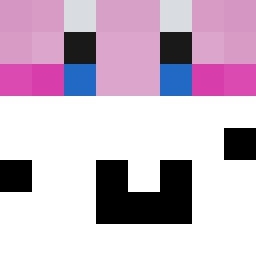 kzrw Dandan_haha namplam09 BananaLOLL 6minute SrKoki Zee5 Satraix BananaRamba2 Potion2Speed ktej LanceMissile91 julilag ianzinx_ez LORDcoban252 pepperowski
 Mashamin0129 GdMentos KoosVriendinLoos Mika19041 el_papuG JKury 44gomesz
 Merket34 L1Kbe
 tootnation Br_ritsu DozenPathh
 anavsthewrld ponyclub JaoVittin_077
 DYMZZZ Aikoolz xdasa Septrexd Mintbear1111 VersusChrust
 bUndAunUocmAm365 SquareWho Daddy6807
More Finn The Human Minecraft skins
See all 444 Finn The Human skins
How to install the marthi0825 skin
- Press the Download button above to save the skin as a PNG file.
- Minecraft: Bedrock Edition (PE): open the Dressing Room from the main menu (or tap your character → Edit Character), go to Classic Skins → Owned, press the + (new skin) button, choose the downloaded PNG and pick the Slim (Alex) model. Works on PC and mobile; consoles cannot import custom skins.
- Minecraft: Java Edition: open the Minecraft Launcher, go to the Skins tab, click New Skin, load the PNG, pick the Slim (Alex) model and press Save & Use. You can also upload it at minecraft.net → Profile → Change Skin.
The skin does not show up after import - what should I do?
Restart Minecraft and open the Dressing Room again - imported skins sometimes appear only after a restart. Also make sure you selected the imported skin and picked the Slim (Alex) model.
Which model should I choose, Classic or Slim?
This skin is designed for the Slim (Alex) model. If you pick the wrong model, the arms of the skin will look stretched or squeezed.
Is the skin of marthi0825 free to download?
Yes. Press Download, save the PNG file and use it in Minecraft: Bedrock Edition or Java Edition - no payment or registration needed. The skin also works on multiplayer servers and Realms.
More skins
Looking for more? Go back to all Minecraft skins and check the top skins of the week, month and all time, or find any player's skin by nickname.