
mark_eros - Minecraft Skins & Skin History
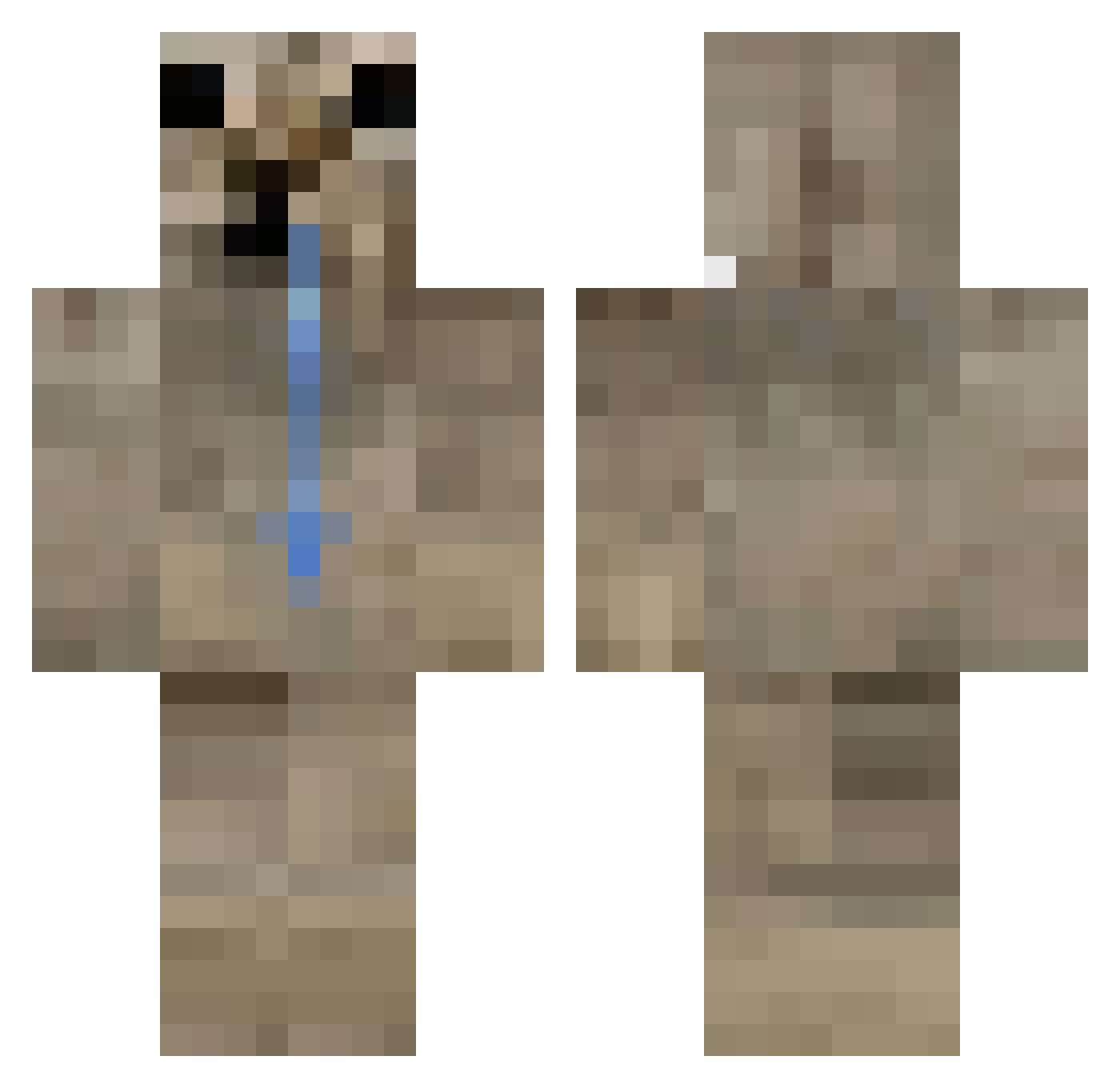
Current Minecraft skin of the player mark_eros, loaded from the official Mojang API. Rotate the 3D model with your mouse or finger, then download the skin as a PNG file and use it in Minecraft: Bedrock Edition or Java Edition for free. When mark_eros changes their skin, this page updates automatically and the old skin stays in the history below.
Other players with this skin (407)
mark_eros was the 274th player we have seen with this skin, first spotted on 01.10.2026. The same skin was seen on these players. Open a nickname to see their current skin and skin history.
 Tropit_1 v1_C0 netizenaki 5qwiixi El____Barto lasse46 Krizalidus Toki268 Ayaz5434 G00BYx3 freaksti4er PoJol Ziuutek DoggyBloggy JovoJ Paryama Tuno_ExecuteD idkola Memosek Deinnos GRINDERER xX_virgo101_Xx Silvrz7 __yuh brborr iiFloop imissusm shiken1 Dottores3 dahliaownsme mewgrin SuzaisBack maxipinela iSpreadRacism guithome369 Slytarof paxyyyyyy Minwano MalditaFalopa HDMIPort98 DizzyDinonerd SuperMars2011 UmJaaiu Mr_Ch0ck3n sniper2456 Pantatinho oliviazzzz ElCrich Huaaa_412 Pollomayisus kimbam0327 mustehcencanavar IS_JD Fcoola16 ILoveUIHxteU_ meoewXD maxiikng Sepstein lebronuchiha_ Lexxi70
How to install the mark_eros skin
- Press the Download button above to save the skin as a PNG file.
- Minecraft: Bedrock Edition (PE): open the Dressing Room from the main menu (or tap your character → Edit Character), go to Classic Skins → Owned, press the + (new skin) button, choose the downloaded PNG and pick the Classic (Steve) model. Works on PC and mobile; consoles cannot import custom skins.
- Minecraft: Java Edition: open the Minecraft Launcher, go to the Skins tab, click New Skin, load the PNG, pick the Classic (Steve) model and press Save & Use. You can also upload it at minecraft.net → Profile → Change Skin.
The skin does not show up after import - what should I do?
Restart Minecraft and open the Dressing Room again - imported skins sometimes appear only after a restart. Also make sure you selected the imported skin and picked the Classic (Steve) model.
Which model should I choose, Classic or Slim?
This skin is designed for the Classic (Steve) model. If you pick the wrong model, the arms of the skin will look stretched or squeezed.
Is the skin of mark_eros free to download?
Yes. Press Download, save the PNG file and use it in Minecraft: Bedrock Edition or Java Edition - no payment or registration needed. The skin also works on multiplayer servers and Realms.
More skins
Looking for more? Go back to all Minecraft skins and check the top skins of the week, month and all time, or find any player's skin by nickname.