
malumabeibii - Minecraft Skins & Skin History
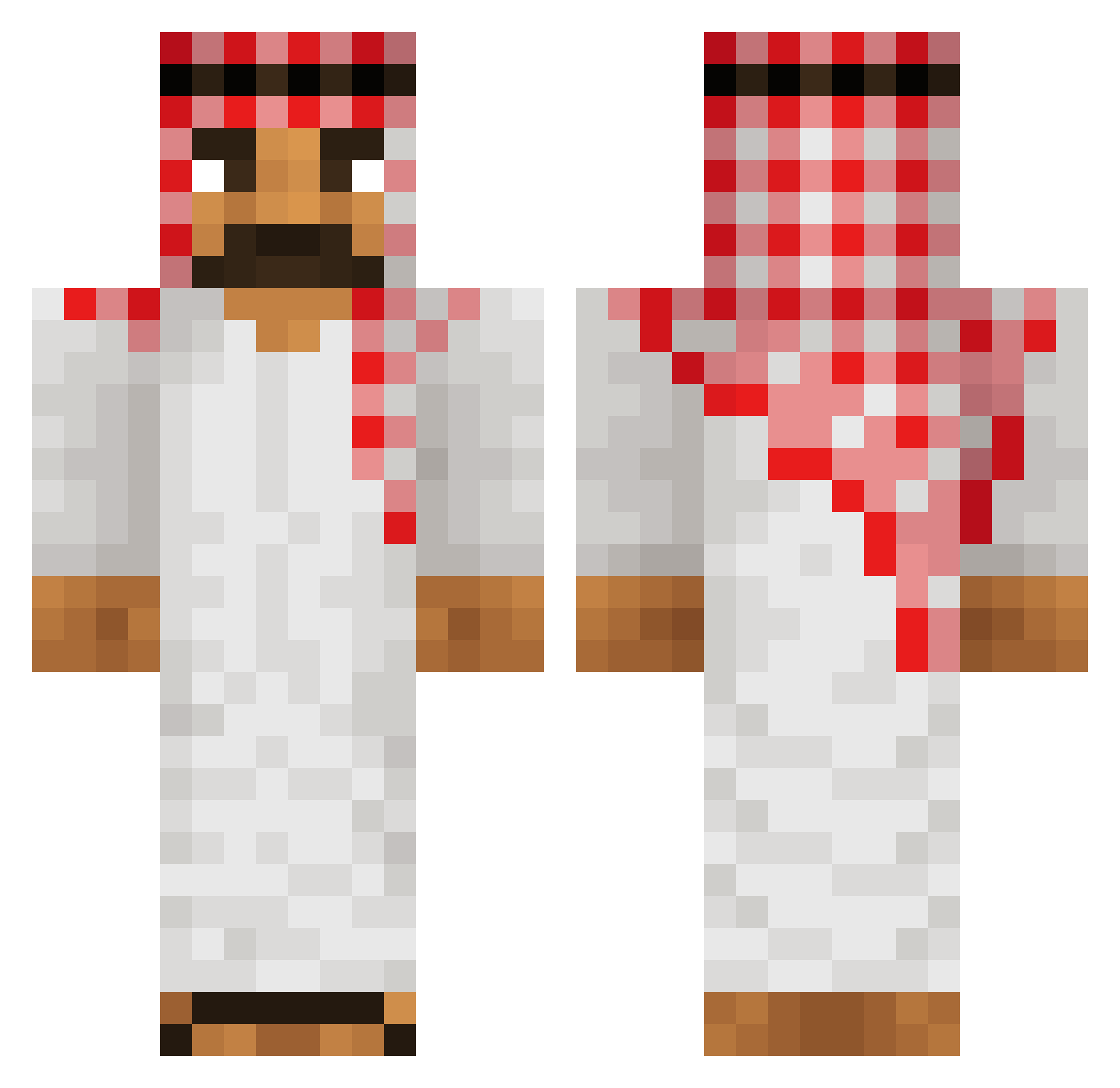
Current Minecraft skin of the player malumabeibii, loaded from the official Mojang API. Rotate the 3D model with your mouse or finger, then download the skin as a PNG file and use it in Minecraft: Bedrock Edition or Java Edition for free. When malumabeibii changes their skin, this page updates automatically and the old skin stays in the history below.
Other players with this skin (555)
malumabeibii was the 147th player we have seen with this skin, first spotted on 22.08.2026. The same skin was seen on these players. Open a nickname to see their current skin and skin history.
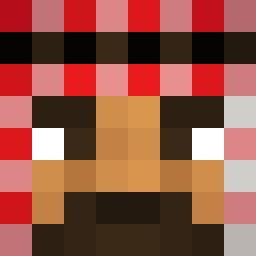 Buggeded TonyWong0086 Golona Tatisko16 Mahdi_aslih deboss Babybalux33 Stremouun
 bertilking camdenairjedi SmilingPIKA yigitbaba06 Dxncvn Kit_V_Mishku abidingchart946 krahh Dado2990 ce08 Choupse TrackCurtse _Andr3j_ zlatymalboro RandomGuyJR DanShadow2011 Gavlin IlyesLgn BatiG4mer ItzPrisma 69Mina69 Lukerannow64 HoliGames IPPO233 FriteAuLait SOTZE hongolouh Pwnisher15 Spk1 ebollek
 luke_di Lxctix F_Level Fanatic_Shark_ Supermanushka lanceuse2bombe paiivaa Nono4463 Luusz MiguelPratt98
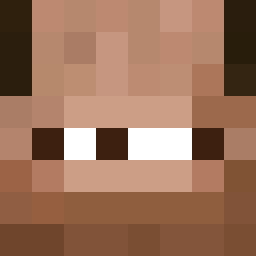 kickywickies KaRtOgGeL FreezeDragon386
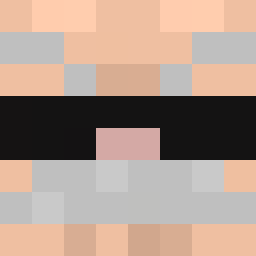 Rizx187 janooo123 abbas_12 smuga2011 Ertuyix ploq_x K0BAK HARBOR3D eatztimmy
More Traditional Minecraft skins
How to install the malumabeibii skin
- Press the Download button above to save the skin as a PNG file.
- Minecraft: Bedrock Edition (PE): open the Dressing Room from the main menu (or tap your character → Edit Character), go to Classic Skins → Owned, press the + (new skin) button, choose the downloaded PNG and pick the Classic (Steve) model. Works on PC and mobile; consoles cannot import custom skins.
- Minecraft: Java Edition: open the Minecraft Launcher, go to the Skins tab, click New Skin, load the PNG, pick the Classic (Steve) model and press Save & Use. You can also upload it at minecraft.net → Profile → Change Skin.
The skin does not show up after import - what should I do?
Restart Minecraft and open the Dressing Room again - imported skins sometimes appear only after a restart. Also make sure you selected the imported skin and picked the Classic (Steve) model.
Which model should I choose, Classic or Slim?
This skin is designed for the Classic (Steve) model. If you pick the wrong model, the arms of the skin will look stretched or squeezed.
Is the skin of malumabeibii free to download?
Yes. Press Download, save the PNG file and use it in Minecraft: Bedrock Edition or Java Edition - no payment or registration needed. The skin also works on multiplayer servers and Realms.
More skins
Looking for more? Go back to all Minecraft skins and check the top skins of the week, month and all time, or find any player's skin by nickname.