
majsenmp - Minecraft Skins & Skin History
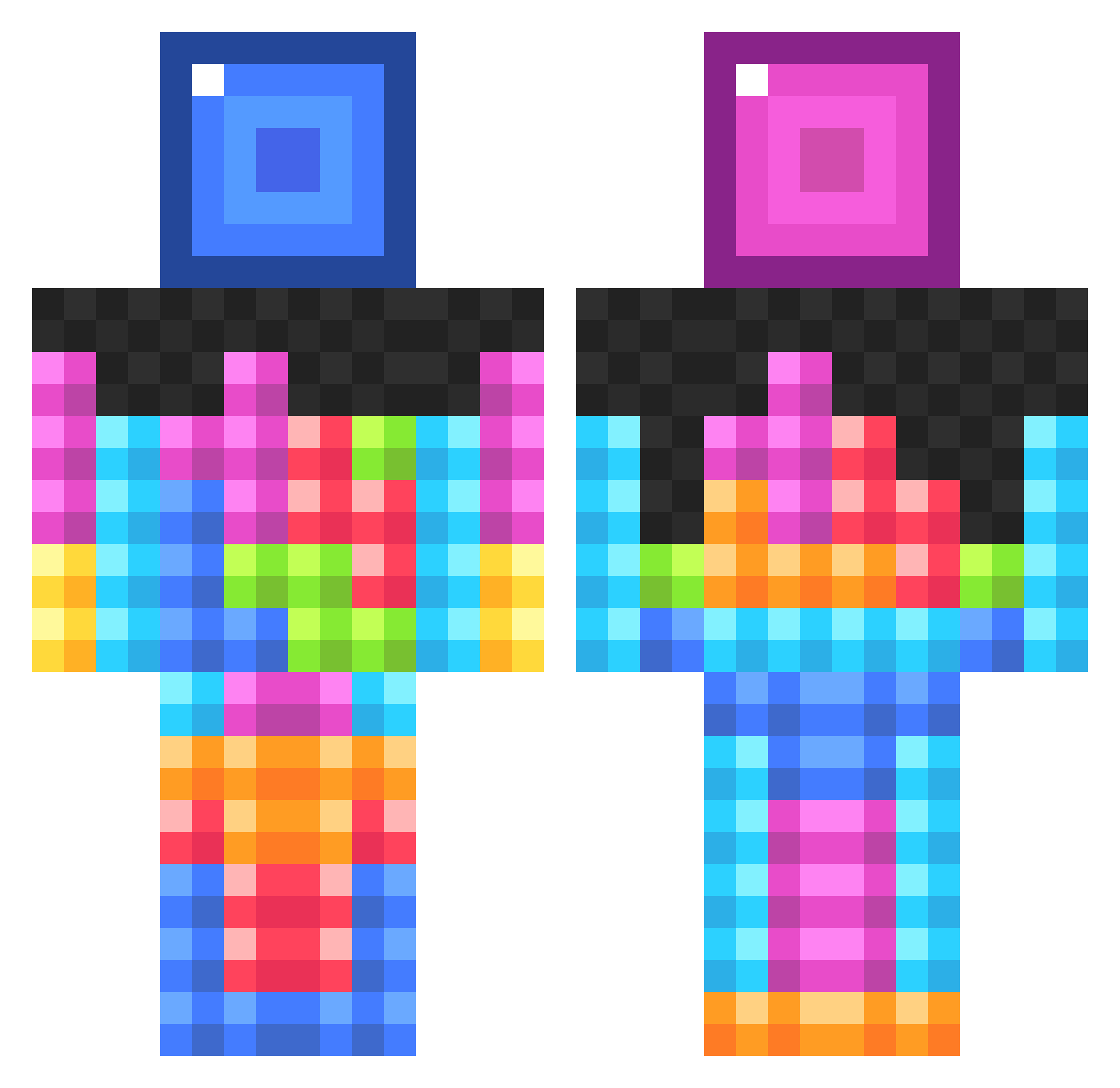
Current Minecraft skin of the player majsenmp, loaded from the official Mojang API. Rotate the 3D model with your mouse or finger, then download the skin as a PNG file and use it in Minecraft: Bedrock Edition or Java Edition for free. When majsenmp changes their skin, this page updates automatically and the old skin stays in the history below.
Other players with this skin (834)
majsenmp was the 45th player we have seen with this skin, first spotted on 28.07.2026. The same skin was seen on these players. Open a nickname to see their current skin and skin history.
 _MasterTroll_ ChatKitty SwordWoman FrostedMunch pistolpete68 MaxxenBraxxen Slinoel iReconYT SaltyZamboni MissMinecraft242 rabbits41 Beckinew Rextor1870 leged sebastian4b yagelsabag8 Dulkara lukewright1 RevampedPompano pizzalover201 ItsReggiie monsterdylan98 awkward_hamster Shannan12 _ignace_ Limbambo kmxlivethemod op7997 Socks1327 Baseball_Maniac alexsharpe123 AMADEO50 perryaid0 2005cons AracinHDYT ImNoStranger Chum_Chum_ rileylolly Kuelly PuffyCloud247 Verisign matthew688 NuckFibbas SnugglesCuddles chomm16 pep0666 Rik2004 Impulsive88 ChAoS_iTuRtLeS JackiEllison Tentrens rueribes 11mikey19 Warrior1616 Pelle_e gypsilarraine jhazell Surrenduh No_solution MrChillyChill
More Tetris Minecraft skins
How to install the majsenmp skin
- Press the Download button above to save the skin as a PNG file.
- Minecraft: Bedrock Edition (PE): open the Dressing Room from the main menu (or tap your character → Edit Character), go to Classic Skins → Owned, press the + (new skin) button, choose the downloaded PNG and pick the Classic (Steve) model. Works on PC and mobile; consoles cannot import custom skins.
- Minecraft: Java Edition: open the Minecraft Launcher, go to the Skins tab, click New Skin, load the PNG, pick the Classic (Steve) model and press Save & Use. You can also upload it at minecraft.net → Profile → Change Skin.
The skin does not show up after import - what should I do?
Restart Minecraft and open the Dressing Room again - imported skins sometimes appear only after a restart. Also make sure you selected the imported skin and picked the Classic (Steve) model.
Which model should I choose, Classic or Slim?
This skin is designed for the Classic (Steve) model. If you pick the wrong model, the arms of the skin will look stretched or squeezed.
Is the skin of majsenmp free to download?
Yes. Press Download, save the PNG file and use it in Minecraft: Bedrock Edition or Java Edition - no payment or registration needed. The skin also works on multiplayer servers and Realms.
More skins
Looking for more? Go back to all Minecraft skins and check the top skins of the week, month and all time, or find any player's skin by nickname.