
maestrodelaclona - Minecraft Skins & Skin History
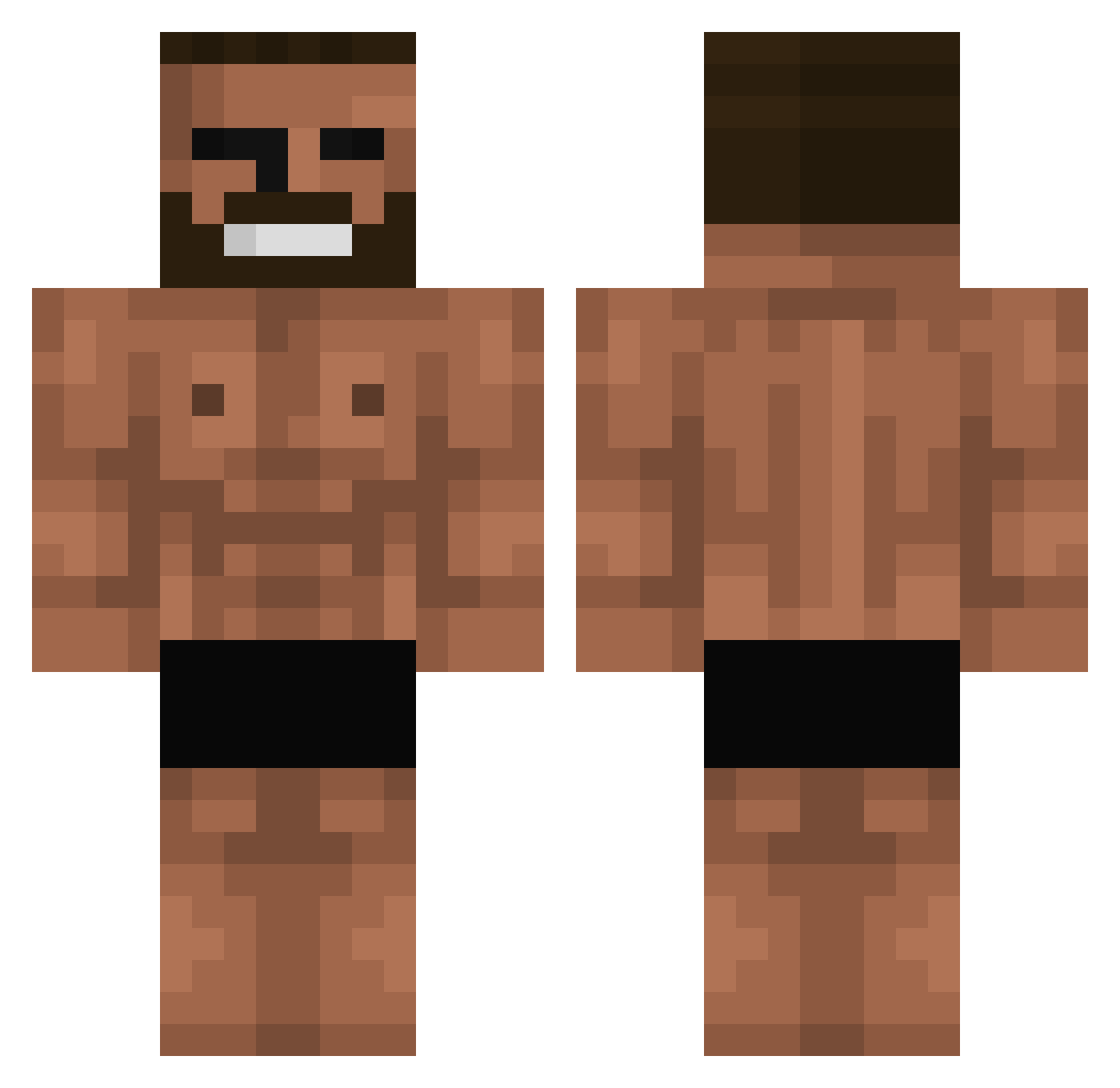
Current Minecraft skin of the player maestrodelaclona, loaded from the official Mojang API. Rotate the 3D model with your mouse or finger, then download the skin as a PNG file and use it in Minecraft: Bedrock Edition or Java Edition for free. When maestrodelaclona changes their skin, this page updates automatically and the old skin stays in the history below.
Other players with this skin (699)
maestrodelaclona was the 434th player we have seen with this skin, first spotted on 28.09.2026. The same skin was seen on these players. Open a nickname to see their current skin and skin history.
 Diegowqesadf daickan JongDe ashtonisbored CHICKEN789 Crumplydonkey2 Zucci1 FussyBrake joose07 Topozito Nanaal rasimeren NSN_Loshy SingleDog69 ilyxcomet bocko0 Zacomo pchanho billyboy14 _gyumin Obcn StarszyRay SupaRotFaire nothing_gaming2 lornik brandump maciek_02 TREDECtd AltairNZT TheDylan10 Useremir matuzera cuts2 Gheff swcho MyKindaFlight chovinistaBR1 UnPitotinho IUSTIN77 GORIZO hdxsini MigoWic1 RICHIEJK24 Xebie64 OkamiBelated DanteCnG _borang_ bioroz ProteinMaster69 Wakman hawa12 SamohWe JCPlay Corcar MOLTAR123 Revertzz KTWPool Maleeceu Urimental Axel_bgh
More Gigachad Minecraft skins
How to install the maestrodelaclona skin
- Press the Download button above to save the skin as a PNG file.
- Minecraft: Bedrock Edition (PE): open the Dressing Room from the main menu (or tap your character → Edit Character), go to Classic Skins → Owned, press the + (new skin) button, choose the downloaded PNG and pick the Classic (Steve) model. Works on PC and mobile; consoles cannot import custom skins.
- Minecraft: Java Edition: open the Minecraft Launcher, go to the Skins tab, click New Skin, load the PNG, pick the Classic (Steve) model and press Save & Use. You can also upload it at minecraft.net → Profile → Change Skin.
The skin does not show up after import - what should I do?
Restart Minecraft and open the Dressing Room again - imported skins sometimes appear only after a restart. Also make sure you selected the imported skin and picked the Classic (Steve) model.
Which model should I choose, Classic or Slim?
This skin is designed for the Classic (Steve) model. If you pick the wrong model, the arms of the skin will look stretched or squeezed.
Is the skin of maestrodelaclona free to download?
Yes. Press Download, save the PNG file and use it in Minecraft: Bedrock Edition or Java Edition - no payment or registration needed. The skin also works on multiplayer servers and Realms.
More skins
Looking for more? Go back to all Minecraft skins and check the top skins of the week, month and all time, or find any player's skin by nickname.