
maduke0 - Minecraft Skins & Skin History
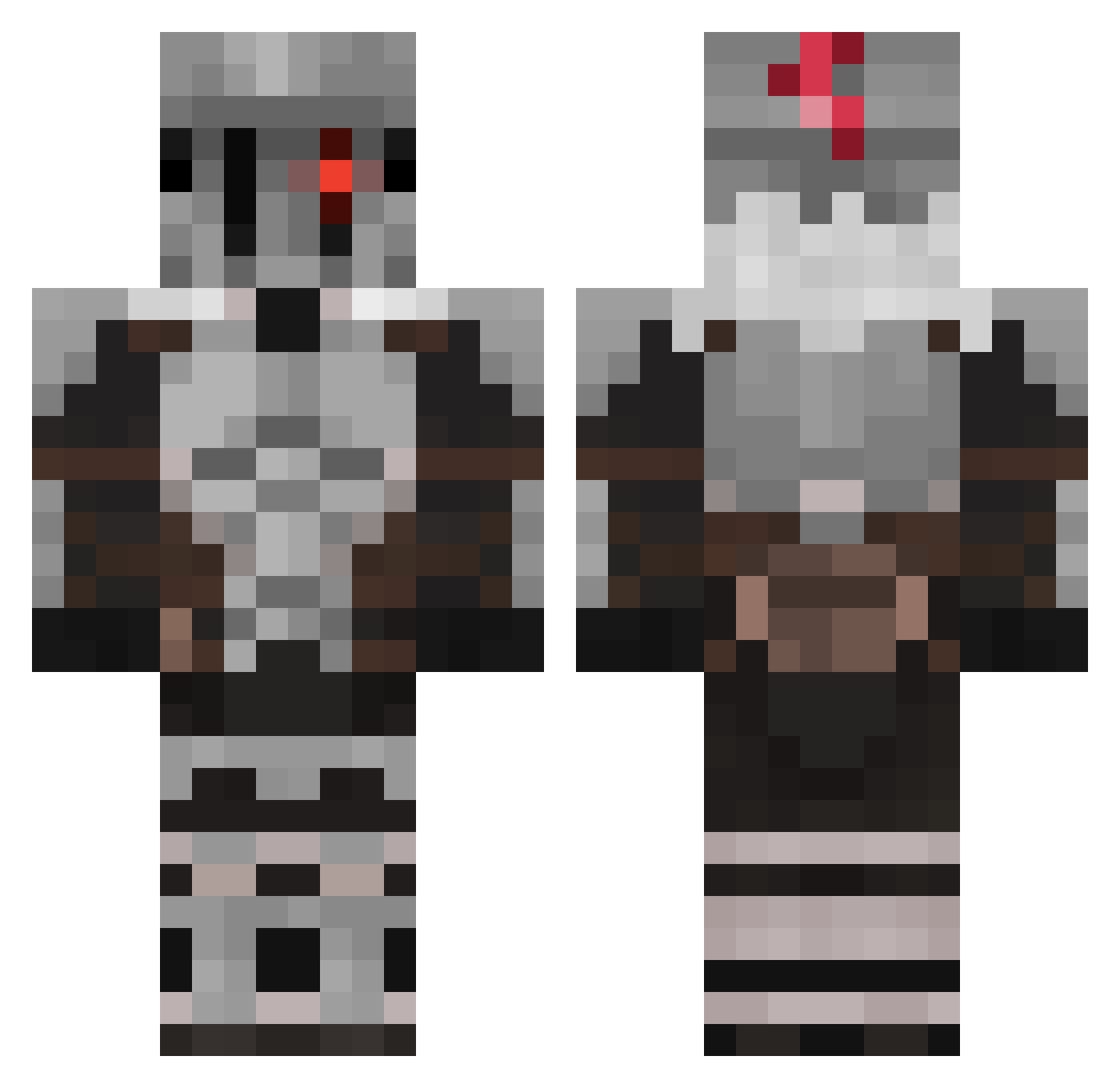
Current Minecraft skin of the player maduke0, loaded from the official Mojang API. Rotate the 3D model with your mouse or finger, then download the skin as a PNG file and use it in Minecraft: Bedrock Edition or Java Edition for free. When maduke0 changes their skin, this page updates automatically and the old skin stays in the history below.
Other players with this skin (589)
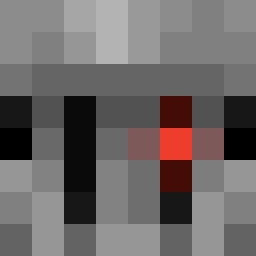
maduke0 was the 277th player we have seen with this skin, first spotted on 20.09.2026. The same skin was seen on these players. Open a nickname to see their current skin and skin history.
 _Mutated_ Zorpaar KAI_VI thecrabking_ Renascenti Fumi_5528 Gradussteel NigelvdH Deyseb HtommyH Jiru88 _SiegLinde_ Vadaam__ Zendrix_Zekai_Ze MadMax602 LazyGhost1001 TwillightKnight Ansiolin Aerennas BLOODCLAW70 Jcastanho11 Pekacho_1 ValMG vhirtue_ Kaspar_The_Ghost Sleepy_NZ ItzHubert Naptrix LordSereg 1zzCelica MAPACHU228YT leeronda Thuidimir NightMeteor6015 SOLOCHAMP Edan04800 BrokenLight0 Djs_Cooldude FURZKISSEN11 ShadowWolf_159 TheBlindedOne xenon151 Cracko_02 fouilleur88 MalandroCebola Lognu Hugonoob36 LukasG01 Noty592 LeGeNDA0Zero LETHALPROTECTOR6 D0SHI MI9PRECISION FamousFate Zappone03 jake_248 MrSqid Heze7222 r4deen MAKYNOX
More Goblin Slayer Minecraft skins
See all 35 Goblin Slayer skins
How to install the maduke0 skin
- Press the Download button above to save the skin as a PNG file.
- Minecraft: Bedrock Edition (PE): open the Dressing Room from the main menu (or tap your character → Edit Character), go to Classic Skins → Owned, press the + (new skin) button, choose the downloaded PNG and pick the Classic (Steve) model. Works on PC and mobile; consoles cannot import custom skins.
- Minecraft: Java Edition: open the Minecraft Launcher, go to the Skins tab, click New Skin, load the PNG, pick the Classic (Steve) model and press Save & Use. You can also upload it at minecraft.net → Profile → Change Skin.
The skin does not show up after import - what should I do?
Restart Minecraft and open the Dressing Room again - imported skins sometimes appear only after a restart. Also make sure you selected the imported skin and picked the Classic (Steve) model.
Which model should I choose, Classic or Slim?
This skin is designed for the Classic (Steve) model. If you pick the wrong model, the arms of the skin will look stretched or squeezed.
Is the skin of maduke0 free to download?
Yes. Press Download, save the PNG file and use it in Minecraft: Bedrock Edition or Java Edition - no payment or registration needed. The skin also works on multiplayer servers and Realms.
More skins
Looking for more? Go back to all Minecraft skins and check the top skins of the week, month and all time, or find any player's skin by nickname.