
madr3g - Minecraft Skins & Skin History
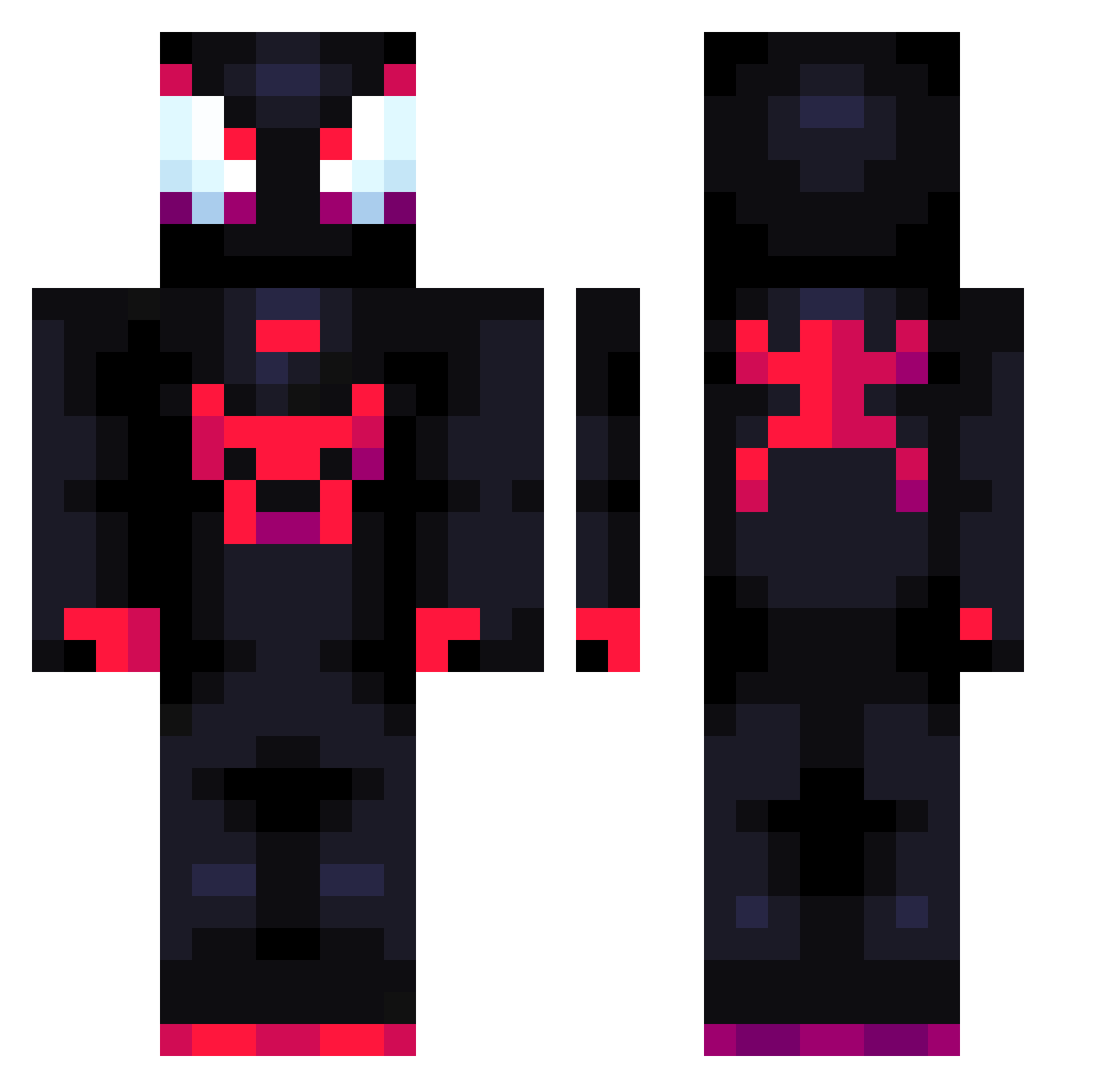
Current Minecraft skin of the player madr3g, loaded from the official Mojang API. Rotate the 3D model with your mouse or finger, then download the skin as a PNG file and use it in Minecraft: Bedrock Edition or Java Edition for free. When madr3g changes their skin, this page updates automatically and the old skin stays in the history below.
Other players with this skin (794)
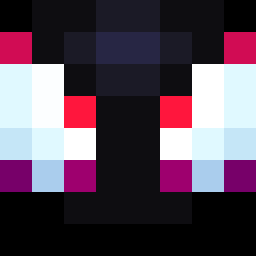
madr3g was the 476th player we have seen with this skin, first spotted on 26.09.2026. The same skin was seen on these players. Open a nickname to see their current skin and skin history.
 DydiLaMelo Yasuke_ K0KS330 Deerek44 HRQ00 mameds CLI_CK Xotwodmel0205 MoneyB23 FricePrice Ixovig_ Bman_03 Najum2 Ribeirok ROMELTTVBTW vaxiooor Slazito mac_5592 mutedchild MRL_Hyp Chromatic01 M0NKYGOD MacTavish22 Nokya_star eze99597f GabiFM2345 DragonTecK xGabro LLLLLLLYH uferreira_ S0ULEATERGRIM Elyott_03 Brooksyy98 moko9984 omrekk RBGemini CHEWB4CCA_ Graever NeoTurino jhzz_ wyfex ferox511 YkZ7 szkudlar Logdessine1 Baayzz SpideyFella vini_real DiegoOtz Selder23 Stanley_YT Larziz667 kimhyungwoo5436 Jankou_G mynameissushibtw varka52100 KoutaYN limaLLxz Mikejeffer RevivedLegion
More Miles Morales Minecraft skins
See all 256 Miles Morales skins
How to install the madr3g skin
- Press the Download button above to save the skin as a PNG file.
- Minecraft: Bedrock Edition (PE): open the Dressing Room from the main menu (or tap your character → Edit Character), go to Classic Skins → Owned, press the + (new skin) button, choose the downloaded PNG and pick the Classic (Steve) model. Works on PC and mobile; consoles cannot import custom skins.
- Minecraft: Java Edition: open the Minecraft Launcher, go to the Skins tab, click New Skin, load the PNG, pick the Classic (Steve) model and press Save & Use. You can also upload it at minecraft.net → Profile → Change Skin.
The skin does not show up after import - what should I do?
Restart Minecraft and open the Dressing Room again - imported skins sometimes appear only after a restart. Also make sure you selected the imported skin and picked the Classic (Steve) model.
Which model should I choose, Classic or Slim?
This skin is designed for the Classic (Steve) model. If you pick the wrong model, the arms of the skin will look stretched or squeezed.
Is the skin of madr3g free to download?
Yes. Press Download, save the PNG file and use it in Minecraft: Bedrock Edition or Java Edition - no payment or registration needed. The skin also works on multiplayer servers and Realms.
More skins
Looking for more? Go back to all Minecraft skins and check the top skins of the week, month and all time, or find any player's skin by nickname.