
maccrackers - Minecraft Skins & Skin History
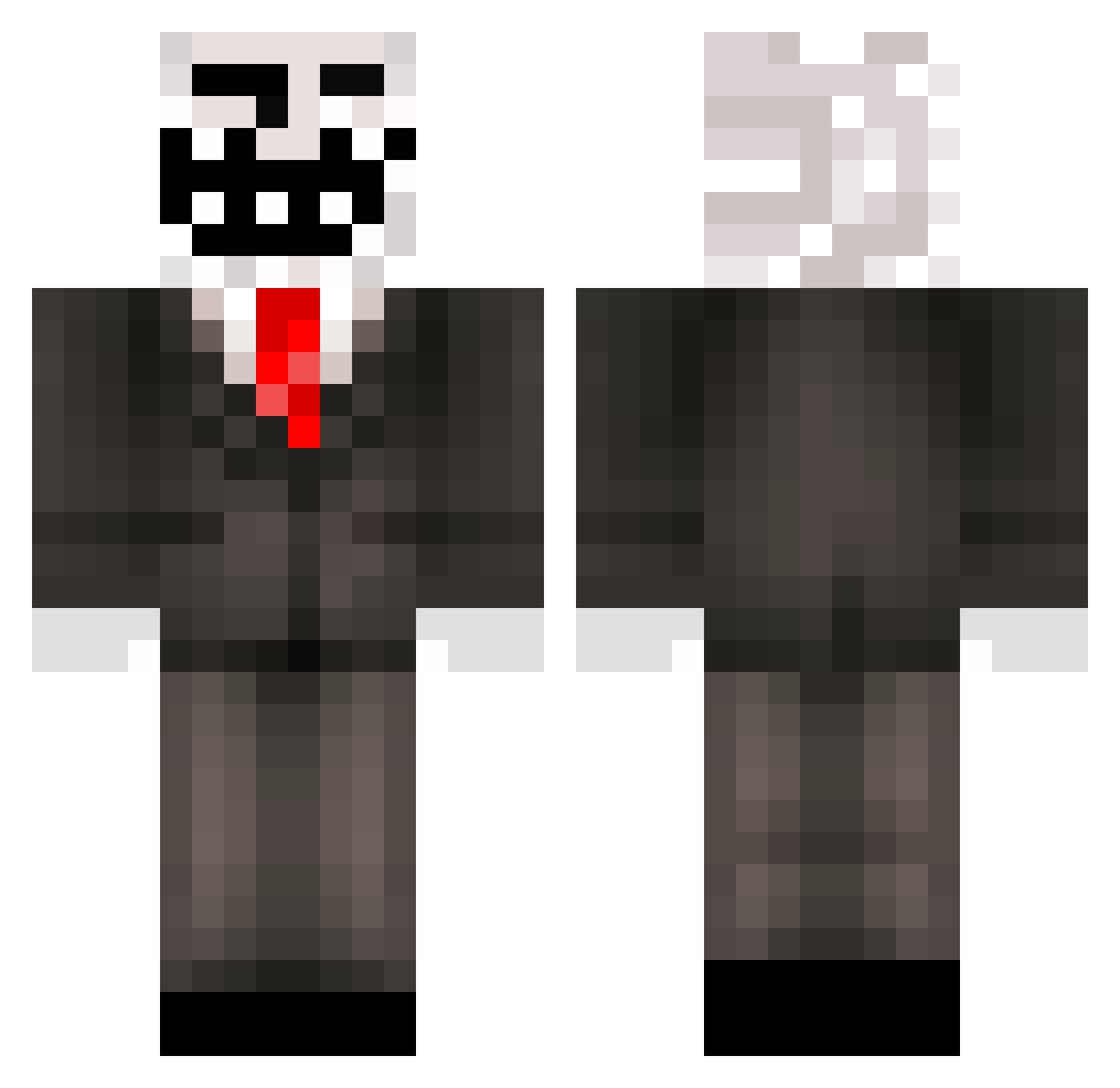
Current Minecraft skin of the player maccrackers, loaded from the official Mojang API. Rotate the 3D model with your mouse or finger, then download the skin as a PNG file and use it in Minecraft: Bedrock Edition or Java Edition for free. When maccrackers changes their skin, this page updates automatically and the old skin stays in the history below.
Other players with this skin (321)
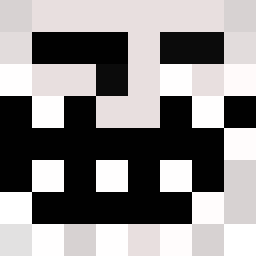
maccrackers was the 204th player we have seen with this skin, first spotted on 04.10.2026. The same skin was seen on these players. Open a nickname to see their current skin and skin history.
 gbsimbadog MADMANCODY24 ARON4201 ShadowMoving kingslayer9000 Brayden20002 shadowvault _DXXM_ ViktorOU05 stevewow5 player213123 Breviksondre mrnasser johnnysantos125 MohammadBnFahad butterpowel onlyfish123 LegitBeast10 keks44 TheArchangel1995 octopus38 starfighterlew MineCraftKilla44 mansionman16 jet_kebab Ben10TX Nixboys swaggboy9123 ToosjeJoosje CrazyXandero bboyjoe GOOFFYGOOBBER EnragedFountain SavagePhobia Bigtroller21 Andre_Maceda_33 DaiPi_Max Rephrased alexpgamer kbpowell BigDaddyV Travis105 Benny__97 cjbrown881 JosephM20 XxN0SC0P3K1NGxX Jayiskoool creeperwim27 Long_bow_x1 Mccccccc_ Tidael JimmyKiddoSwek CaptainTroller11 hobofart2007 Alkkuporo monstermonti EXVILLE flash_adam13 CBWhulk2006 schumanfamily
More Trollface Minecraft skins
How to install the maccrackers skin
- Press the Download button above to save the skin as a PNG file.
- Minecraft: Bedrock Edition (PE): open the Dressing Room from the main menu (or tap your character → Edit Character), go to Classic Skins → Owned, press the + (new skin) button, choose the downloaded PNG and pick the Classic (Steve) model. Works on PC and mobile; consoles cannot import custom skins.
- Minecraft: Java Edition: open the Minecraft Launcher, go to the Skins tab, click New Skin, load the PNG, pick the Classic (Steve) model and press Save & Use. You can also upload it at minecraft.net → Profile → Change Skin.
The skin does not show up after import - what should I do?
Restart Minecraft and open the Dressing Room again - imported skins sometimes appear only after a restart. Also make sure you selected the imported skin and picked the Classic (Steve) model.
Which model should I choose, Classic or Slim?
This skin is designed for the Classic (Steve) model. If you pick the wrong model, the arms of the skin will look stretched or squeezed.
Is the skin of maccrackers free to download?
Yes. Press Download, save the PNG file and use it in Minecraft: Bedrock Edition or Java Edition - no payment or registration needed. The skin also works on multiplayer servers and Realms.
More skins
Looking for more? Go back to all Minecraft skins and check the top skins of the week, month and all time, or find any player's skin by nickname.