
mDvna - Minecraft Skins & Skin History
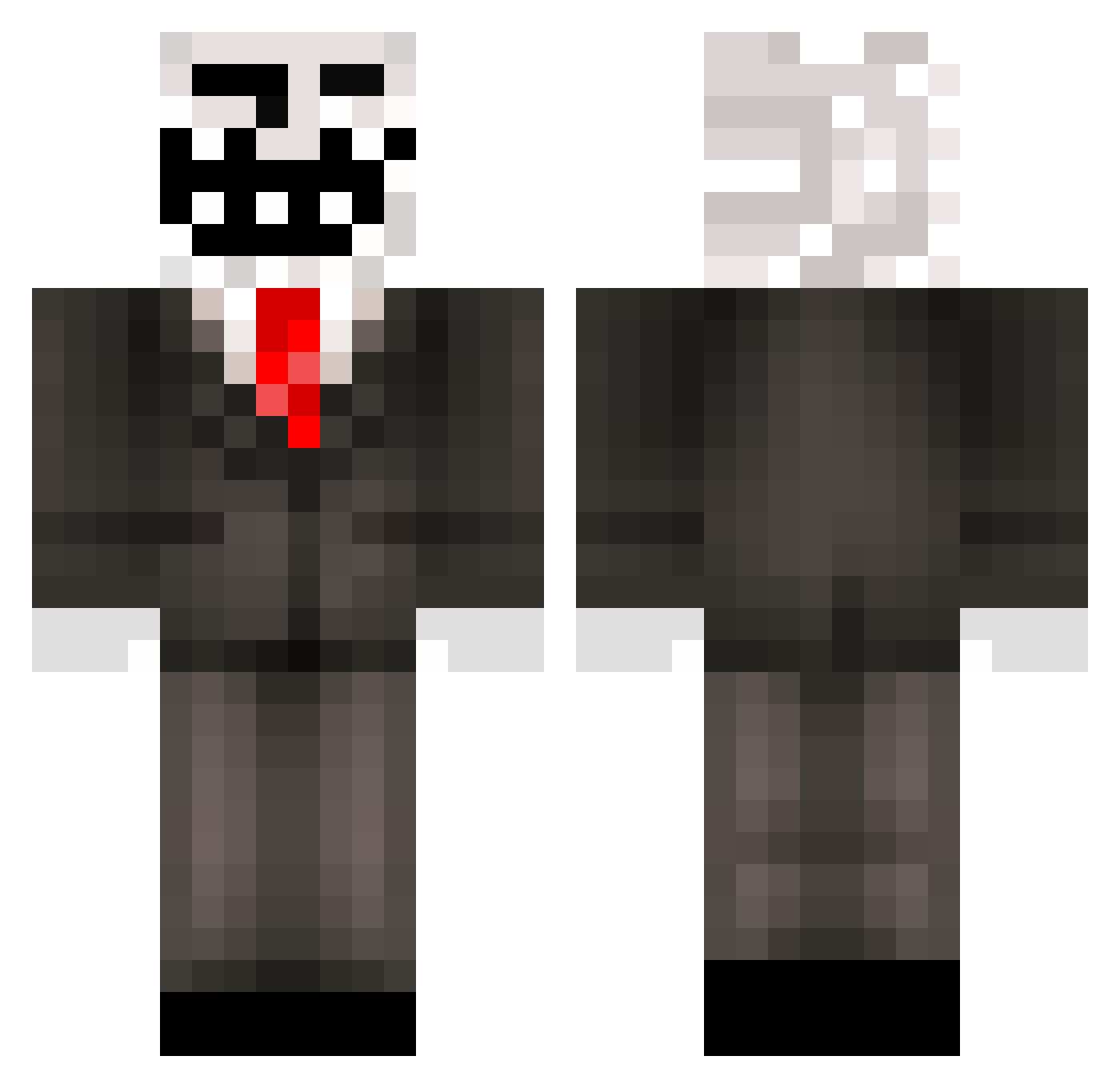
Current Minecraft skin of the player mDvna, loaded from the official Mojang API. Rotate the 3D model with your mouse or finger, then download the skin as a PNG file and use it in Minecraft: Bedrock Edition or Java Edition for free. When mDvna changes their skin, this page updates automatically and the old skin stays in the history below.
Other players with this skin (393)
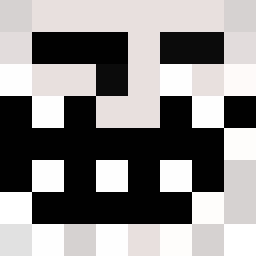
mDvna was the 349th player we have seen with this skin, first spotted on 08.11.2026. The same skin was seen on these players. Open a nickname to see their current skin and skin history.
 canard_wc_57 Bennorman2 tari3010 l0rdD0me _MemeMaker4000_ BO_brothers Decky_95 LKaitel24 dayone7 Dynamite_James Fejs_Troll Sakin_C Topzamon fegz95 DaMinecraft_Bo55 kristian9899 Domislice K_Carlos Vichoko2002 xvpups Caspedes danielj1008 xTixiic StormxScopes RespectJacob GUNNERonFIRE Freak_Last 420KFC UltimateTroll21 Jelapeno LordHenryO8 germanBoy0538 x_XRobboX_x erikperkki DiamondSquid25 h33n3rz JJherolol xXgocrazyXx123 TomoSweg SweeVice JosplayMC TheQueen1563 ultimatetroll360 KUNGBOBBO17 mateus_matias ManicMiner9999 IcedCG lukas1234567890 Groebuu CStijf akana100 The_Craft_Ninja stefano826 andokiller2003 xprebzx kristup123 MrTback Alex_Goblin GekkeMand Aaron862
More Trollface Minecraft skins
How to install the mDvna skin
- Press the Download button above to save the skin as a PNG file.
- Minecraft: Bedrock Edition (PE): open the Dressing Room from the main menu (or tap your character → Edit Character), go to Classic Skins → Owned, press the + (new skin) button, choose the downloaded PNG and pick the Classic (Steve) model. Works on PC and mobile; consoles cannot import custom skins.
- Minecraft: Java Edition: open the Minecraft Launcher, go to the Skins tab, click New Skin, load the PNG, pick the Classic (Steve) model and press Save & Use. You can also upload it at minecraft.net → Profile → Change Skin.
The skin does not show up after import - what should I do?
Restart Minecraft and open the Dressing Room again - imported skins sometimes appear only after a restart. Also make sure you selected the imported skin and picked the Classic (Steve) model.
Which model should I choose, Classic or Slim?
This skin is designed for the Classic (Steve) model. If you pick the wrong model, the arms of the skin will look stretched or squeezed.
Is the skin of mDvna free to download?
Yes. Press Download, save the PNG file and use it in Minecraft: Bedrock Edition or Java Edition - no payment or registration needed. The skin also works on multiplayer servers and Realms.
More skins
Looking for more? Go back to all Minecraft skins and check the top skins of the week, month and all time, or find any player's skin by nickname.