
m4cieekk - Minecraft Skins & Skin History
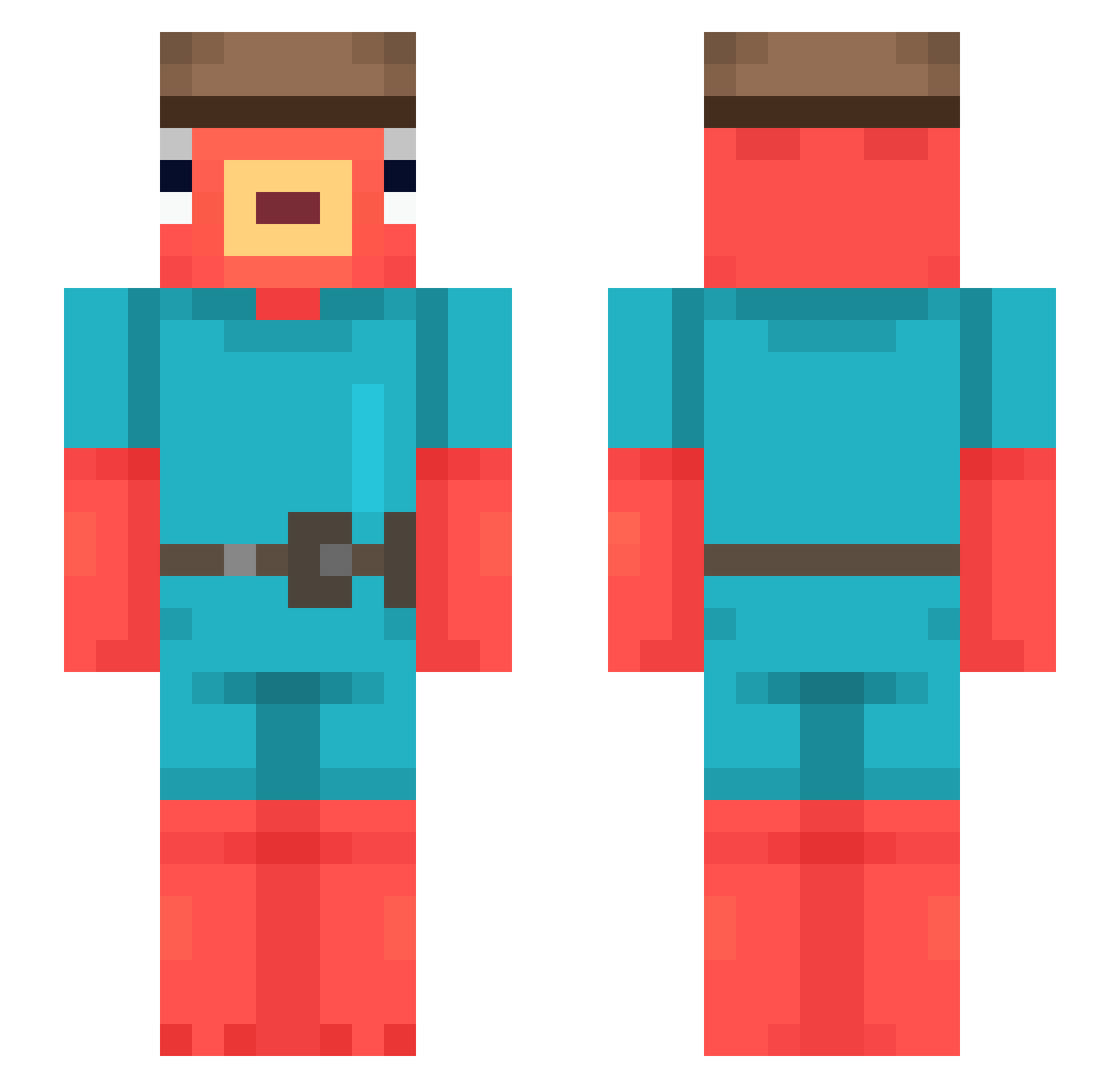
Current Minecraft skin of the player m4cieekk, loaded from the official Mojang API. Rotate the 3D model with your mouse or finger, then download the skin as a PNG file and use it in Minecraft: Bedrock Edition or Java Edition for free. When m4cieekk changes their skin, this page updates automatically and the old skin stays in the history below.
Other players with this skin (543)
m4cieekk was the 35th player we have seen with this skin, first spotted on 02.08.2026. The same skin was seen on these players. Open a nickname to see their current skin and skin history.
 noznip_03 Keeweex Squigglyy Bigbadtuna69 Jryan09 oton4326 BOKUwakiga GruesomeKnives Bouaa stabasco TSafer rekamanon Raeikuu luvvusm BeAryyyyyyy zRyxnnn mettafizz _dawei_ snudvig Hamada_AQ Danish_o Thijmennn_ Maourisiom1 Pedromendo23 Spaxz_ LeGuigz69 DrDotard MozziePlays urameipuru korobass NikuMan080
 simonkyy Vladimir_Pretzel KatePenguin kita54321 pabloedinhaa g1lbyy Dancer_Fortnite CR_RizArt_o Nano3003 Ky0umei_ Simoun_gar DangerAnthony celiaaaaaa ugo32013 HjonkkGoose GloveYen troy_5 wSenkoo fishy28 guzi_007 HungryHand DerMoslem katabash Bruhh9225 Mofsuo thomaz03 Pwzss Renaxo20 kapselballer
More Fishstick Minecraft skins
How to install the m4cieekk skin
- Press the Download button above to save the skin as a PNG file.
- Minecraft: Bedrock Edition (PE): open the Dressing Room from the main menu (or tap your character → Edit Character), go to Classic Skins → Owned, press the + (new skin) button, choose the downloaded PNG and pick the Slim (Alex) model. Works on PC and mobile; consoles cannot import custom skins.
- Minecraft: Java Edition: open the Minecraft Launcher, go to the Skins tab, click New Skin, load the PNG, pick the Slim (Alex) model and press Save & Use. You can also upload it at minecraft.net → Profile → Change Skin.
The skin does not show up after import - what should I do?
Restart Minecraft and open the Dressing Room again - imported skins sometimes appear only after a restart. Also make sure you selected the imported skin and picked the Slim (Alex) model.
Which model should I choose, Classic or Slim?
This skin is designed for the Slim (Alex) model. If you pick the wrong model, the arms of the skin will look stretched or squeezed.
Is the skin of m4cieekk free to download?
Yes. Press Download, save the PNG file and use it in Minecraft: Bedrock Edition or Java Edition - no payment or registration needed. The skin also works on multiplayer servers and Realms.
More skins
Looking for more? Go back to all Minecraft skins and check the top skins of the week, month and all time, or find any player's skin by nickname.