
luki_attack44 - Minecraft Skins & Skin History
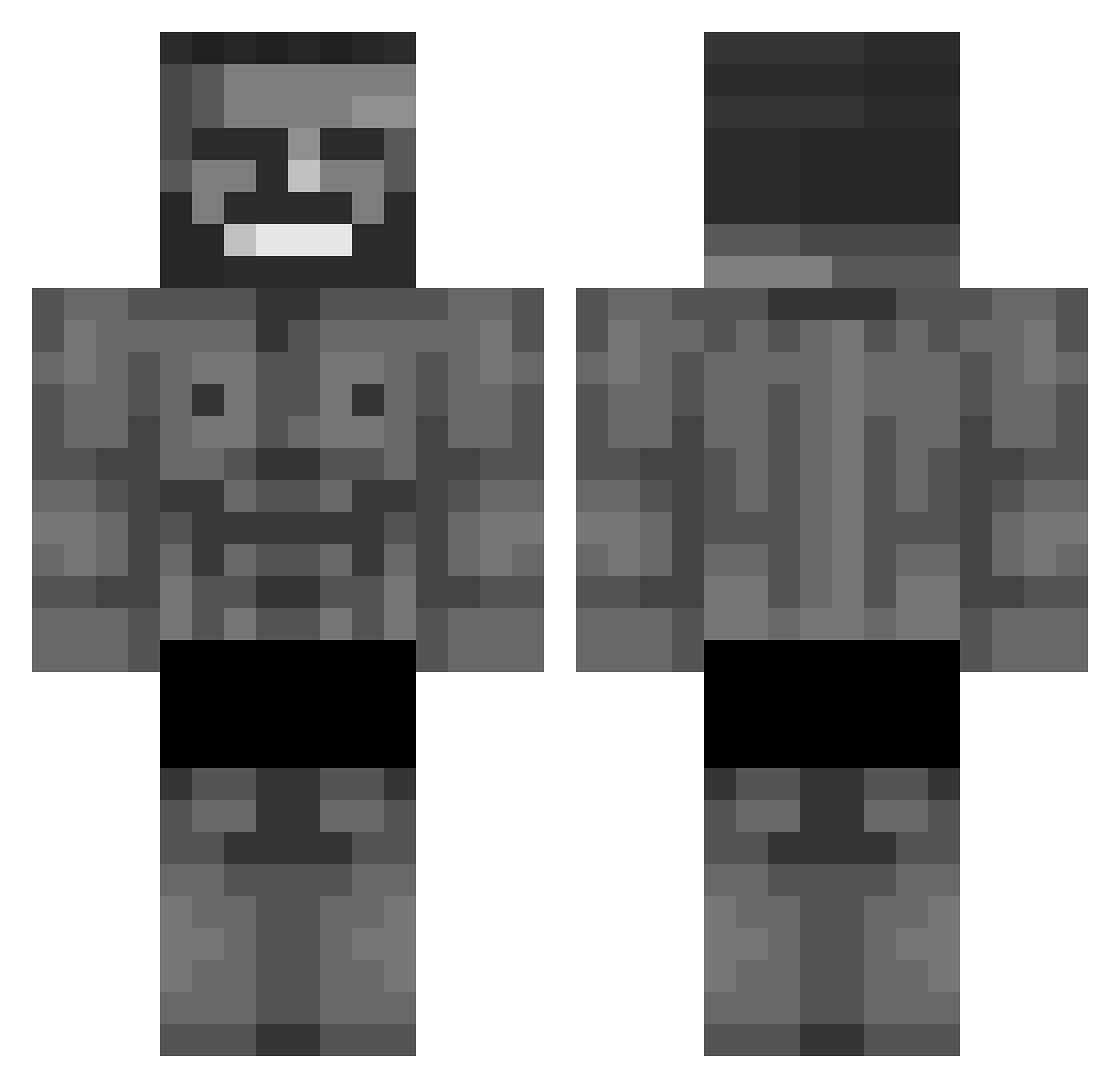
Current Minecraft skin of the player luki_attack44, loaded from the official Mojang API. Rotate the 3D model with your mouse or finger, then download the skin as a PNG file and use it in Minecraft: Bedrock Edition or Java Edition for free. When luki_attack44 changes their skin, this page updates automatically and the old skin stays in the history below.
Other players with this skin (677)
luki_attack44 was the 389th player we have seen with this skin, first spotted on 27.09.2026. The same skin was seen on these players. Open a nickname to see their current skin and skin history.
 Oliverus1 WiggleFish IagoSam AC78 Pichzuuu GyMeX FunkyLooper Raptrrrr Kutaay Cr_inge FCC1903 Harilan kyltheazn SkynoudTheSofte Supergabidou TheWeas Brandon0101 rydonthesenuts KHW0615 junbungs TheViking7 CrevikTM KamiSamaKal Oddr0w jouchii sewon09 chorywuj hawkmose wan2024 znoobx jaemin111 MangDu_ RYUNOSAA FairyAsky Locanona12 glezon_ Teselix _sejo Graf_Bonzo ich_bims_alex2 kalleTheGoat JogVidereM8 HAKXN Pixrial Sepulchrality obarald Alberto3195 Fe4rr8 GungGun jonny1238 hkij xXSAD_KILLERXx TomJY Lodfear Ricardo074 EdithPiaf CommunistPengu HANDSOMENUT HandOfTorture Piotrek09876543
More Gigachad Minecraft skins
How to install the luki_attack44 skin
- Press the Download button above to save the skin as a PNG file.
- Minecraft: Bedrock Edition (PE): open the Dressing Room from the main menu (or tap your character → Edit Character), go to Classic Skins → Owned, press the + (new skin) button, choose the downloaded PNG and pick the Classic (Steve) model. Works on PC and mobile; consoles cannot import custom skins.
- Minecraft: Java Edition: open the Minecraft Launcher, go to the Skins tab, click New Skin, load the PNG, pick the Classic (Steve) model and press Save & Use. You can also upload it at minecraft.net → Profile → Change Skin.
The skin does not show up after import - what should I do?
Restart Minecraft and open the Dressing Room again - imported skins sometimes appear only after a restart. Also make sure you selected the imported skin and picked the Classic (Steve) model.
Which model should I choose, Classic or Slim?
This skin is designed for the Classic (Steve) model. If you pick the wrong model, the arms of the skin will look stretched or squeezed.
Is the skin of luki_attack44 free to download?
Yes. Press Download, save the PNG file and use it in Minecraft: Bedrock Edition or Java Edition - no payment or registration needed. The skin also works on multiplayer servers and Realms.
More skins
Looking for more? Go back to all Minecraft skins and check the top skins of the week, month and all time, or find any player's skin by nickname.