
lu4n3 - Minecraft Skins & Skin History
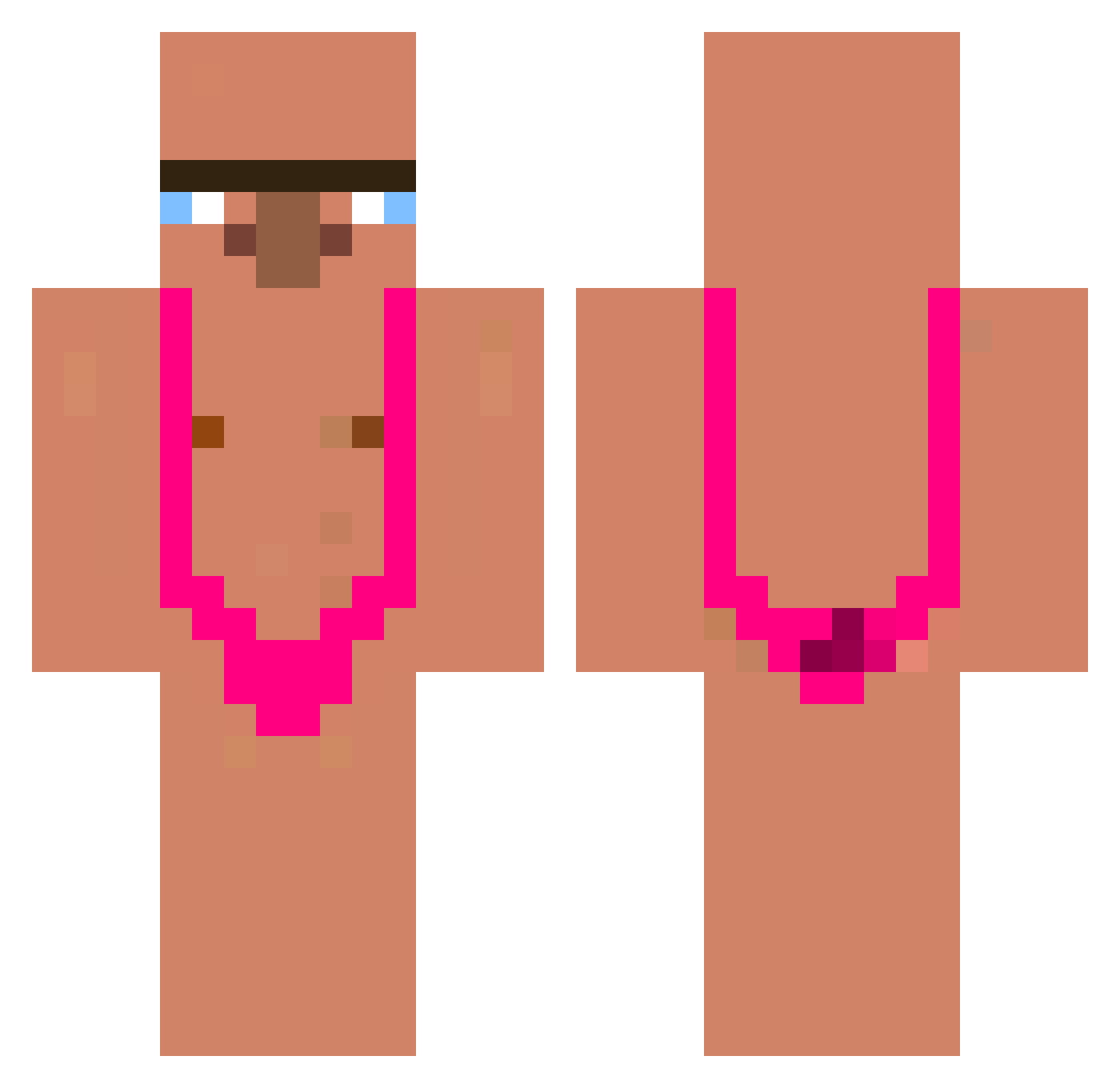
Current Minecraft skin of the player lu4n3, loaded from the official Mojang API. Rotate the 3D model with your mouse or finger, then download the skin as a PNG file and use it in Minecraft: Bedrock Edition or Java Edition for free. When lu4n3 changes their skin, this page updates automatically and the old skin stays in the history below.
Other players with this skin (340)
lu4n3 was the 182nd player we have seen with this skin, first spotted on 20.09.2026. The same skin was seen on these players. Open a nickname to see their current skin and skin history.
 Shotaro1150 Chedween Zenchhh PepilloGrillo26 cferb45 dajszon123 GUCC2 Wateremil asasonn bedokee Brokenings zNeqx ghee050 I_live_yeonsu_Gu Jeg_Bullar_Dig DifuntoMorronga Parkerll sjonniestelt yphj456 Maruo125 adri2K Kob1r OGADOG55 alexiuuussss_ Vilhelm3450 Nieli2008 OfficerPflaume blxvxpe Nagumar MrMoreno6 Yarzan Sashoupie SkibidiZbysiu ElToroos adrialex23 gibraltarun peterv01 protintaker Kenoo_53 pedro_lucky10 fraci007 jemoederhaarluis TY_Swaze Broski8683 xMichiiii kakatxoa Sprenkelkatze07 OgBaller9542 Posty1931 xdeificlynx GoodlandsTom Szajna420 Rugaz611 heoseongheum binarosauris HOUZZANG TwiSt3dFuRy Dr3aMzZzZ Davaki Tenshi6969
More Mankini Minecraft skins
How to install the lu4n3 skin
- Press the Download button above to save the skin as a PNG file.
- Minecraft: Bedrock Edition (PE): open the Dressing Room from the main menu (or tap your character → Edit Character), go to Classic Skins → Owned, press the + (new skin) button, choose the downloaded PNG and pick the Classic (Steve) model. Works on PC and mobile; consoles cannot import custom skins.
- Minecraft: Java Edition: open the Minecraft Launcher, go to the Skins tab, click New Skin, load the PNG, pick the Classic (Steve) model and press Save & Use. You can also upload it at minecraft.net → Profile → Change Skin.
The skin does not show up after import - what should I do?
Restart Minecraft and open the Dressing Room again - imported skins sometimes appear only after a restart. Also make sure you selected the imported skin and picked the Classic (Steve) model.
Which model should I choose, Classic or Slim?
This skin is designed for the Classic (Steve) model. If you pick the wrong model, the arms of the skin will look stretched or squeezed.
Is the skin of lu4n3 free to download?
Yes. Press Download, save the PNG file and use it in Minecraft: Bedrock Edition or Java Edition - no payment or registration needed. The skin also works on multiplayer servers and Realms.
More skins
Looking for more? Go back to all Minecraft skins and check the top skins of the week, month and all time, or find any player's skin by nickname.