
louis17189 - Minecraft Skins & Skin History
Current Minecraft skin of the player louis17189, loaded from the official Mojang API. Rotate the 3D model with your mouse or finger, then download the skin as a PNG file and use it in Minecraft: Bedrock Edition or Java Edition for free. When louis17189 changes their skin, this page updates automatically and the old skin stays in the history below.
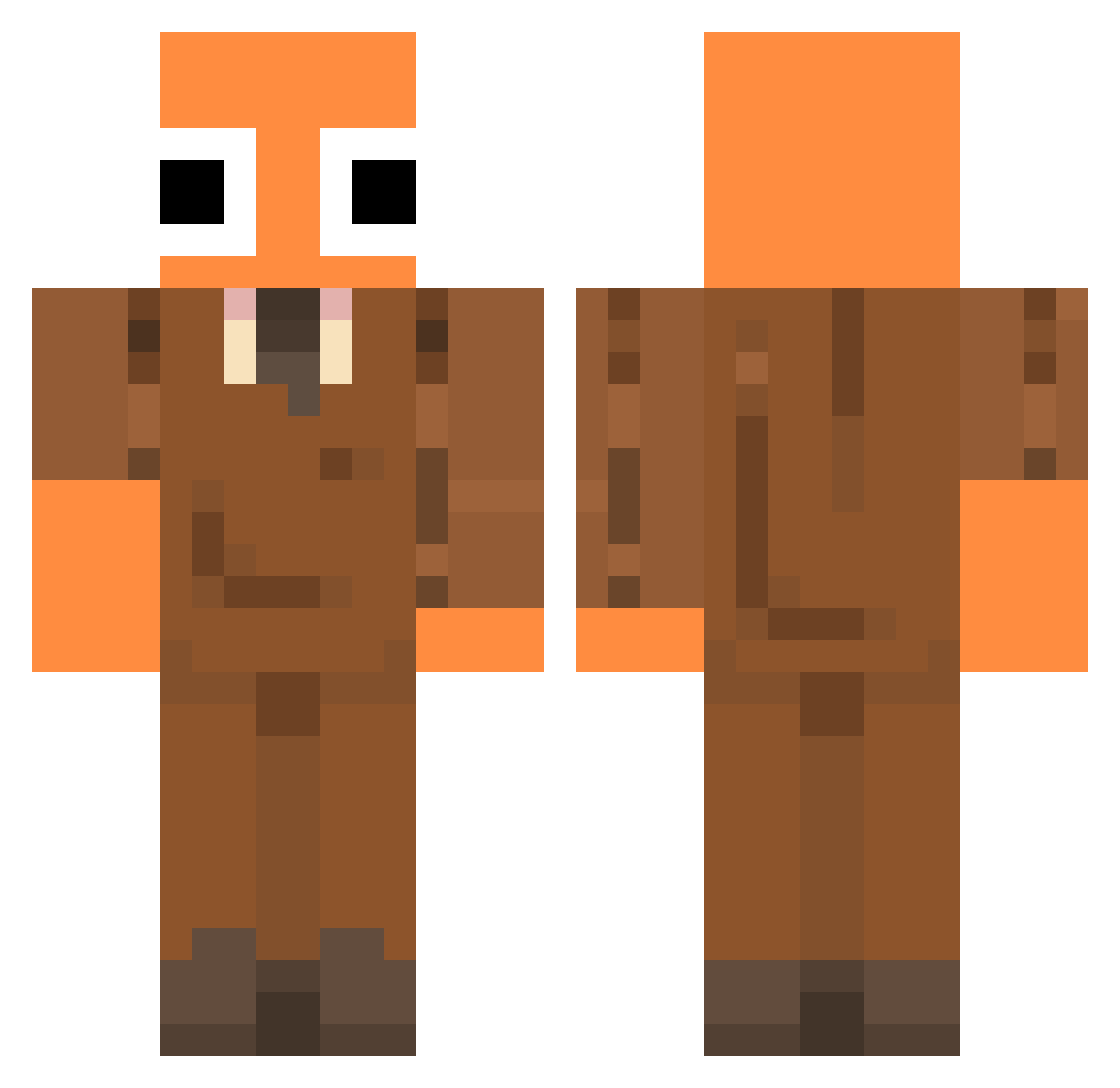
Other players with this skin (62)
louis17189 was the 24th player we have seen with this skin, first spotted on 24.08.2026. The same skin was seen on these players. Open a nickname to see their current skin and skin history.
 alexri888 chickeneater77 Broosking SayZaNs MiniNinja75 CoWard_03 Raxo11 Black_Guess13
 IkerMisael Microguy89
 Dann1ilomgo OneOrangeTurtle samuel1953 YT_LAZARXX9 jester6711 pickledfrog24 Asukacc
 DeluxeWhite
 leybgame Jetcorgi AndreiCrafttt andexity Szymix2000000 Drewby_52 Ajthekid_33 willamerrar69 MaturNo Kroniikz215 Pandica99 TRKofte Komichima Manu_Trazo
 sheeeshipapi itzmeed45k MollyP3 perales19 hu3b G8_SHOUTING Nikofirst ratesss byKriz07 FortniteUnreal67 h33O MavoWasTaken66 Volgher67 Ep_Wolf WittyIsland8too Kitsune099 Piper95 SimplyXuan_ ACBambi0519 Lachymaster Burashie skater5021 Cychol24 misael_prada skunkhacker ciarbot theodore45 SuperBoi3745
More Orange Minecraft skins
How to install the louis17189 skin
- Press the Download button above to save the skin as a PNG file.
- Minecraft: Bedrock Edition (PE): open the Dressing Room from the main menu (or tap your character → Edit Character), go to Classic Skins → Owned, press the + (new skin) button, choose the downloaded PNG and pick the Classic (Steve) model. Works on PC and mobile; consoles cannot import custom skins.
- Minecraft: Java Edition: open the Minecraft Launcher, go to the Skins tab, click New Skin, load the PNG, pick the Classic (Steve) model and press Save & Use. You can also upload it at minecraft.net → Profile → Change Skin.
The skin does not show up after import - what should I do?
Restart Minecraft and open the Dressing Room again - imported skins sometimes appear only after a restart. Also make sure you selected the imported skin and picked the Classic (Steve) model.
Which model should I choose, Classic or Slim?
This skin is designed for the Classic (Steve) model. If you pick the wrong model, the arms of the skin will look stretched or squeezed.
Is the skin of louis17189 free to download?
Yes. Press Download, save the PNG file and use it in Minecraft: Bedrock Edition or Java Edition - no payment or registration needed. The skin also works on multiplayer servers and Realms.
More skins
Looking for more? Go back to all Minecraft skins and check the top skins of the week, month and all time, or find any player's skin by nickname.