
liubrayyy - Minecraft Skins & Skin History
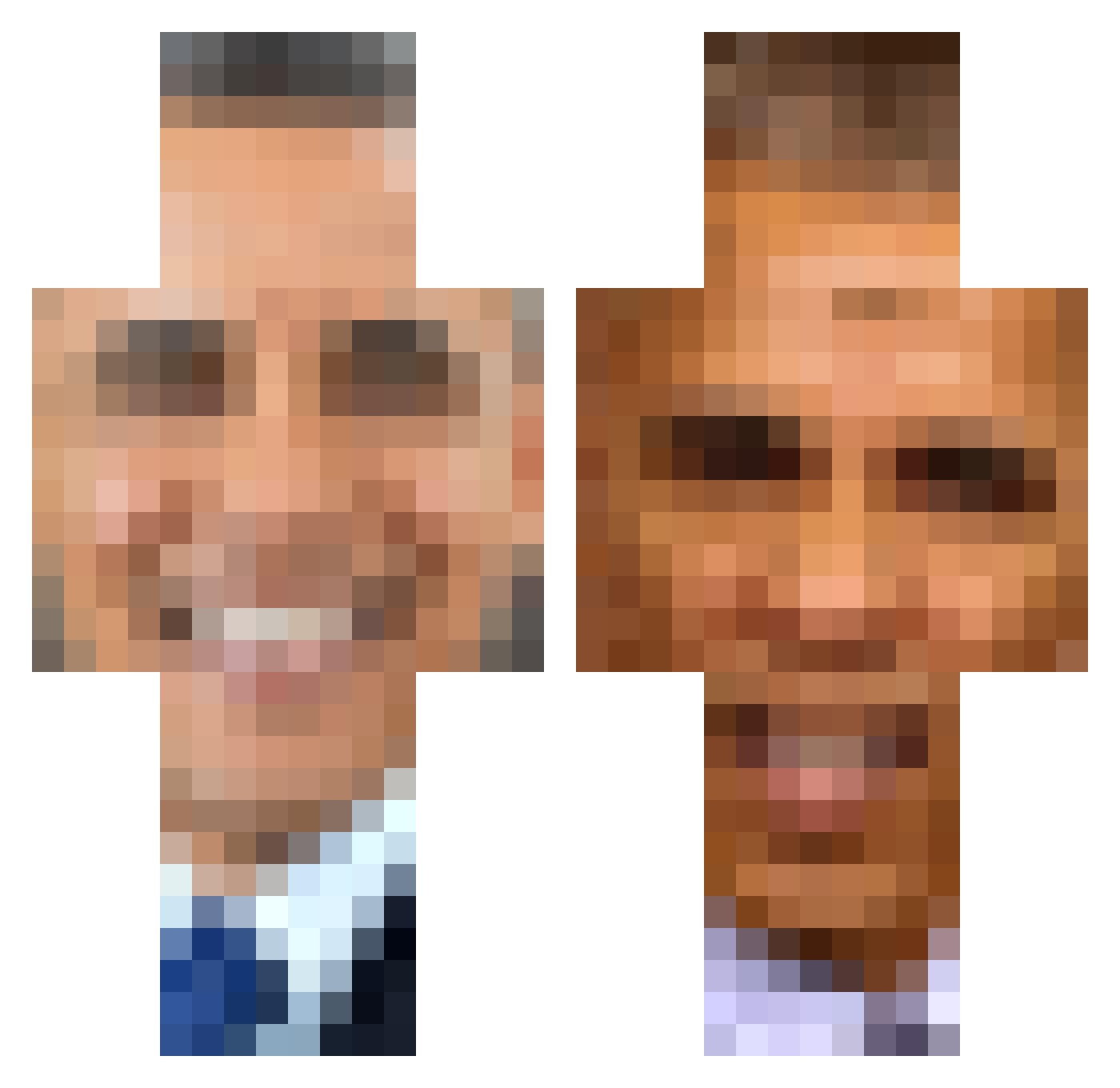
Current Minecraft skin of the player liubrayyy, loaded from the official Mojang API. Rotate the 3D model with your mouse or finger, then download the skin as a PNG file and use it in Minecraft: Bedrock Edition or Java Edition for free. When liubrayyy changes their skin, this page updates automatically and the old skin stays in the history below.
Other players with this skin (346)
liubrayyy was the 102nd player we have seen with this skin, first spotted on 22.08.2026. The same skin was seen on these players. Open a nickname to see their current skin and skin history.
 rlarbdnjs CamyBoy Zabbo0 fank1207 MHP062 BlockyBalls_420 The_Sizzler_ MatYourBoi Blue_Cheese_20 alexyesyescirc KOR_wOwOw NEMURENAI_ TejansBalhaar
 mikailkuzeygul7 hannah1121 pauz3 PapaAlec EyesackNewton NFT_Omega mujaseekkk IvanThe1st k_grac857 DHendo hugh_jass_XD Mysticcc_ IamPafel Chad_lnc cutiepoops7 Hyugalings KarbonatEr0l Bonq8 Scolapasta1006 Notilla Lost638BlaQ BetaStrike Liverpool482 AllieTheHuman PlayboiKunal Abuja3far Graceiskindacool Gillex DryDaDz7 vi1fredGOD ScorpioDRKS Onaa_a PravithBA10 Dramee Paplicu JACKofaIITRADES Puff_Head KaleChipped Aryhuslmao _CT_5555 Beef_Copter Kinfani AIiester Shadowmenace8325 sendmemess nloverduin sodduh
More Barack Obama Minecraft skins
See all 230 Barack Obama skins
How to install the liubrayyy skin
- Press the Download button above to save the skin as a PNG file.
- Minecraft: Bedrock Edition (PE): open the Dressing Room from the main menu (or tap your character → Edit Character), go to Classic Skins → Owned, press the + (new skin) button, choose the downloaded PNG and pick the Classic (Steve) model. Works on PC and mobile; consoles cannot import custom skins.
- Minecraft: Java Edition: open the Minecraft Launcher, go to the Skins tab, click New Skin, load the PNG, pick the Classic (Steve) model and press Save & Use. You can also upload it at minecraft.net → Profile → Change Skin.
The skin does not show up after import - what should I do?
Restart Minecraft and open the Dressing Room again - imported skins sometimes appear only after a restart. Also make sure you selected the imported skin and picked the Classic (Steve) model.
Which model should I choose, Classic or Slim?
This skin is designed for the Classic (Steve) model. If you pick the wrong model, the arms of the skin will look stretched or squeezed.
Is the skin of liubrayyy free to download?
Yes. Press Download, save the PNG file and use it in Minecraft: Bedrock Edition or Java Edition - no payment or registration needed. The skin also works on multiplayer servers and Realms.
More skins
Looking for more? Go back to all Minecraft skins and check the top skins of the week, month and all time, or find any player's skin by nickname.