
lingtian666 - Minecraft Skins & Skin History
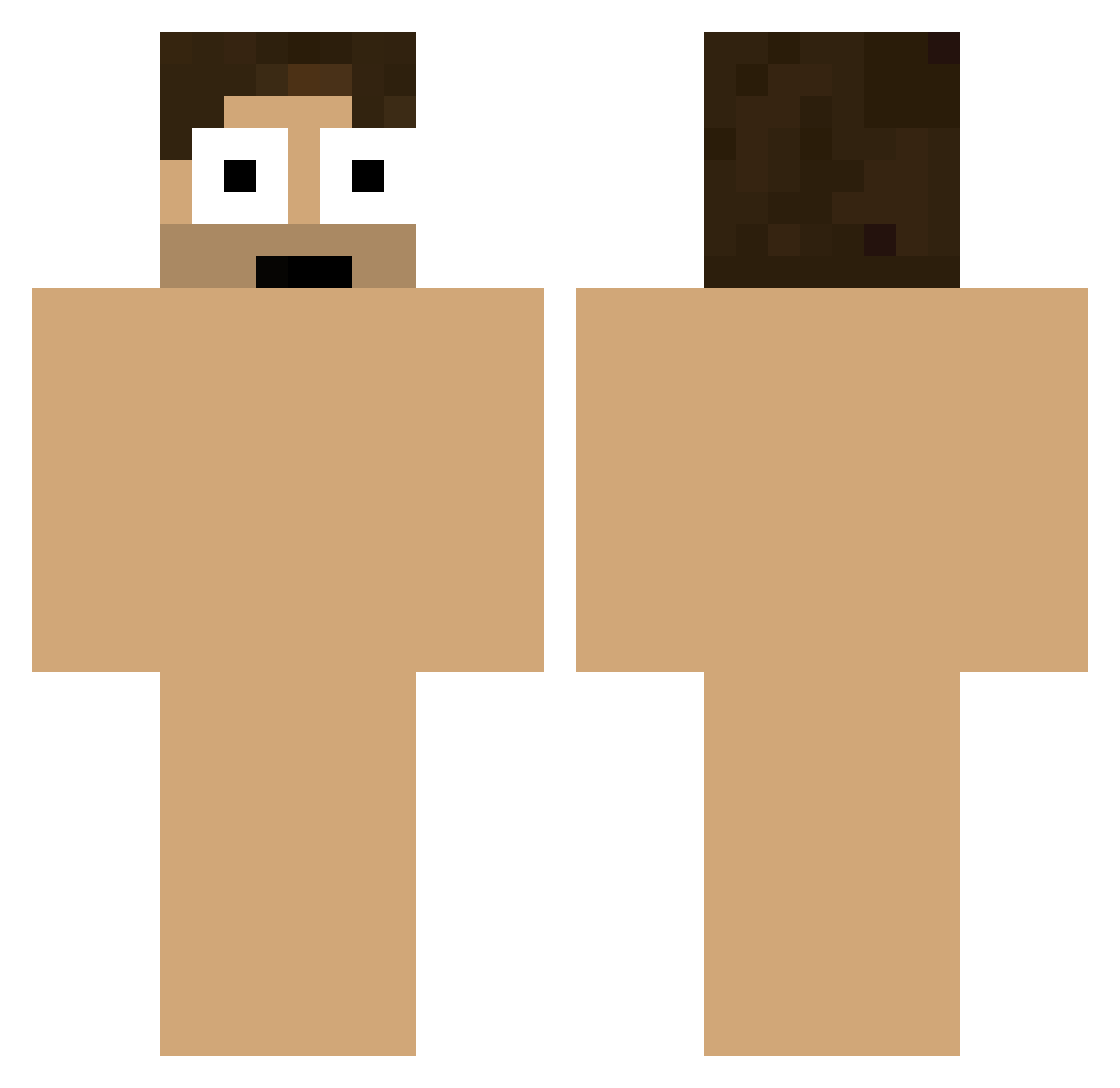
Current Minecraft skin of the player lingtian666, loaded from the official Mojang API. Rotate the 3D model with your mouse or finger, then download the skin as a PNG file and use it in Minecraft: Bedrock Edition or Java Edition for free. When lingtian666 changes their skin, this page updates automatically and the old skin stays in the history below.
Other players with this skin (174)
lingtian666 was the 71st player we have seen with this skin, first spotted on 03.09.2026. The same skin was seen on these players. Open a nickname to see their current skin and skin history.
 Puffycracker AntimatterPVP Alabama100 CosmicSmasherV2 Duke_aRKay MunchMunchCrunch TheNigus The_Classic KeDaMa52 XKN11 kutiekimbo HEEHU cbalnom GoMiAzArAsI McFiedi GHOST0921 fisherman_37 ParzivalHxH SusannaWillliams loco5494 popsnikereborn Wen_man trenzakole AHYOUNG0528 rkwhr8000 jeong0417 Andru0Gx DonPedrito1619 kapzzz toons_25 Jeremy07n7 Eddsway 9Leon7 karlsforthegarls Warkross FREDSURSKYROCK Enrique_12 Haozinho lvl1Crook TooCute2Poot JasterMareel Pedruu__ KKOEE Riesenbaby ddonamii Young_Charles lolitsalx sweetcandyv3v Jake_N24 Tokioroll297 martinsen2012 Juke_Cityy Coxie322 Insurgent911 Mayveld 4cop Lasil miz6535 Froggea DomLappy
How to install the lingtian666 skin
- Press the Download button above to save the skin as a PNG file.
- Minecraft: Bedrock Edition (PE): open the Dressing Room from the main menu (or tap your character → Edit Character), go to Classic Skins → Owned, press the + (new skin) button, choose the downloaded PNG and pick the Classic (Steve) model. Works on PC and mobile; consoles cannot import custom skins.
- Minecraft: Java Edition: open the Minecraft Launcher, go to the Skins tab, click New Skin, load the PNG, pick the Classic (Steve) model and press Save & Use. You can also upload it at minecraft.net → Profile → Change Skin.
The skin does not show up after import - what should I do?
Restart Minecraft and open the Dressing Room again - imported skins sometimes appear only after a restart. Also make sure you selected the imported skin and picked the Classic (Steve) model.
Which model should I choose, Classic or Slim?
This skin is designed for the Classic (Steve) model. If you pick the wrong model, the arms of the skin will look stretched or squeezed.
Is the skin of lingtian666 free to download?
Yes. Press Download, save the PNG file and use it in Minecraft: Bedrock Edition or Java Edition - no payment or registration needed. The skin also works on multiplayer servers and Realms.
More skins
Looking for more? Go back to all Minecraft skins and check the top skins of the week, month and all time, or find any player's skin by nickname.