
lilcreamsausejr - Minecraft Skins & Skin History
Current Minecraft skin of the player lilcreamsausejr, loaded from the official Mojang API. Rotate the 3D model with your mouse or finger, then download the skin as a PNG file and use it in Minecraft: Bedrock Edition or Java Edition for free. When lilcreamsausejr changes their skin, this page updates automatically and the old skin stays in the history below.
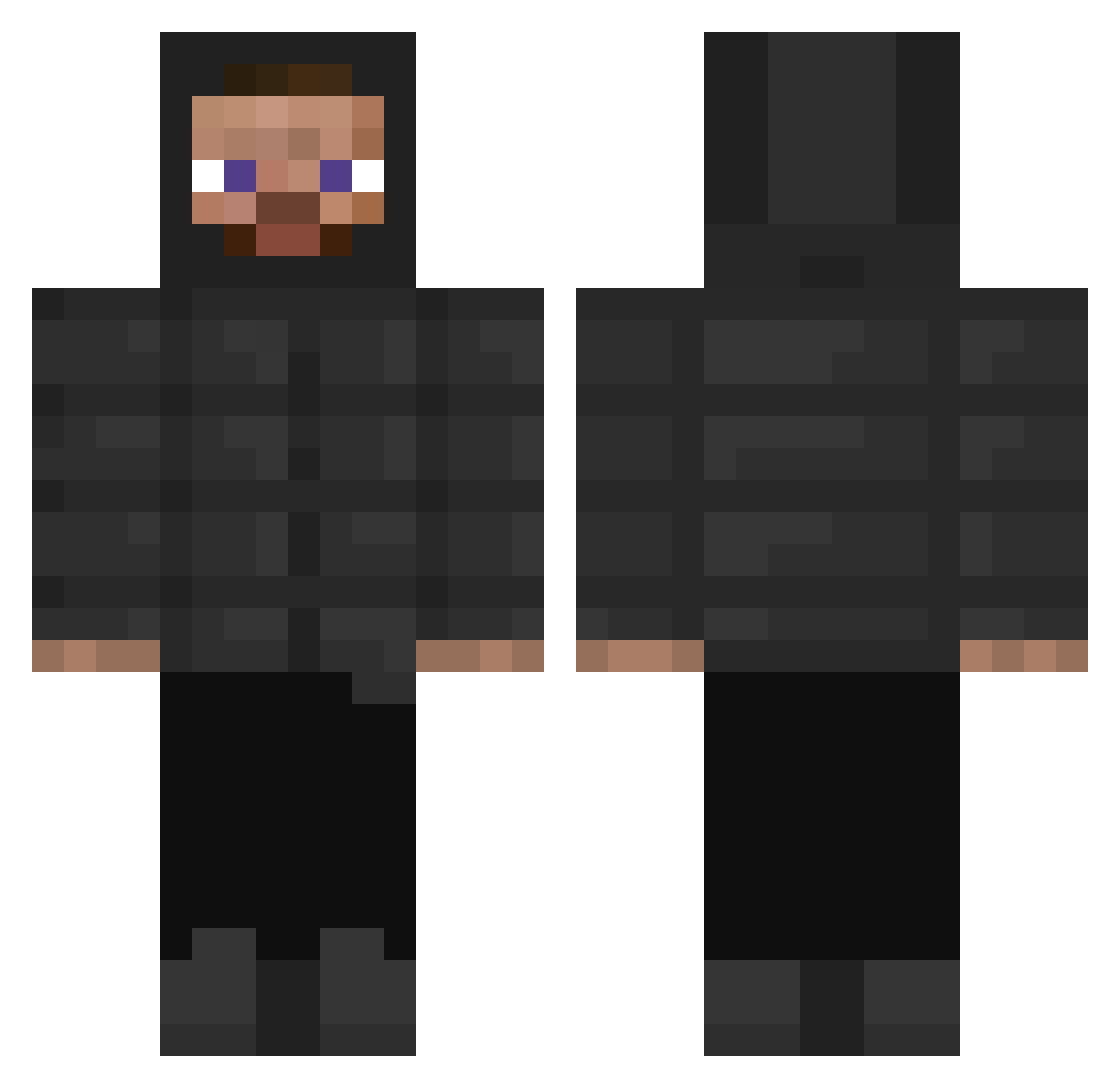
Other players with this skin (316)
lilcreamsausejr was the 116th player we have seen with this skin, first spotted on 05.09.2026. The same skin was seen on these players. Open a nickname to see their current skin and skin history.
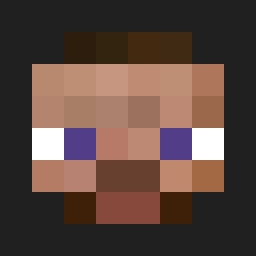 ExeHubb
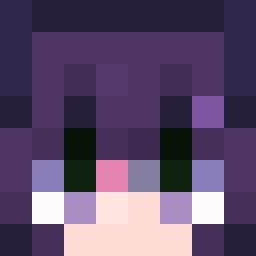 FortyAM Zuchum lukastfs kuzakiii Vel0so zVxbezz Gingy_420 Fasd2008 Lukledukes DikayPanda MF_M kaanftv Mishkun chicken_59 Przemek04 Unytag TSUKIN0ME micakamilan moodigg Akilele Wagwan_Mandem Kascadium yasinsezgin1 Jdogone Doodle_Snob FliegerLars2019 TheTopG17 Enduro_Piwel xXxTamikxXx FoRealium Joker5252t noahjar123456789 BIGE200169 jobolo12345 freddie2k20 dyinglit xGqming33 FoolishCivilian Diddy_files prisikakojau wackyaf XxCamrenTaylorxX Commandereous SigmaPunchBolter AlexMalina zksooo TheTreeBehindYou akatsky Rambbet dead_gucci Tainesito olebrz Sehrgay E_donnie_3 CevapiPapi slwnrdlrl G00SETAV0 Alex642rob __lil25
How to install the lilcreamsausejr skin
- Press the Download button above to save the skin as a PNG file.
- Minecraft: Bedrock Edition (PE): open the Dressing Room from the main menu (or tap your character → Edit Character), go to Classic Skins → Owned, press the + (new skin) button, choose the downloaded PNG and pick the Classic (Steve) model. Works on PC and mobile; consoles cannot import custom skins.
- Minecraft: Java Edition: open the Minecraft Launcher, go to the Skins tab, click New Skin, load the PNG, pick the Classic (Steve) model and press Save & Use. You can also upload it at minecraft.net → Profile → Change Skin.
The skin does not show up after import - what should I do?
Restart Minecraft and open the Dressing Room again - imported skins sometimes appear only after a restart. Also make sure you selected the imported skin and picked the Classic (Steve) model.
Which model should I choose, Classic or Slim?
This skin is designed for the Classic (Steve) model. If you pick the wrong model, the arms of the skin will look stretched or squeezed.
Is the skin of lilcreamsausejr free to download?
Yes. Press Download, save the PNG file and use it in Minecraft: Bedrock Edition or Java Edition - no payment or registration needed. The skin also works on multiplayer servers and Realms.
More skins
Looking for more? Go back to all Minecraft skins and check the top skins of the week, month and all time, or find any player's skin by nickname.