
leseCS2 - Minecraft Skins & Skin History
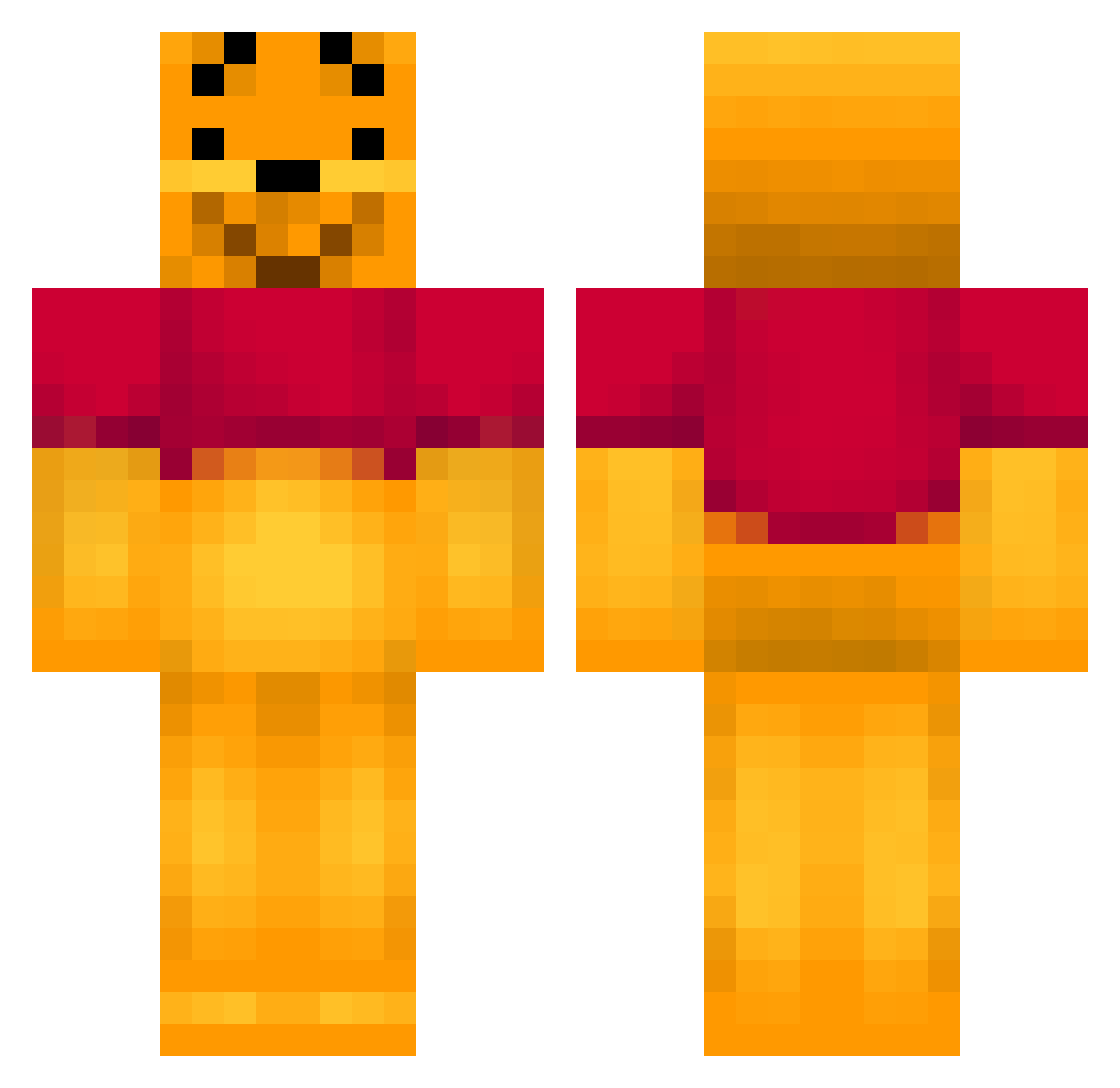
Current Minecraft skin of the player leseCS2, loaded from the official Mojang API. Rotate the 3D model with your mouse or finger, then download the skin as a PNG file and use it in Minecraft: Bedrock Edition or Java Edition for free. When leseCS2 changes their skin, this page updates automatically and the old skin stays in the history below.
Other players with this skin (143)
leseCS2 was the 24th player we have seen with this skin, first spotted on 11.08.2026. The same skin was seen on these players. Open a nickname to see their current skin and skin history.
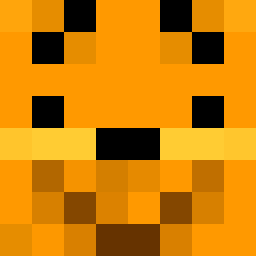 Gamer_Zacha Lies____ Killer_Kemal geeyee Hxrd1 Lallie Bigger_Man Azuea KeNz403 NBerthelsen1999 WinnieL0urson Aaliyahe02 Stalker404 qzy2333 FyboiDaPooh victooorLeBggg marcokkk gh0stblu CLQ777 Reddd97 D3vilDee sumguy_ Ambrusch Or3069 xiaoxiongweinixi Roumain04 aker4429 U_D_Y_R Kaplalito Jadewinnie Majorstark grewy96 Lazy_Attic JepusThePmp Reizigere12345 Alpatch88 willlk24 Nemossss stevenyu Buthus2468 asd693737 KellenBijou Haukka28 PapaPeterParker ArtBeastz The_Brutch TeamWinniNico wendy_h fartneko ChristianCorona HowdyMyMate reotsu Huncho_Juan Jeoreo Hoppito fuwakoro SrGozeta Jinping SlaveCaptain OverweightPlum
More Winnie The Pooh Minecraft skins
See all 302 Winnie The Pooh skins
How to install the leseCS2 skin
- Press the Download button above to save the skin as a PNG file.
- Minecraft: Bedrock Edition (PE): open the Dressing Room from the main menu (or tap your character → Edit Character), go to Classic Skins → Owned, press the + (new skin) button, choose the downloaded PNG and pick the Classic (Steve) model. Works on PC and mobile; consoles cannot import custom skins.
- Minecraft: Java Edition: open the Minecraft Launcher, go to the Skins tab, click New Skin, load the PNG, pick the Classic (Steve) model and press Save & Use. You can also upload it at minecraft.net → Profile → Change Skin.
The skin does not show up after import - what should I do?
Restart Minecraft and open the Dressing Room again - imported skins sometimes appear only after a restart. Also make sure you selected the imported skin and picked the Classic (Steve) model.
Which model should I choose, Classic or Slim?
This skin is designed for the Classic (Steve) model. If you pick the wrong model, the arms of the skin will look stretched or squeezed.
Is the skin of leseCS2 free to download?
Yes. Press Download, save the PNG file and use it in Minecraft: Bedrock Edition or Java Edition - no payment or registration needed. The skin also works on multiplayer servers and Realms.
More skins
Looking for more? Go back to all Minecraft skins and check the top skins of the week, month and all time, or find any player's skin by nickname.