
leafman1 - Minecraft Skins & Skin History
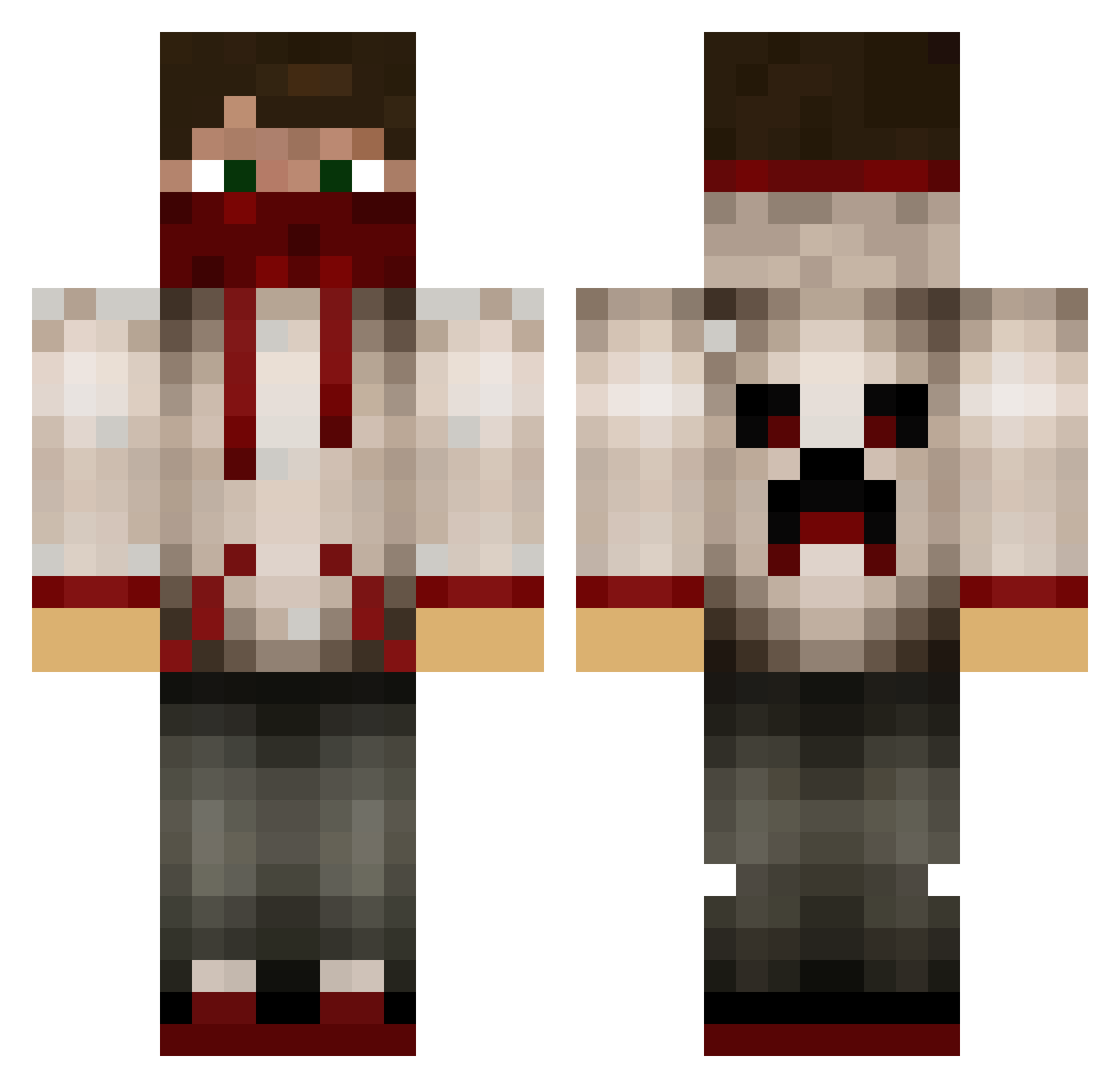
Current Minecraft skin of the player leafman1, loaded from the official Mojang API. Rotate the 3D model with your mouse or finger, then download the skin as a PNG file and use it in Minecraft: Bedrock Edition or Java Edition for free. When leafman1 changes their skin, this page updates automatically and the old skin stays in the history below.
Other players with this skin (629)
leafman1 was the 213th player we have seen with this skin, first spotted on 28.08.2026. The same skin was seen on these players. Open a nickname to see their current skin and skin history.
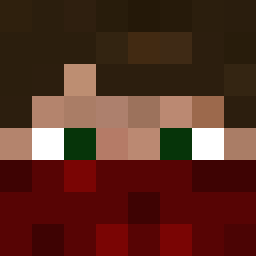 LamboPlaysMC_ xXEdwardplayzXx remstergreen JavierGO11 gold0012 Juubeli1 BagelMuncher H3r014 just_wessel randomdyos mesikun danielmrcool LegendaryBandit KungVicke bravedan123 lor285 Britt009 burila7 AnthonyCrusher grimm_creaper DoDoMedia Bigcat3 SERGIO321400 Wenkerbol33 GamerGuy46 didsy22 zip243 McByrnie batteltv pacman2005 HolyMan77 Ganzom robinhood11223 Banaanemans RST_Fox ToxicMiner52 BlueEyezViper Adri97 Pesoh PG55 Jay_Finese texaswang Rainn14 M_F_W dilpug Toxicretard209 Blue_Jeremy OAKristiansen Juli_Juli_ Quadism skypyy Minecrafter_2711 M_alharthi EthoJr TimTimBow2 WeirdRogue CidChaos the_toxic_cookie Finesseability xSk1lL3Rz
More Bandana Minecraft skins
How to install the leafman1 skin
- Press the Download button above to save the skin as a PNG file.
- Minecraft: Bedrock Edition (PE): open the Dressing Room from the main menu (or tap your character → Edit Character), go to Classic Skins → Owned, press the + (new skin) button, choose the downloaded PNG and pick the Classic (Steve) model. Works on PC and mobile; consoles cannot import custom skins.
- Minecraft: Java Edition: open the Minecraft Launcher, go to the Skins tab, click New Skin, load the PNG, pick the Classic (Steve) model and press Save & Use. You can also upload it at minecraft.net → Profile → Change Skin.
The skin does not show up after import - what should I do?
Restart Minecraft and open the Dressing Room again - imported skins sometimes appear only after a restart. Also make sure you selected the imported skin and picked the Classic (Steve) model.
Which model should I choose, Classic or Slim?
This skin is designed for the Classic (Steve) model. If you pick the wrong model, the arms of the skin will look stretched or squeezed.
Is the skin of leafman1 free to download?
Yes. Press Download, save the PNG file and use it in Minecraft: Bedrock Edition or Java Edition - no payment or registration needed. The skin also works on multiplayer servers and Realms.
More skins
Looking for more? Go back to all Minecraft skins and check the top skins of the week, month and all time, or find any player's skin by nickname.