
laras04 - Minecraft Skins & Skin History
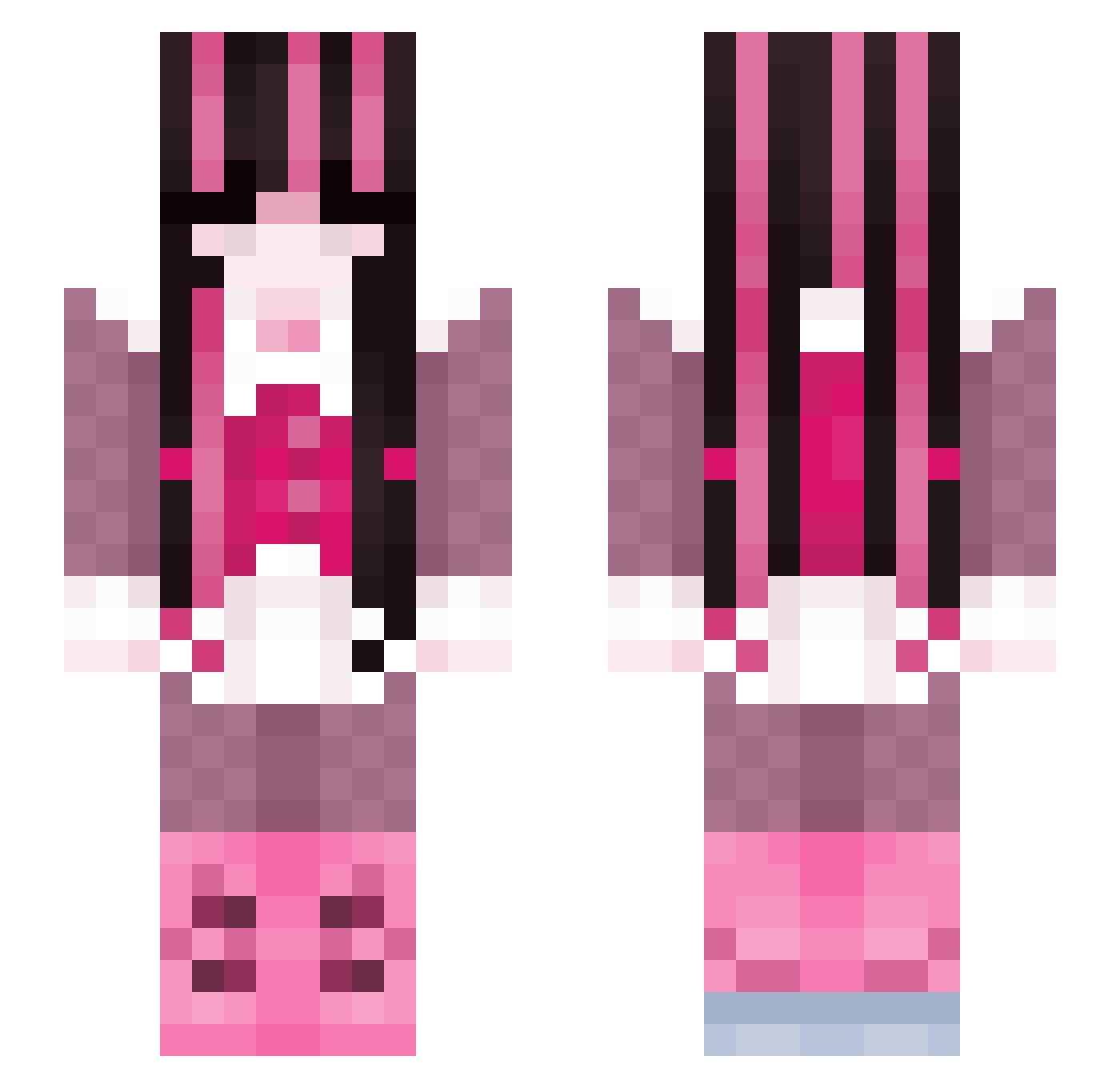
Current Minecraft skin of the player laras04, loaded from the official Mojang API. Rotate the 3D model with your mouse or finger, then download the skin as a PNG file and use it in Minecraft: Bedrock Edition or Java Edition for free. When laras04 changes their skin, this page updates automatically and the old skin stays in the history below.
Other players with this skin (308)
laras04 was the 287th player we have seen with this skin, first spotted on 12.11.2026. The same skin was seen on these players. Open a nickname to see their current skin and skin history.
 nitroxiide Neko_ii d34dlyz Flora239 zxumies Bah_nAna xk0bra SumSumBumBum mamothman777 mlgnyancat bIuezoria sagebarden natzona ayeechagee jerichosnotes Nadine8032 valeliane nahaapnl P0IS0NGIRL zzLullyzz Tsuki_Night eaivaehyln autumn3722 Petit_Ecureuil 0rangecats Nelle_13 marsb4rs xsanayax florsi HumanHat3r Behia RickyMontana Evangeleenn Beaniebear101 giirlie neonoceur SewerRat monetmon elianota hasmeann Lauuuuuraaa SoftByunnie thyannn vonhels1ng Nakiiiii Cassideedle a1iinaa reddzazs SquidCracker rahsmif mimiyanggg ElenaFaye gyaaru Yuri_Blossom chaosiplier MoonCarver1 pequitass hazzles_ Fraisen_ hifunami
More Draculaura Minecraft skins
How to install the laras04 skin
- Press the Download button above to save the skin as a PNG file.
- Minecraft: Bedrock Edition (PE): open the Dressing Room from the main menu (or tap your character → Edit Character), go to Classic Skins → Owned, press the + (new skin) button, choose the downloaded PNG and pick the Slim (Alex) model. Works on PC and mobile; consoles cannot import custom skins.
- Minecraft: Java Edition: open the Minecraft Launcher, go to the Skins tab, click New Skin, load the PNG, pick the Slim (Alex) model and press Save & Use. You can also upload it at minecraft.net → Profile → Change Skin.
The skin does not show up after import - what should I do?
Restart Minecraft and open the Dressing Room again - imported skins sometimes appear only after a restart. Also make sure you selected the imported skin and picked the Slim (Alex) model.
Which model should I choose, Classic or Slim?
This skin is designed for the Slim (Alex) model. If you pick the wrong model, the arms of the skin will look stretched or squeezed.
Is the skin of laras04 free to download?
Yes. Press Download, save the PNG file and use it in Minecraft: Bedrock Edition or Java Edition - no payment or registration needed. The skin also works on multiplayer servers and Realms.
More skins
Looking for more? Go back to all Minecraft skins and check the top skins of the week, month and all time, or find any player's skin by nickname.