
laijohnny - Minecraft Skins & Skin History
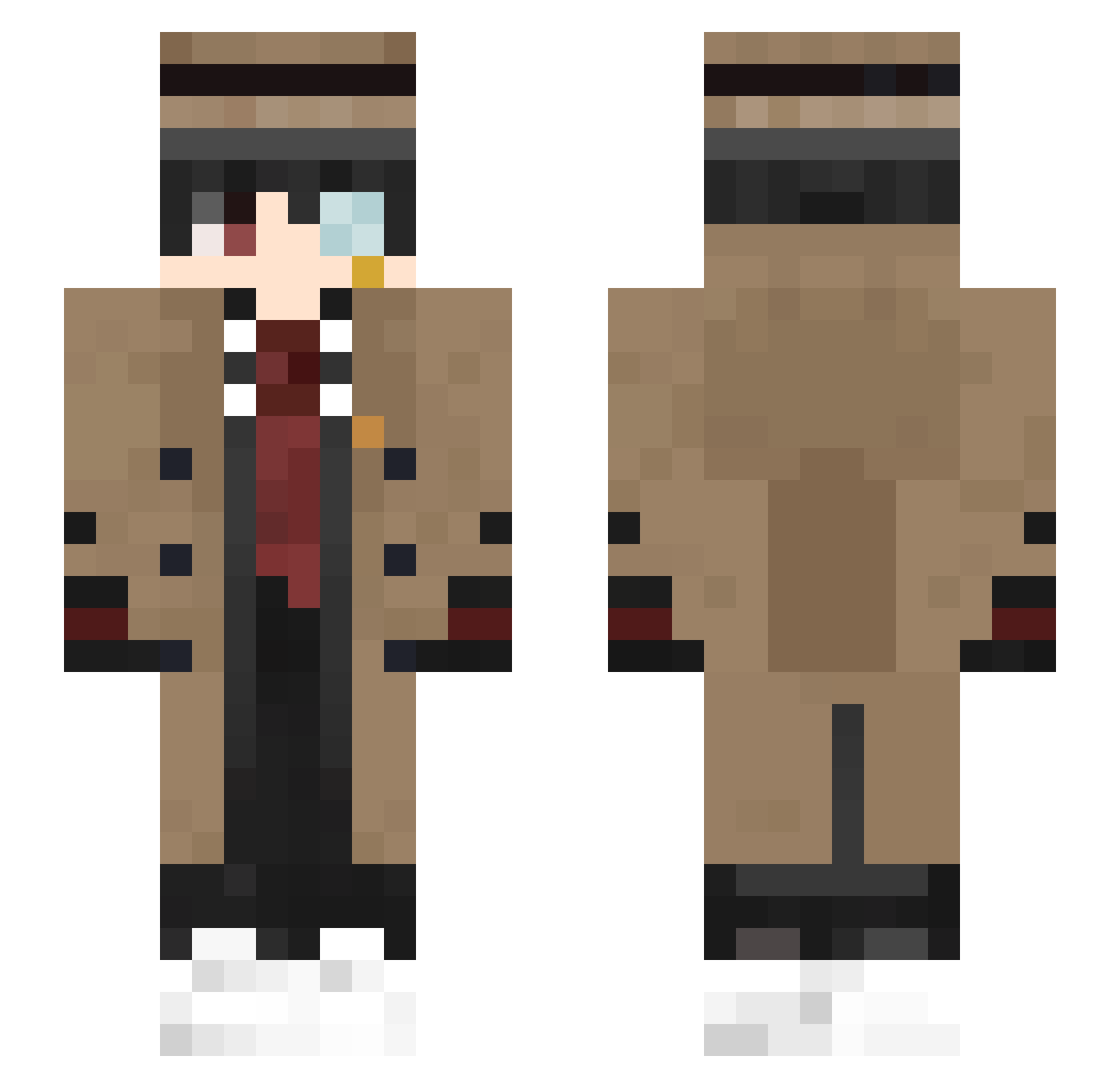
Current Minecraft skin of the player laijohnny, loaded from the official Mojang API. Rotate the 3D model with your mouse or finger, then download the skin as a PNG file and use it in Minecraft: Bedrock Edition or Java Edition for free. When laijohnny changes their skin, this page updates automatically and the old skin stays in the history below.
Other players with this skin (409)
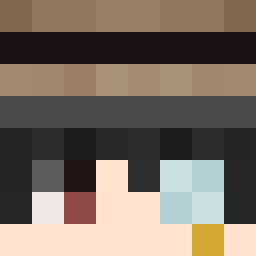
laijohnny was the 312th player we have seen with this skin, first spotted on 06.10.2026. The same skin was seen on these players. Open a nickname to see their current skin and skin history.
 BcMeytoak SofiaKayK utashiro nymikk xdFeralHeist ZgamesOrginal1 Chancelloor marcrai 707x606 han_0605 GeoIsDead LostLegendMC cucucat_UwU xLqwson SaikoroITA SunSaturn Dexsharv hitoyaru MehaMen12 MarioMaster1203 Novixia USACapitalism rentoroy Lalalashka hythh Sparky187007 MervuT Gentinator Elpocho94 Wanderer0502 ExilePlayz1 12_YUERSH1 Potato_endmn MiguelDaBaddest BluishBoy Shiniex_ baldfire SeoDongWon tcmanh loki1791 ChatterBum LaMeredla AmirSultan ygsuyo EmpireFlash ang1328 Kazuto_Kunn Kamil3Q77 Propine Helonite Sherlocktz Ching_CY Lillian2006 xiaomantou123 danimaziz1234 MOLING0 zKosugAz Neted Sikwidit410 MilouK8
More Yugi Amane Minecraft skins
How to install the laijohnny skin
- Press the Download button above to save the skin as a PNG file.
- Minecraft: Bedrock Edition (PE): open the Dressing Room from the main menu (or tap your character → Edit Character), go to Classic Skins → Owned, press the + (new skin) button, choose the downloaded PNG and pick the Slim (Alex) model. Works on PC and mobile; consoles cannot import custom skins.
- Minecraft: Java Edition: open the Minecraft Launcher, go to the Skins tab, click New Skin, load the PNG, pick the Slim (Alex) model and press Save & Use. You can also upload it at minecraft.net → Profile → Change Skin.
The skin does not show up after import - what should I do?
Restart Minecraft and open the Dressing Room again - imported skins sometimes appear only after a restart. Also make sure you selected the imported skin and picked the Slim (Alex) model.
Which model should I choose, Classic or Slim?
This skin is designed for the Slim (Alex) model. If you pick the wrong model, the arms of the skin will look stretched or squeezed.
Is the skin of laijohnny free to download?
Yes. Press Download, save the PNG file and use it in Minecraft: Bedrock Edition or Java Edition - no payment or registration needed. The skin also works on multiplayer servers and Realms.
More skins
Looking for more? Go back to all Minecraft skins and check the top skins of the week, month and all time, or find any player's skin by nickname.